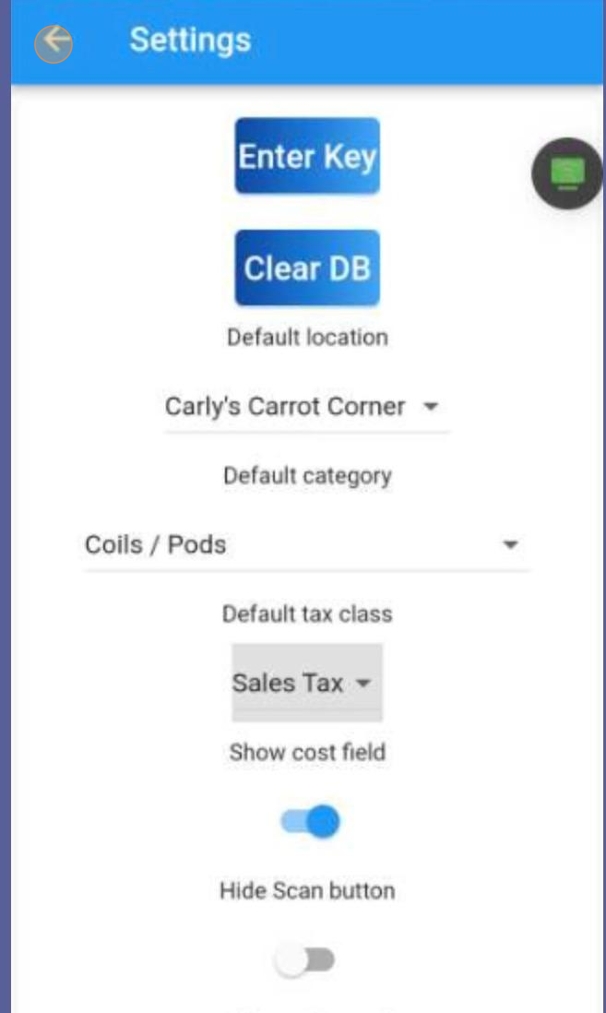
Setting up A920pro Warehouse Inventory App #
First, you will need your API Key #
This is found by navigating to https://login.lifelongpos.com/
Click “Settings” #

Click “API Keys & Integrations” #

Find API Key under “Manage API Keys” #

Go to the Handheld unit > Homepage > Click on Warehouse App #
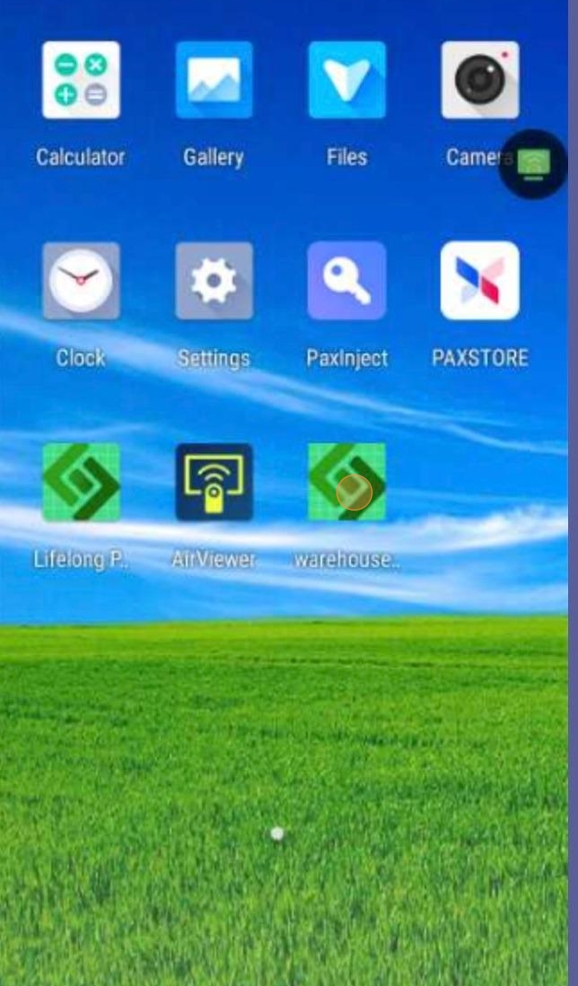
Click on Settings Icon #

Click on Enter Key #

Enter the API Key #
Enter the API Key you found under the ‘API Keys’ tab in your website settings. API Keys are case-sensitive, so make sure to type it exactly as it appears in your backend.
Click OK and wait 10 seconds for connection #

Click on Default Location #

Select your location #

Click on Default Category and select any category #

Click Default Tax Class drop-down and select your tax #

Click the back arrow to return to the home screen #