How To Update Lifelong OS App To The Newest Version (Lifelong OS) #
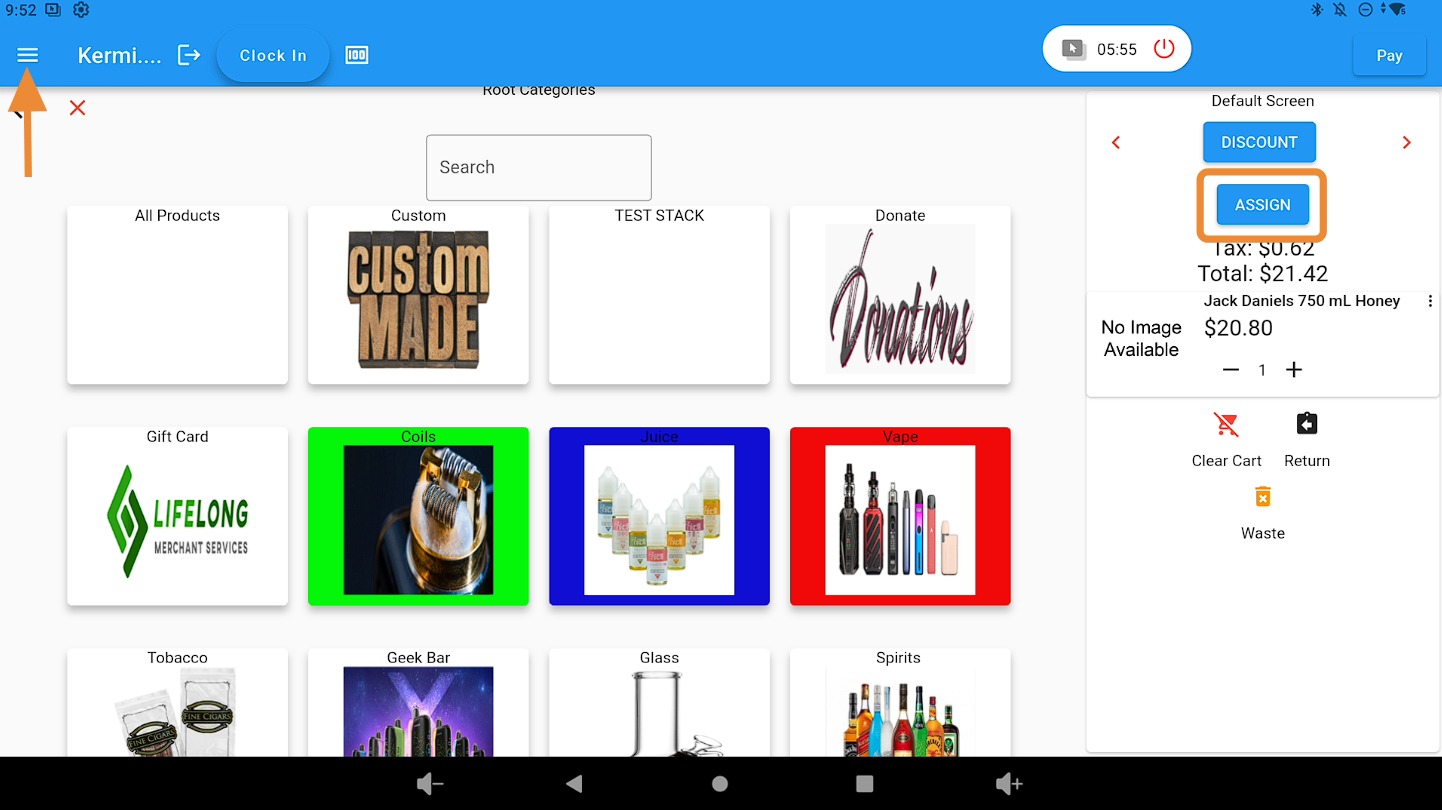
Open the Main Menu #
Click on the three-bar dropdown menu.
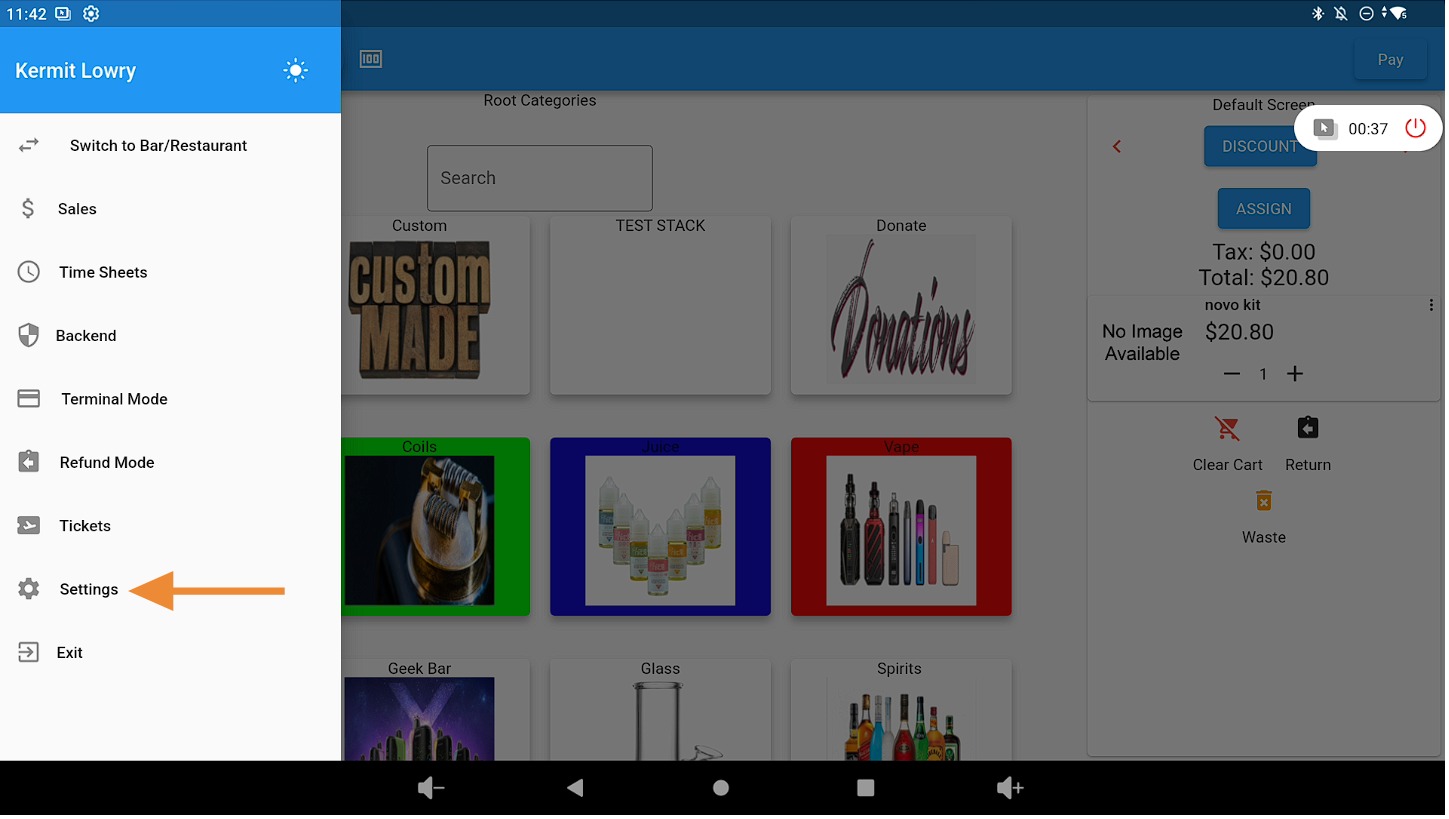
Select the “Settings” Tab #
Click on the Settings tab.
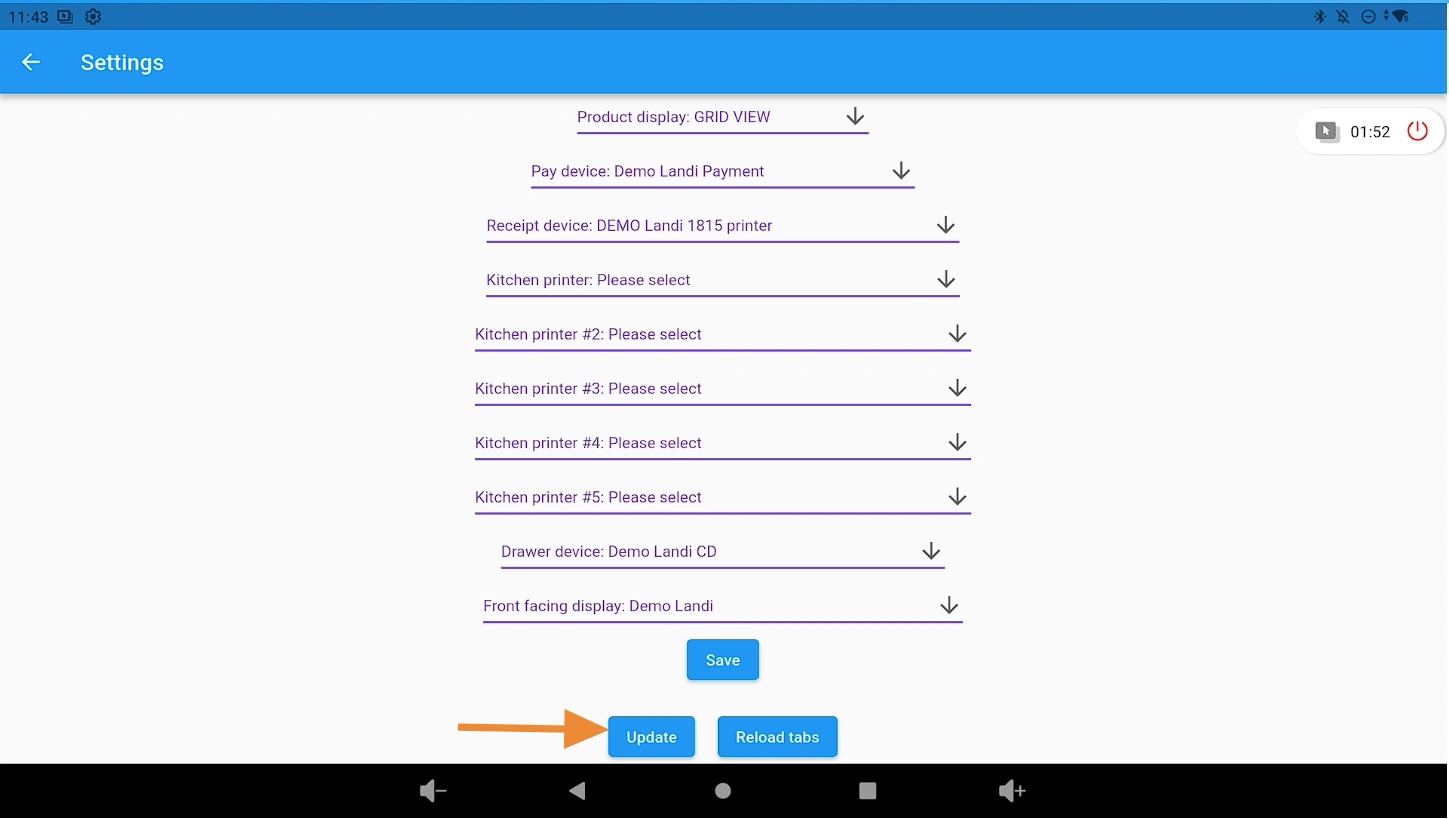
Click the “Update” Button #
Select the Update button to begin the update process.
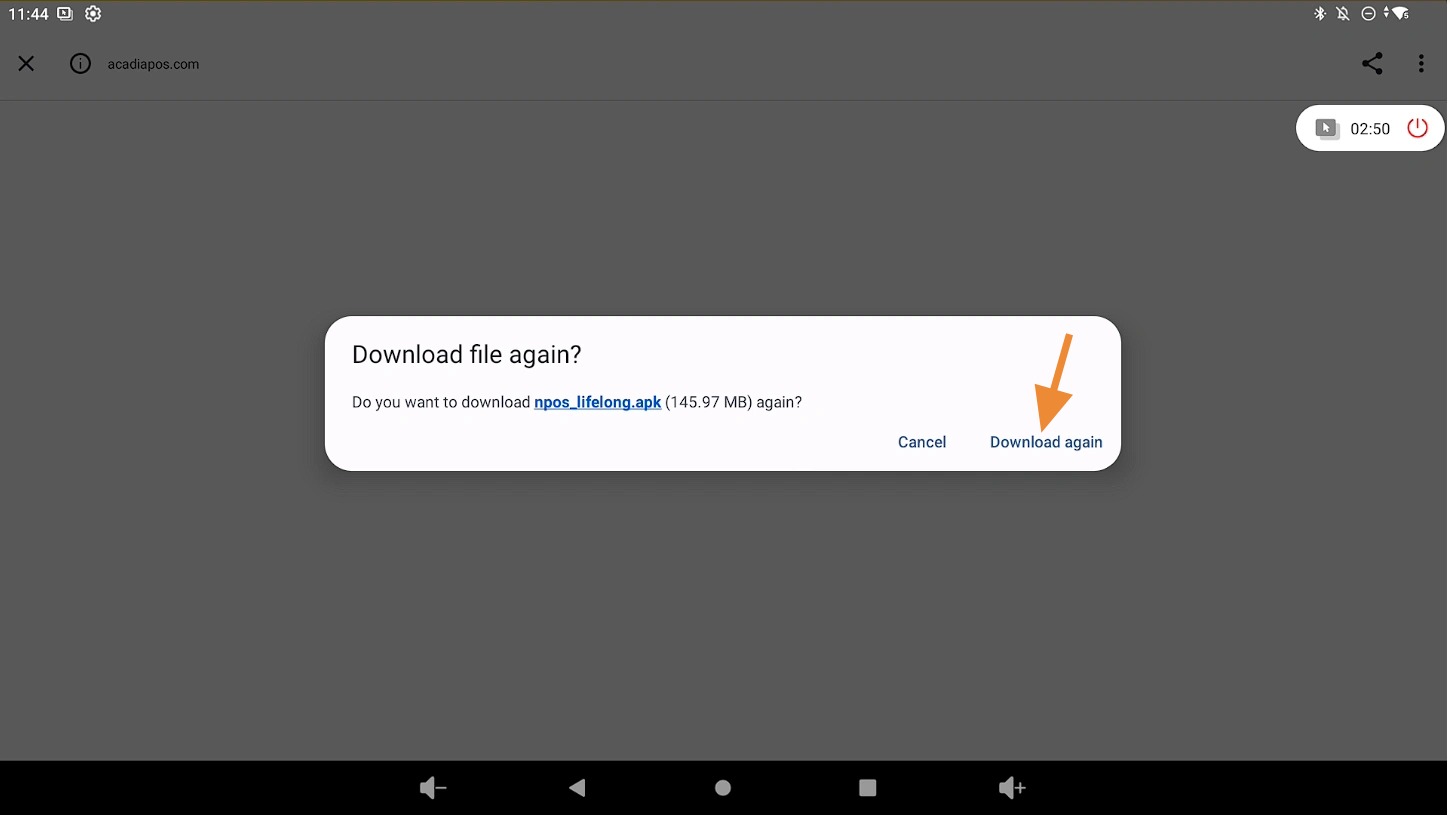
Download the Latest Version #
Click on Download again to download the newest version of the app.
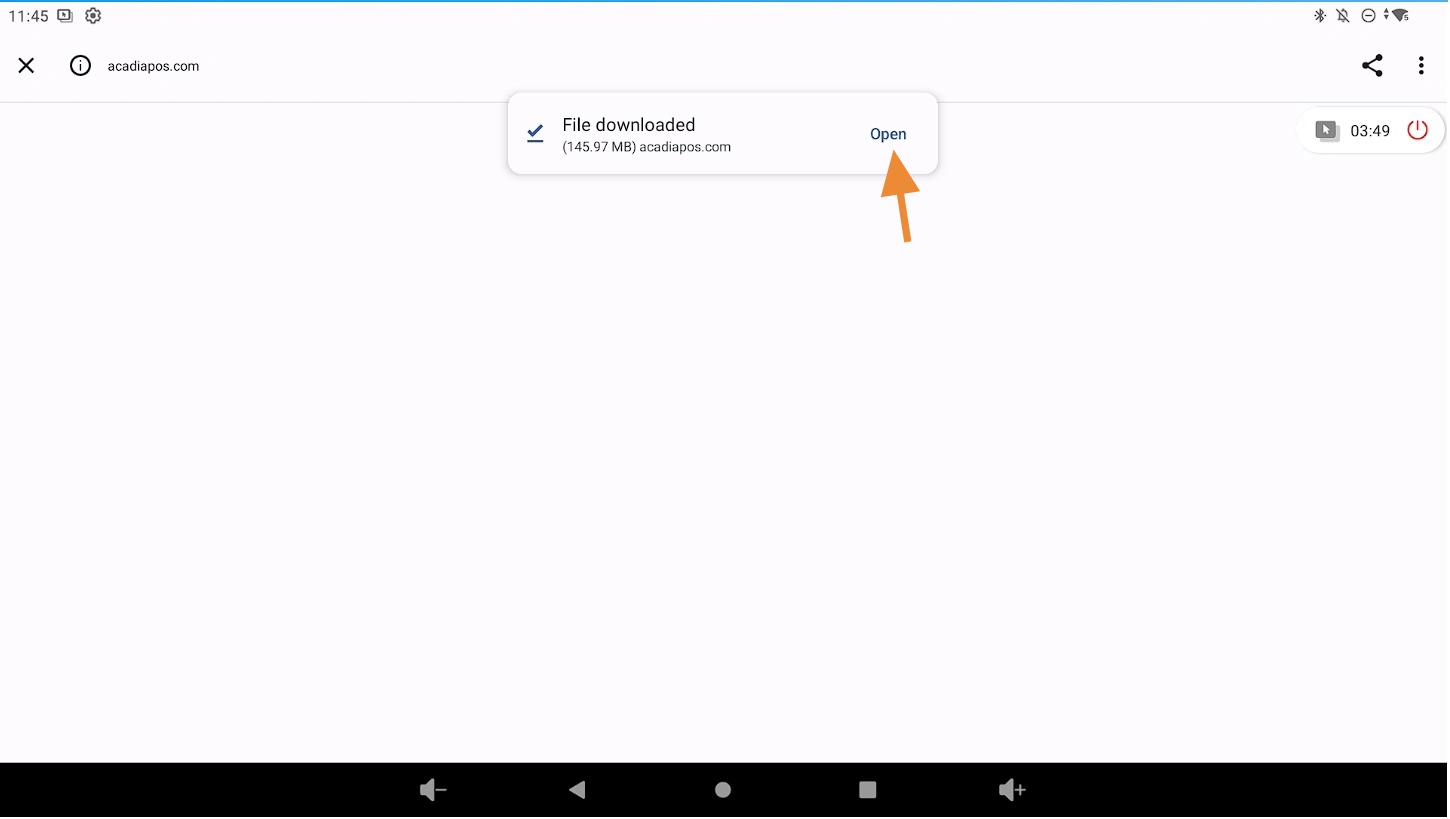
Open the Downloaded File #
Click Open to launch the downloaded update file.
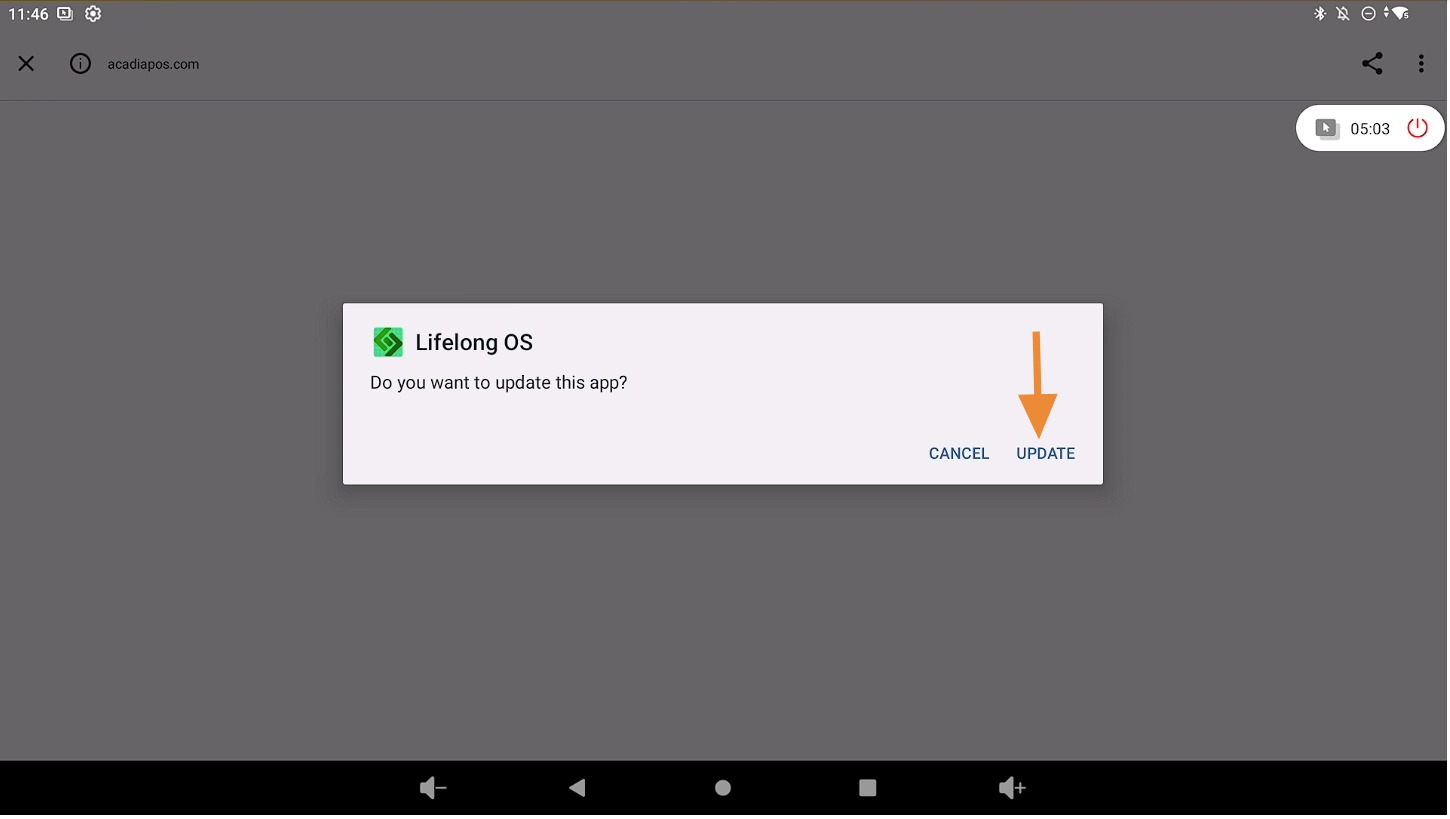
Install the Update #
Click Update to install the newest version of Lifelong OS.
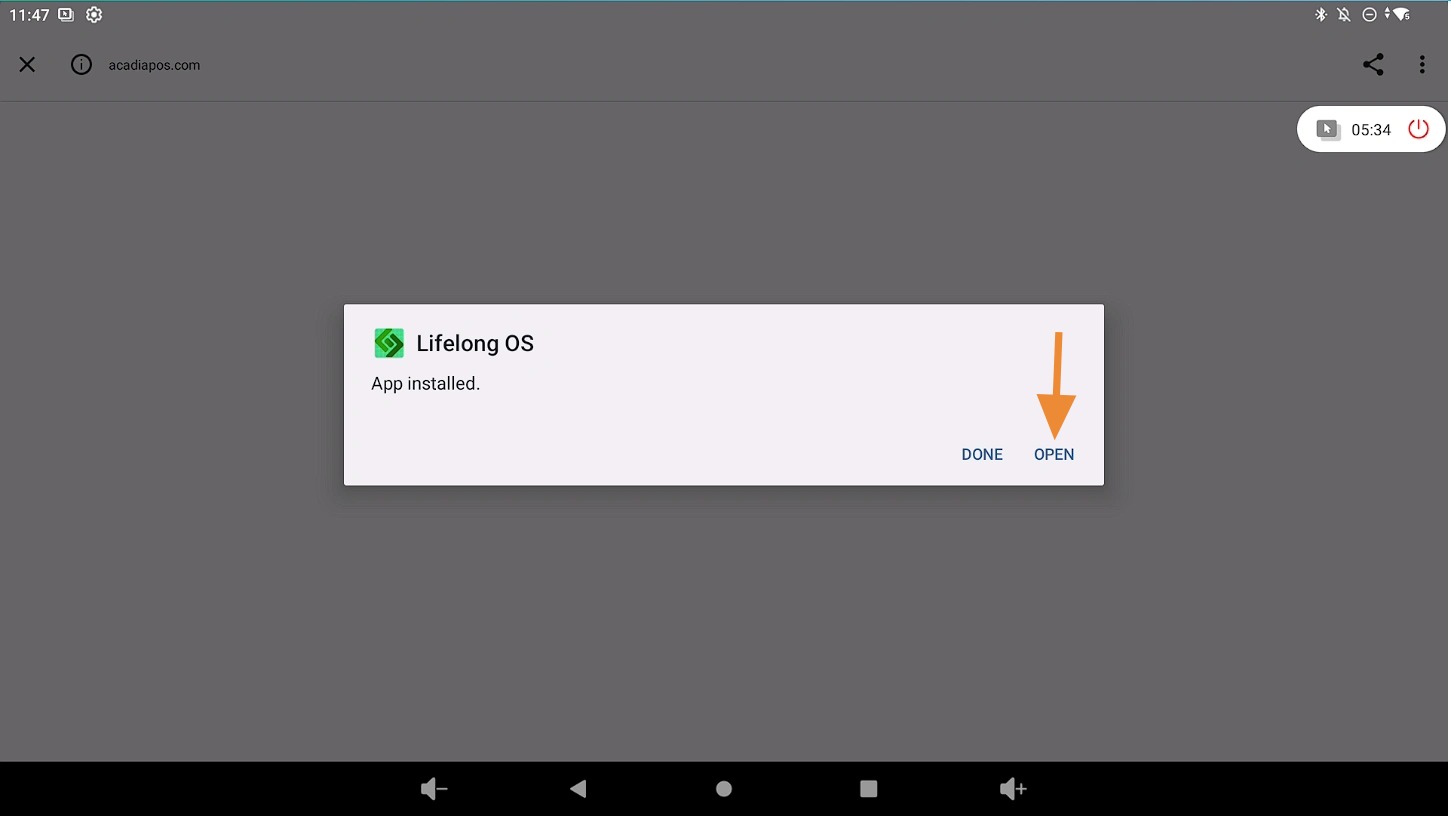
Reopen the Lifelong OS App #
After the installation is complete, click Open to launch the updated version of Lifelong OS.