
How to Void Same Day Cash & Card Transactions (Lifelong OS – Retail) #
Alert: These steps are used to void a transaction on the same day as the purchase, before the end-of-day batch closeout.
Open the Main Menu #
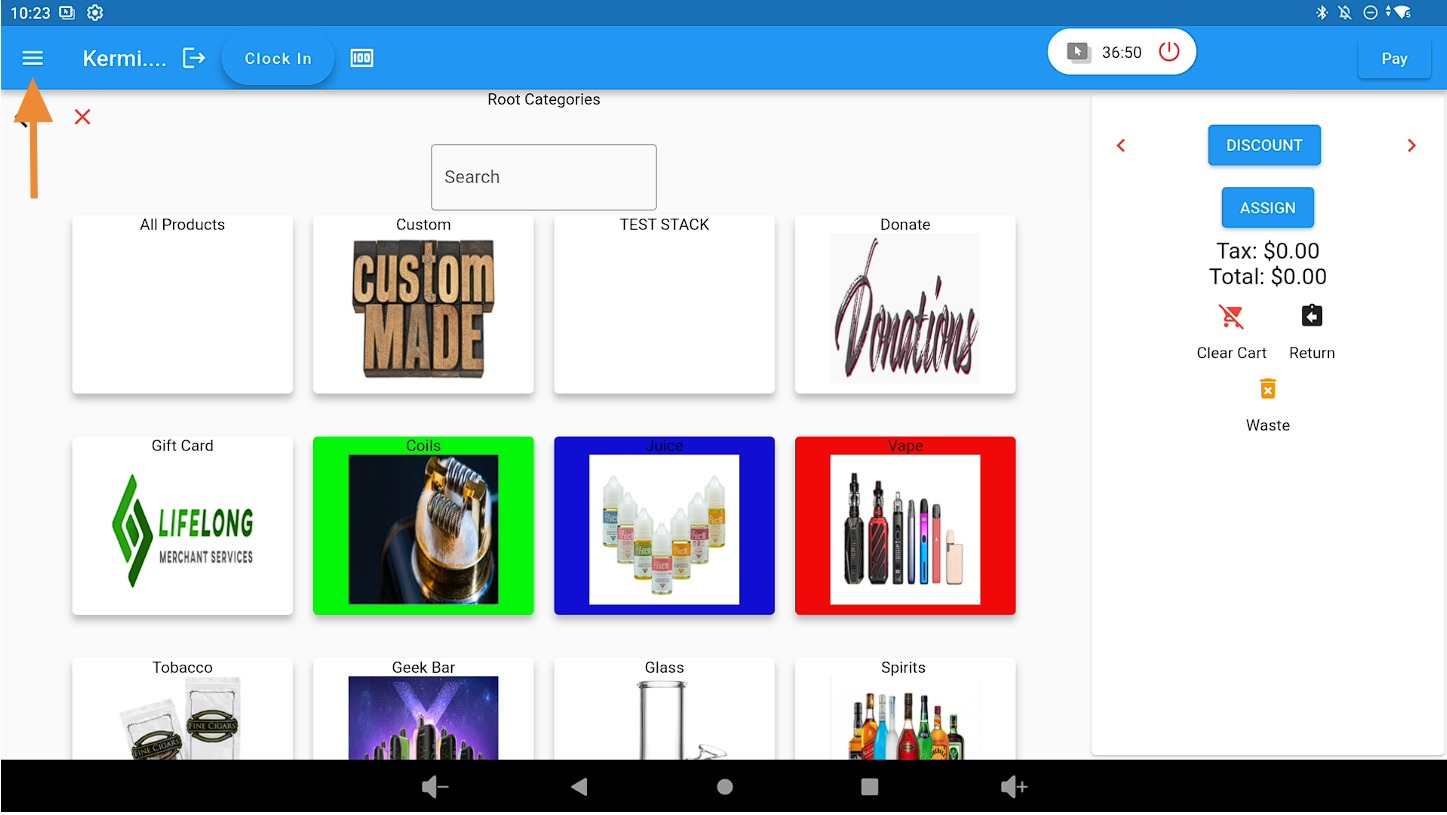
Click on the 3 bars on the top left corner.
Select the Sales Tab #
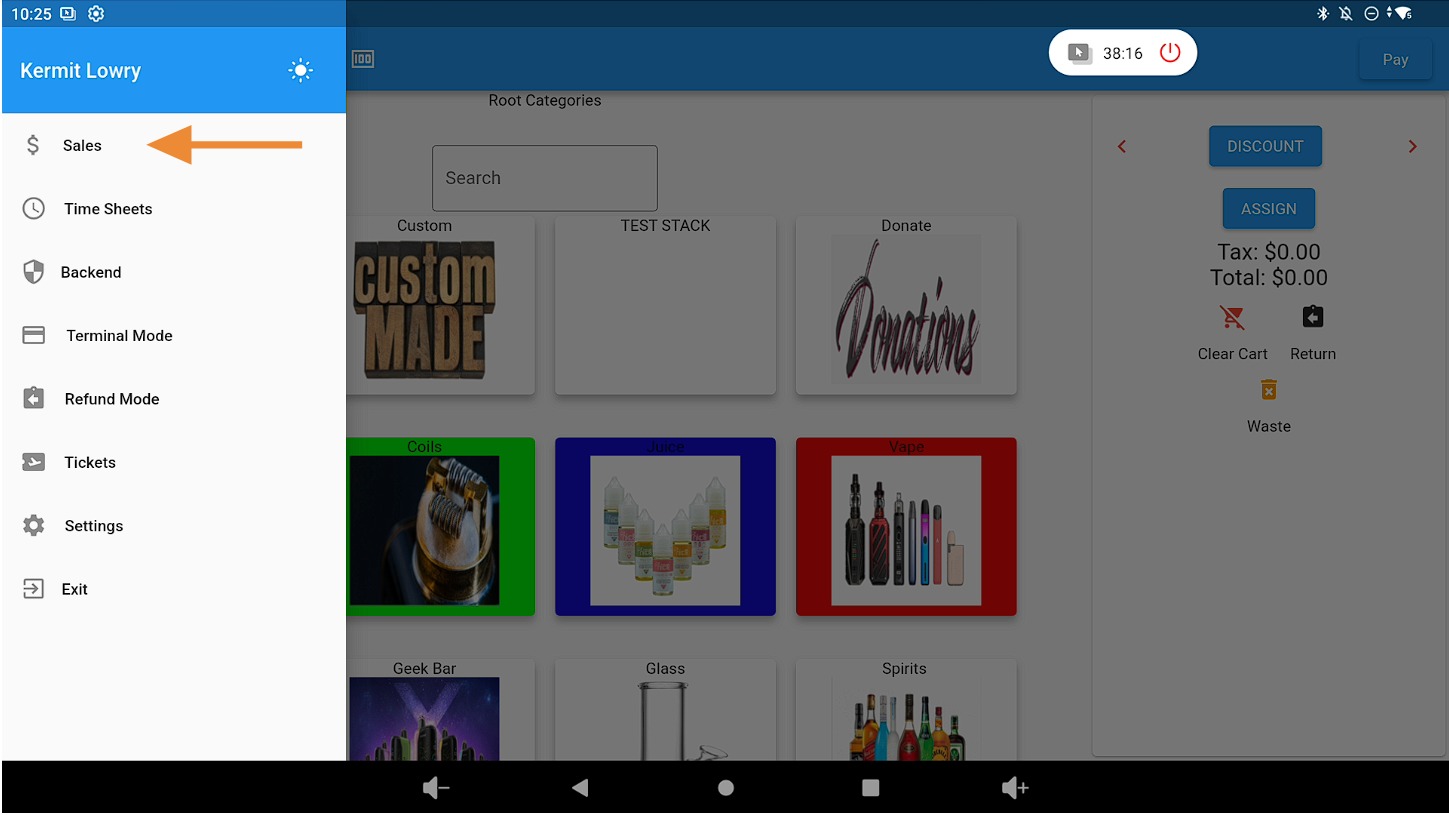
Click on the Sales tab.
Locate the Order and Select Void #
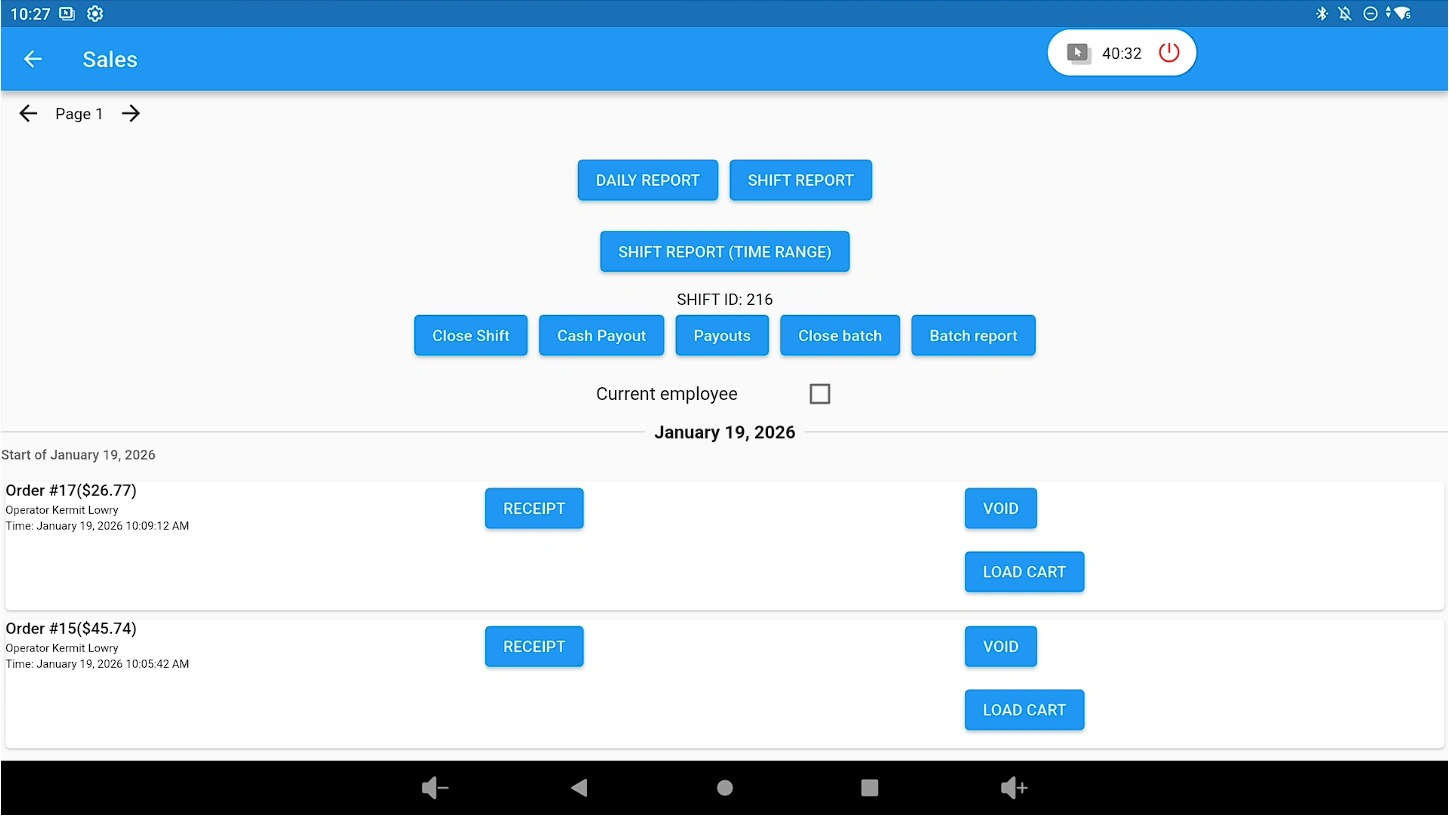
Find the order you want to void and click VOID.
Confirm the Void Action #
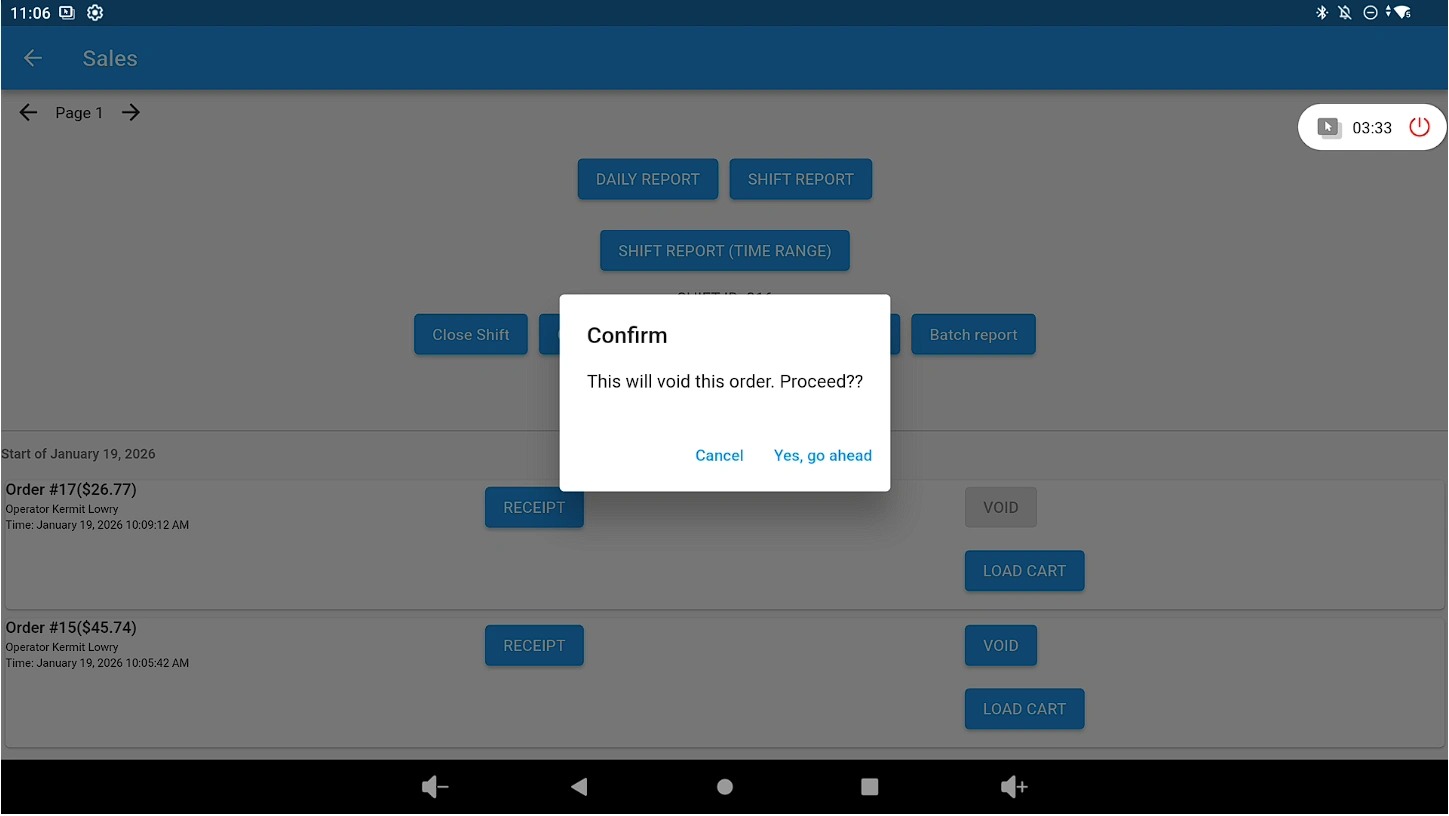
When prompted, click “Yes, go ahead” to confirm the void.
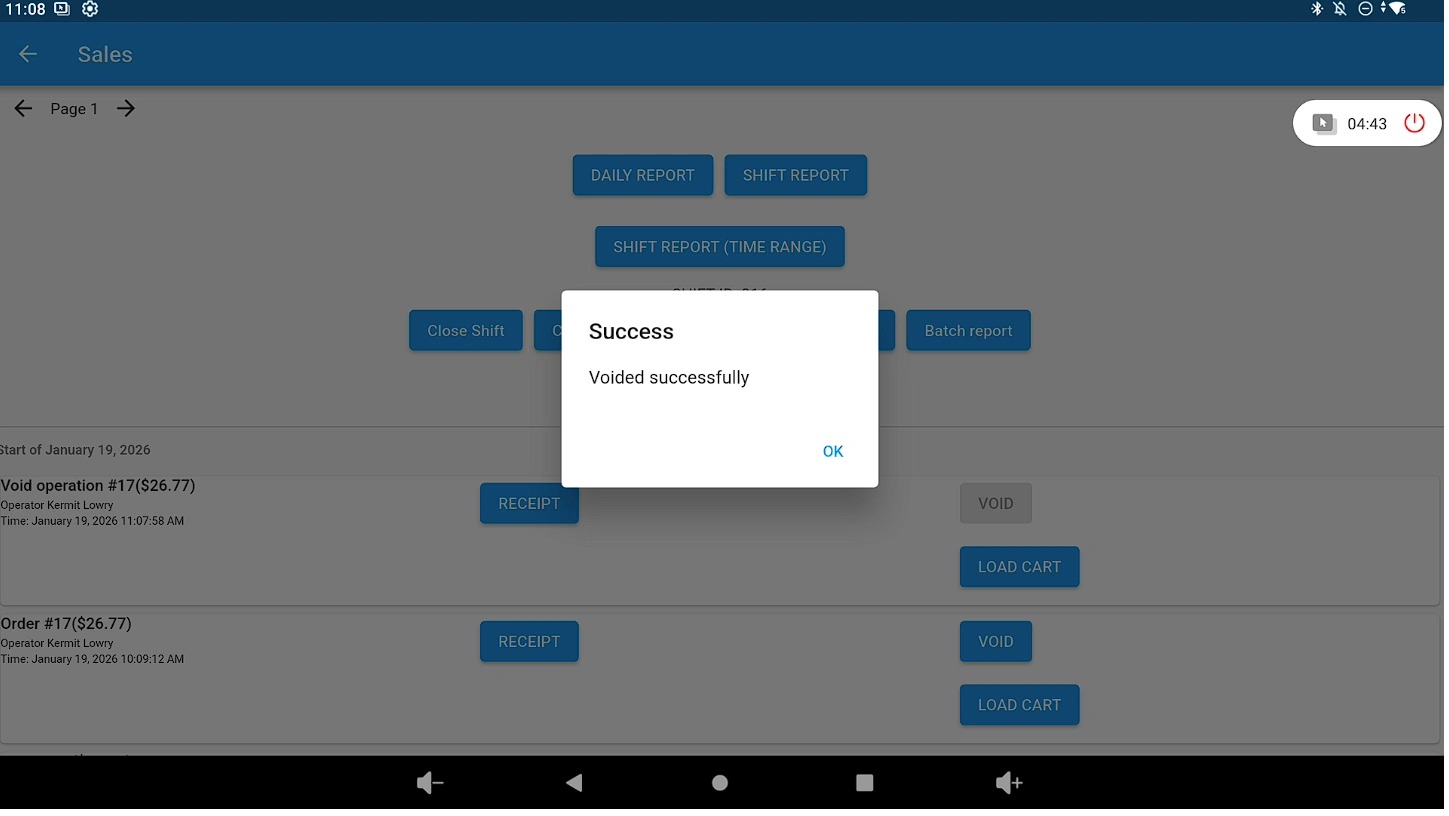
Review the Confirmation Message #
A confirmation pop-up will appear once the transaction is successfully voided.
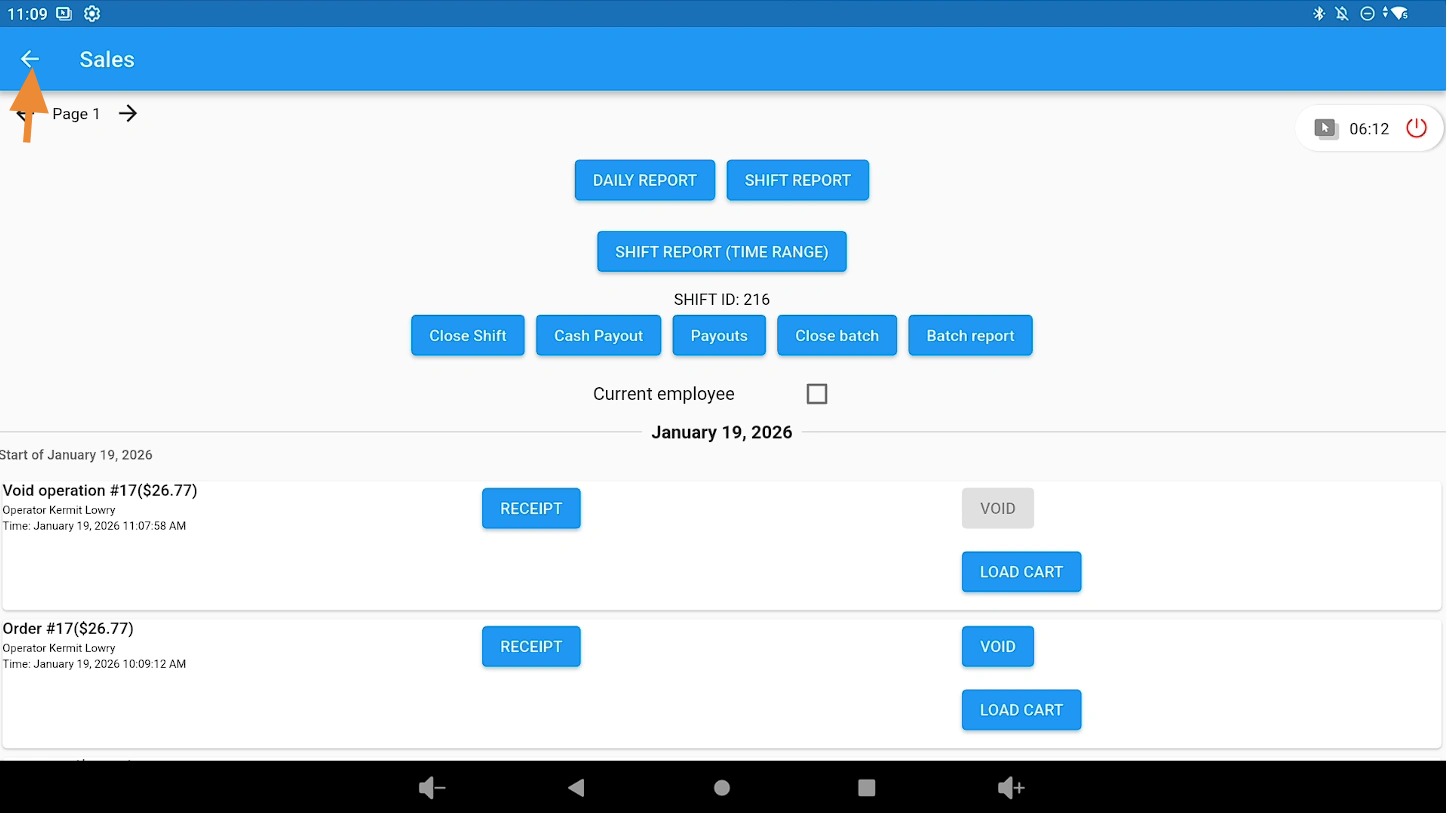
Return to the Main Screen #
Click the Back button in the top-left corner to return to the main screen.
Related Guides #
How to Refund Cash and Card Transactions After the Day of Purchase (Lifelong OS)
How to Refund Without A Receipt (Lifelong OS)


