How to Upload a Logo to the Front-Facing Screen E800/A3700 #
Navigate to the Management Portal #
Go to https://login.lifelongpos.com/.
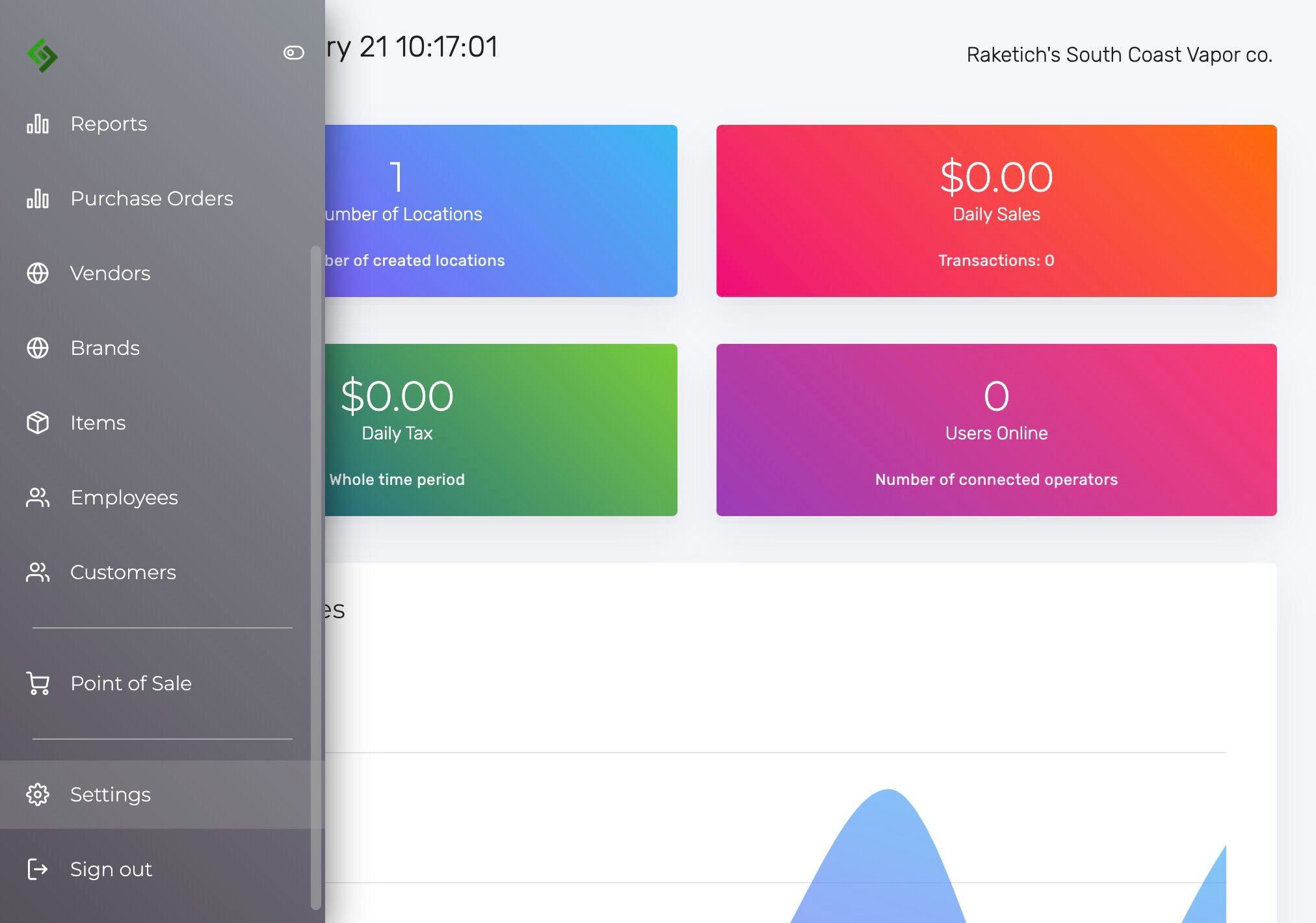
Access Settings #
Click “Settings”.
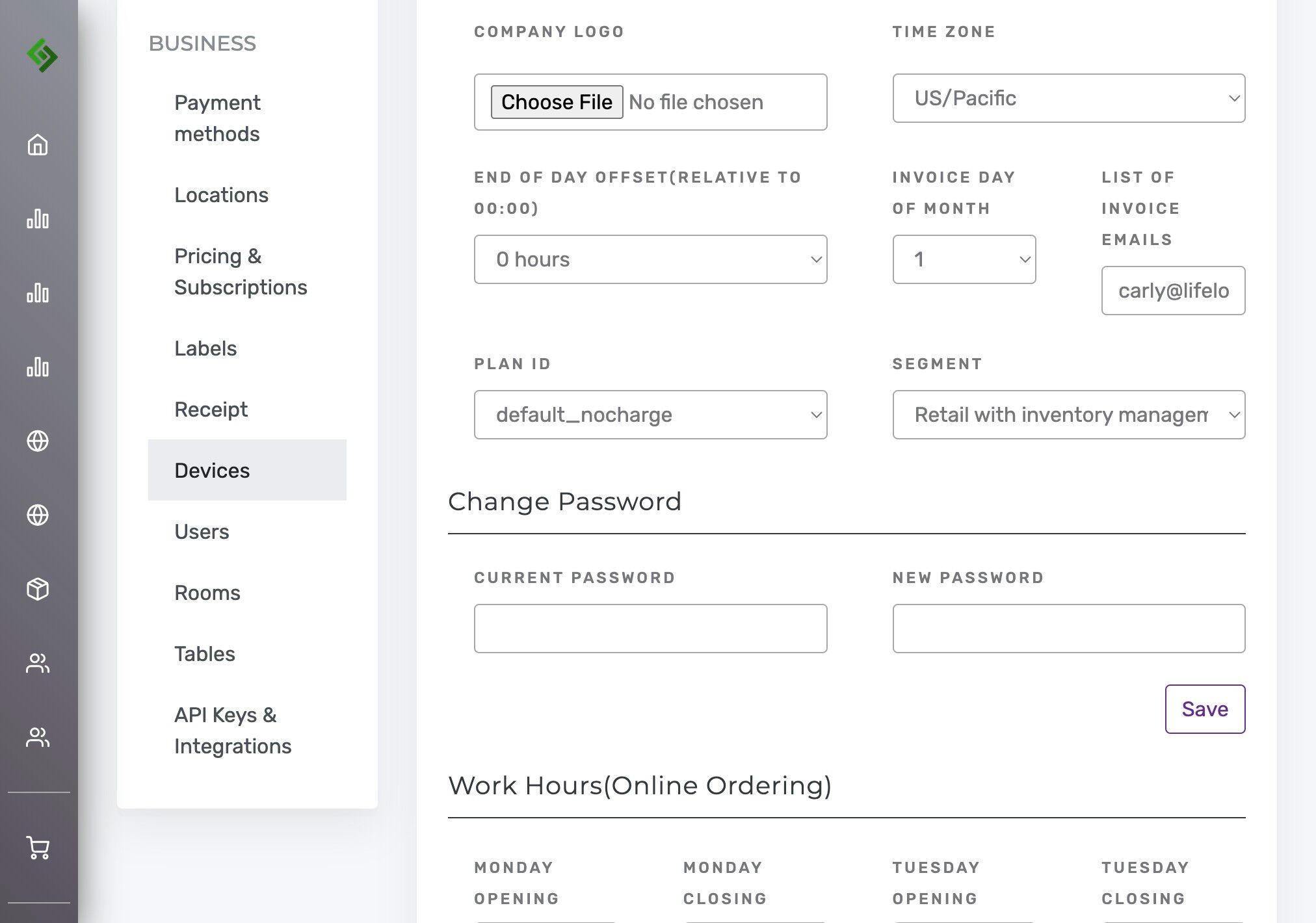
Go to Devices #
Click “Devices”.
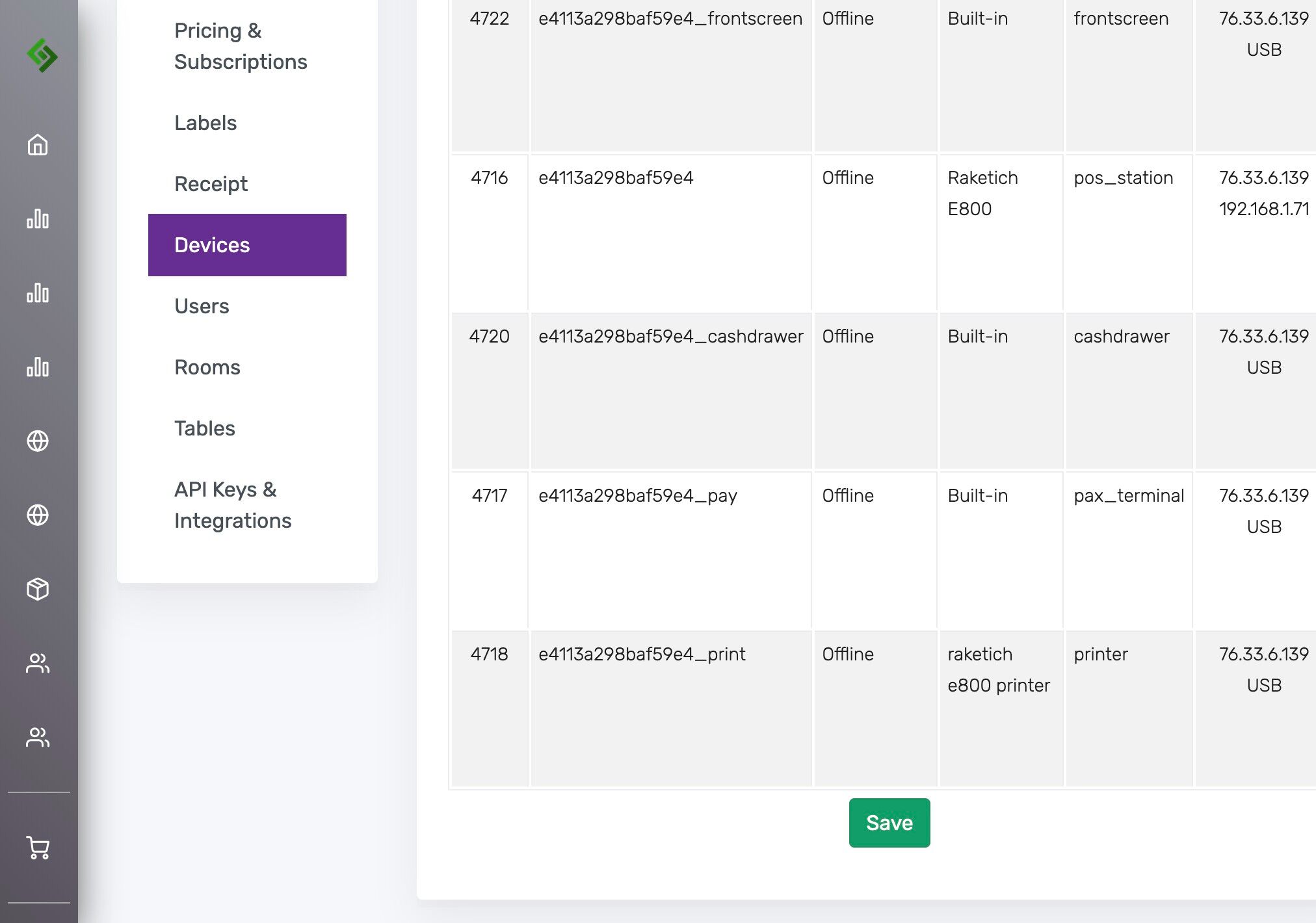
Select the Front Screen #
Find “frontscreen” for all devices if you have multiple.
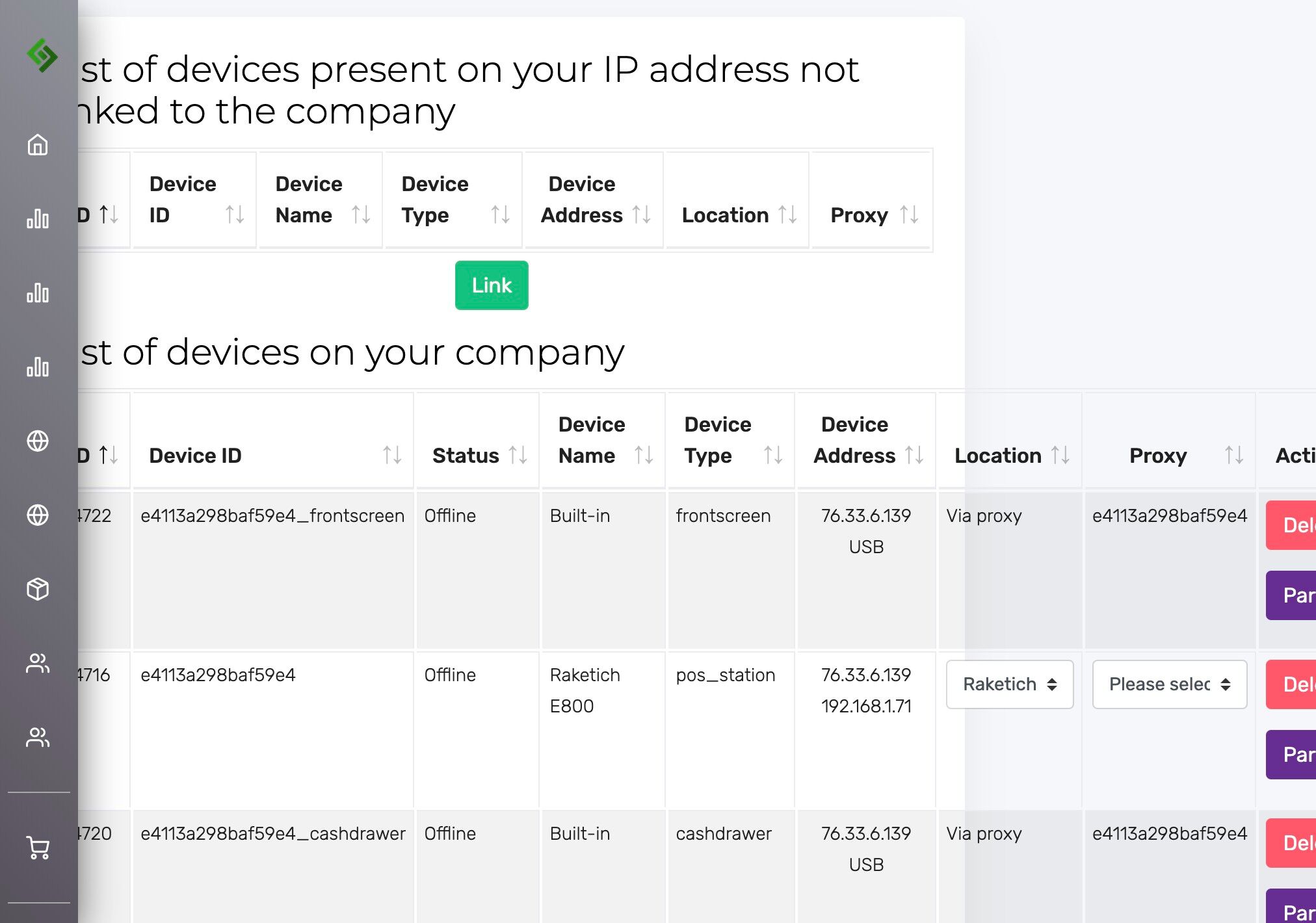
Access Parameters #
Click “Params”.

Upload the Logo #
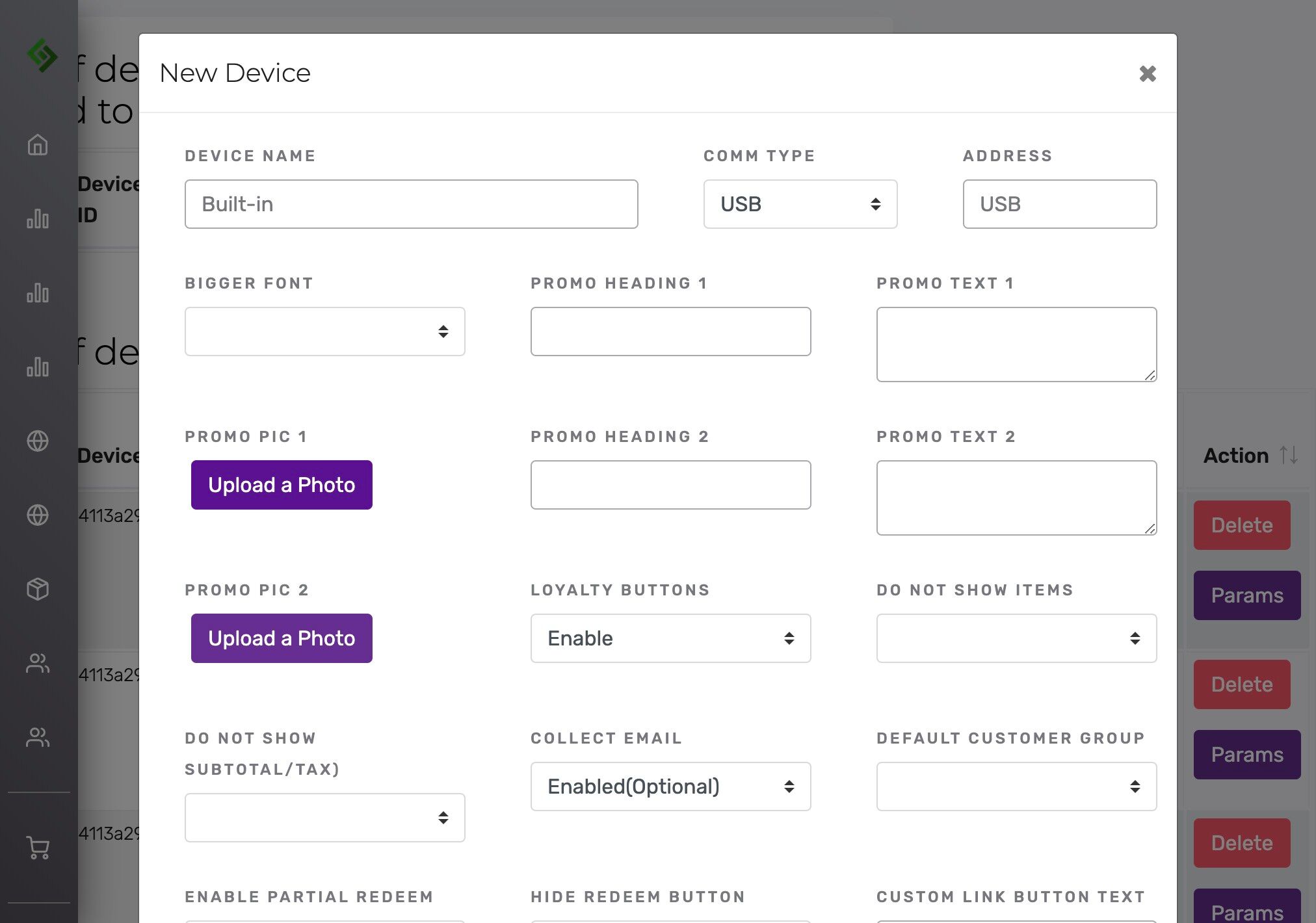
Click “Upload a Photo” under “Promo Pic 1”.
Verify the Uploaded Logo #
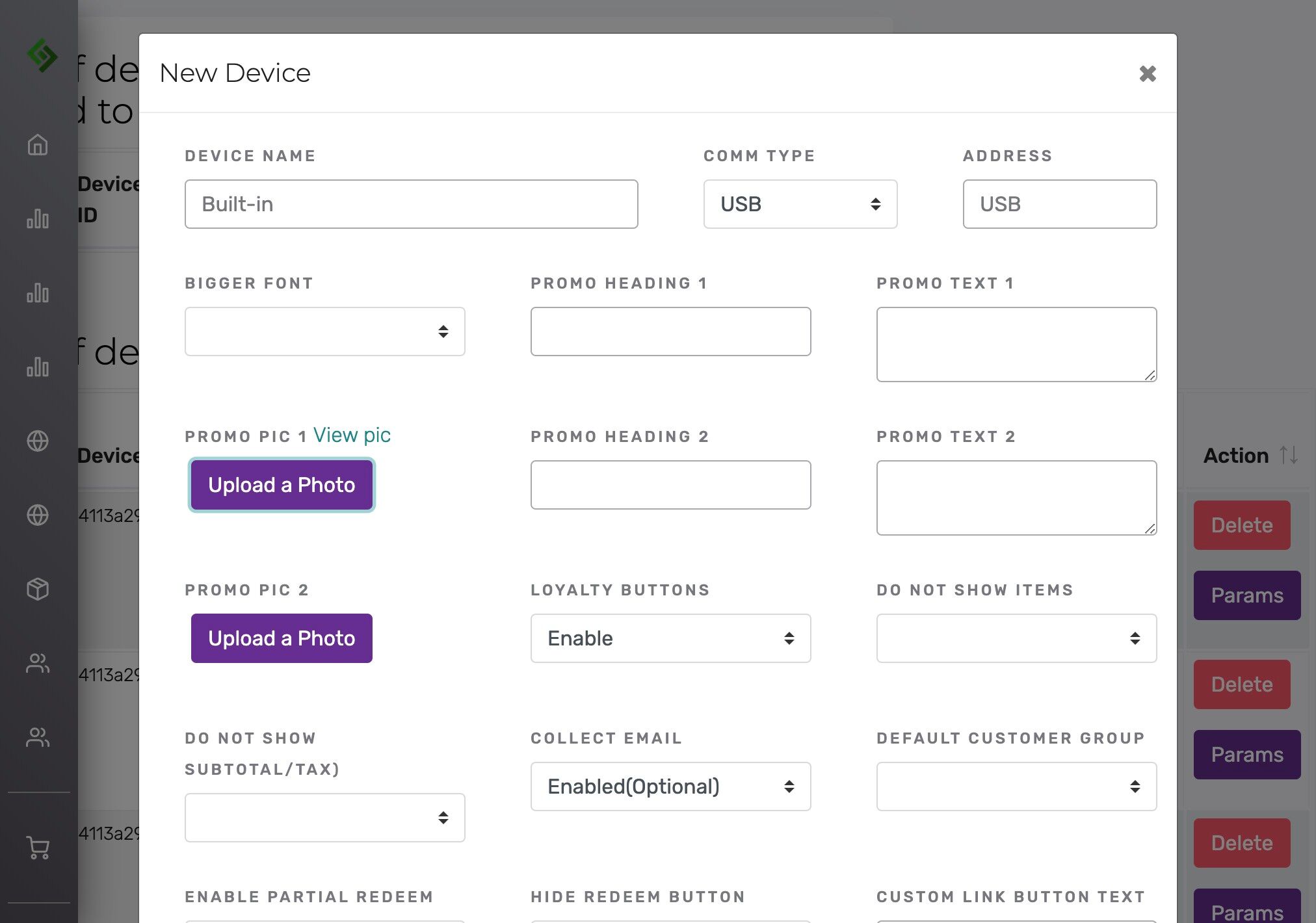
Click “View pic” to ensure the correct logo was selected.
Save the Changes #
Click “Save”.

Repeat for Multiple Devices #
If you have multiple devices, scroll down and click “Save” at the bottom of the page.