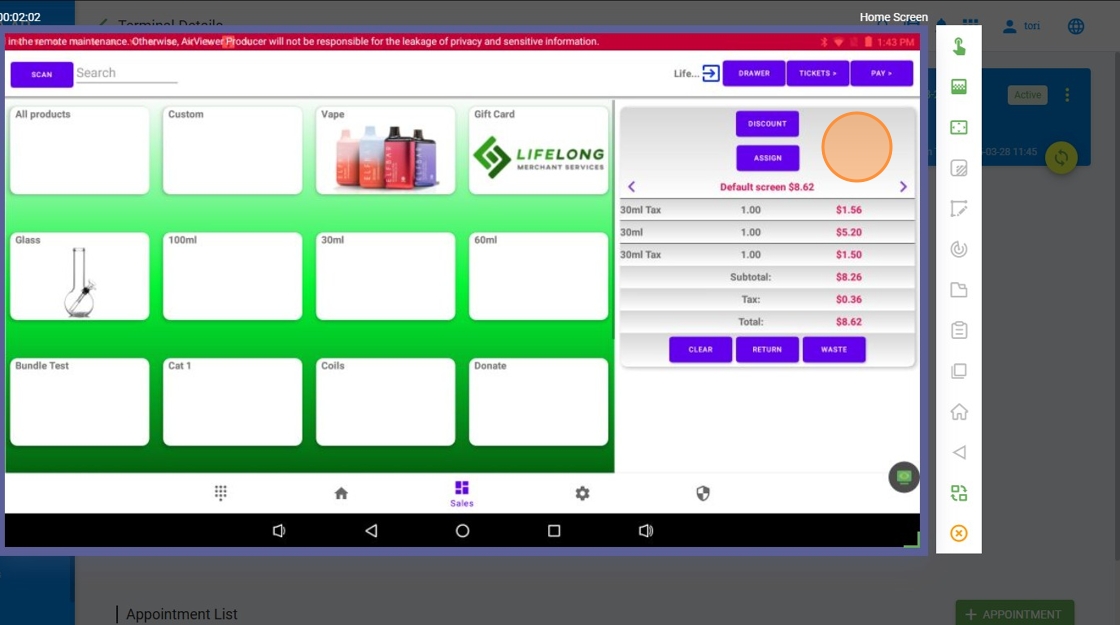
Refunds Pin #
Navigate to Settings > General Settings > Refunds Pin #
https://login.lifelongpos.com/settings/general

Load Cart #

Click ‘Yes, Do It’ #

Click ‘Refund’ at the top righthand corner #

Click ‘Yes, I Understand’ #

Enter Refund Pin and press OK #

You can now complete the refund process #