General Settings: How to Edit Daily Report Time #
Instructions #
1. Navigate to https://login.lifelongpos.com/ in a web browser.
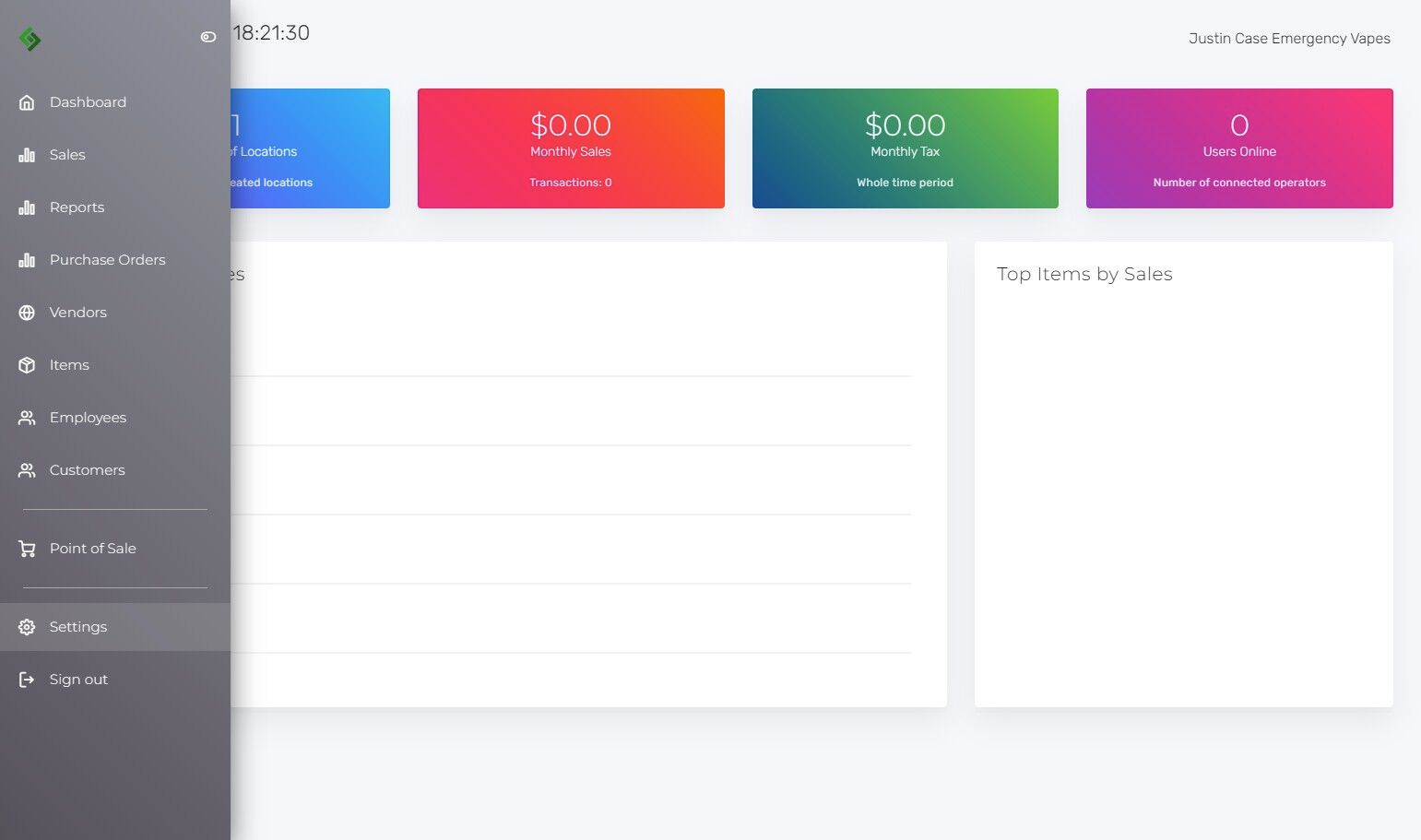
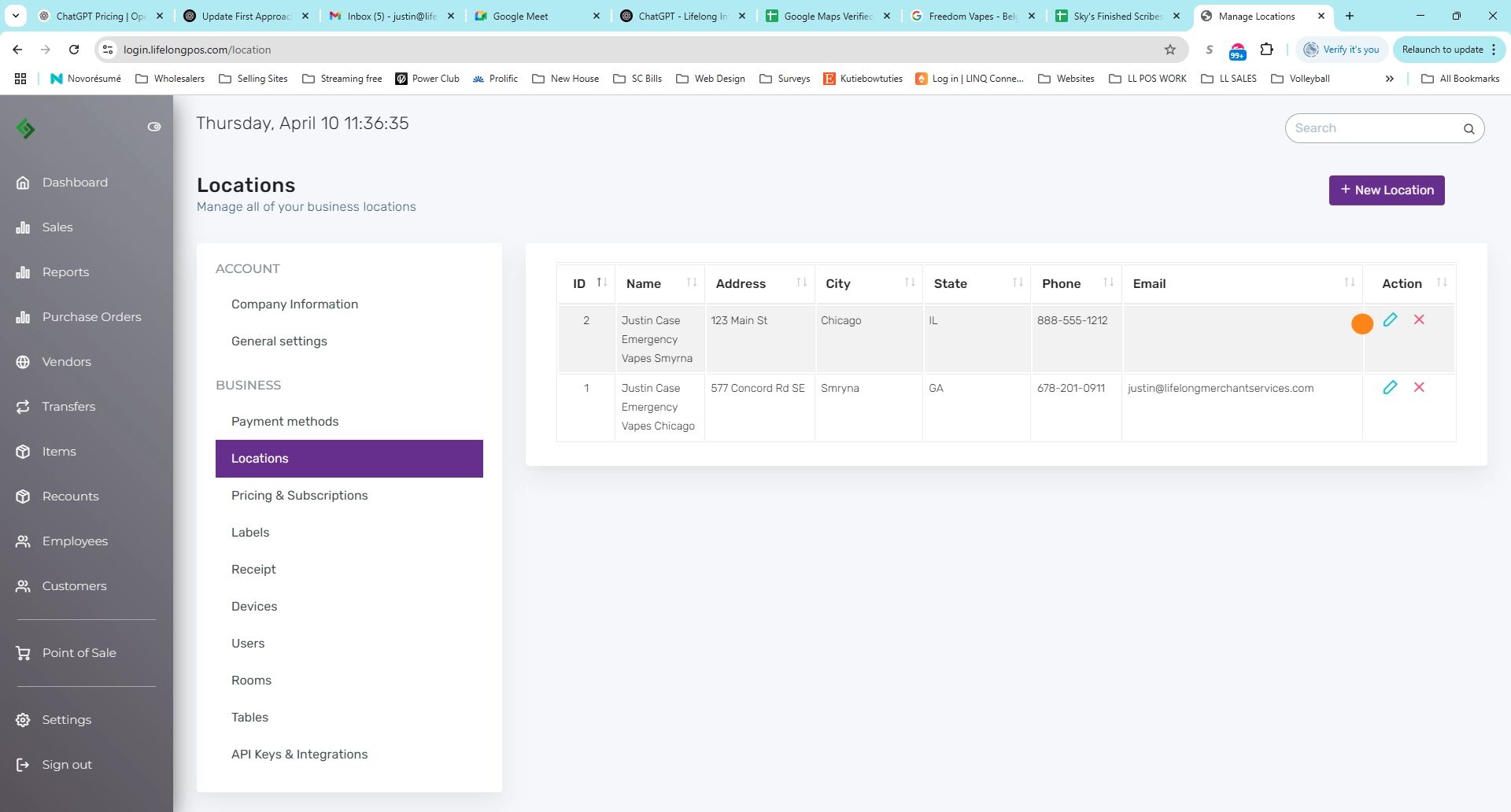
2. Click on the “Settings” tab on the left-hand side of the screen.
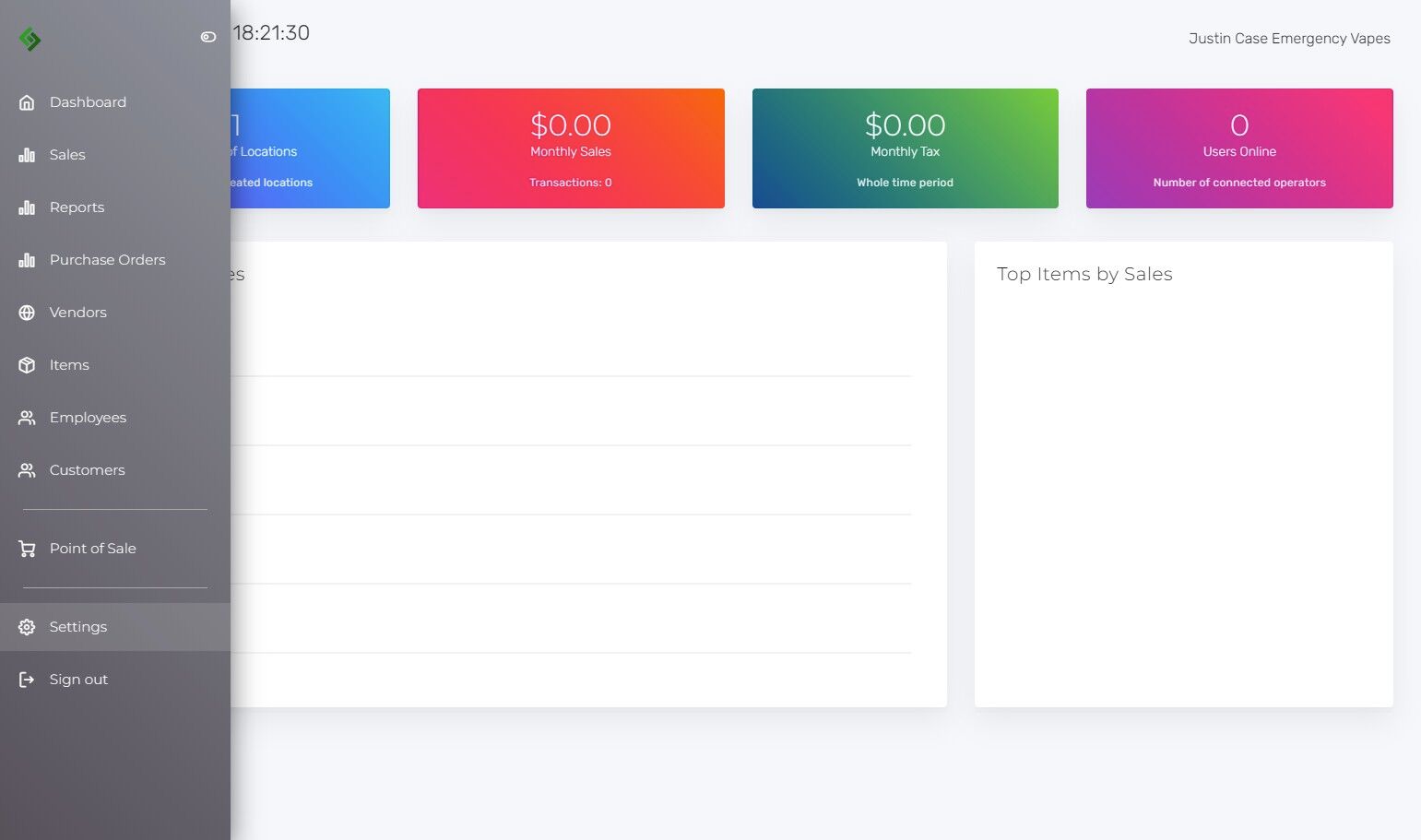
3. Click on the “Locations” tab.
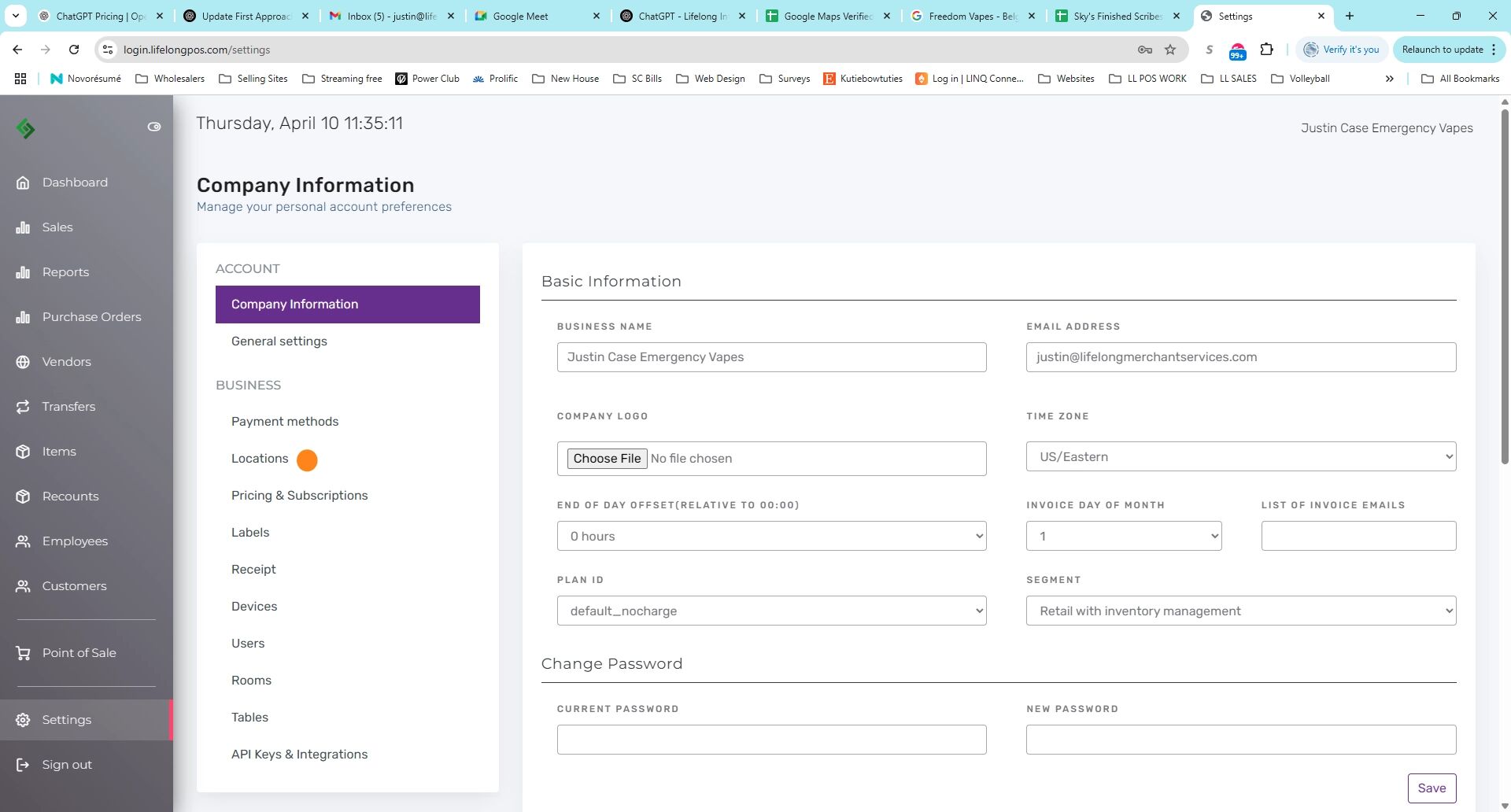
4. Click the pencil icon next to the location you want to update.
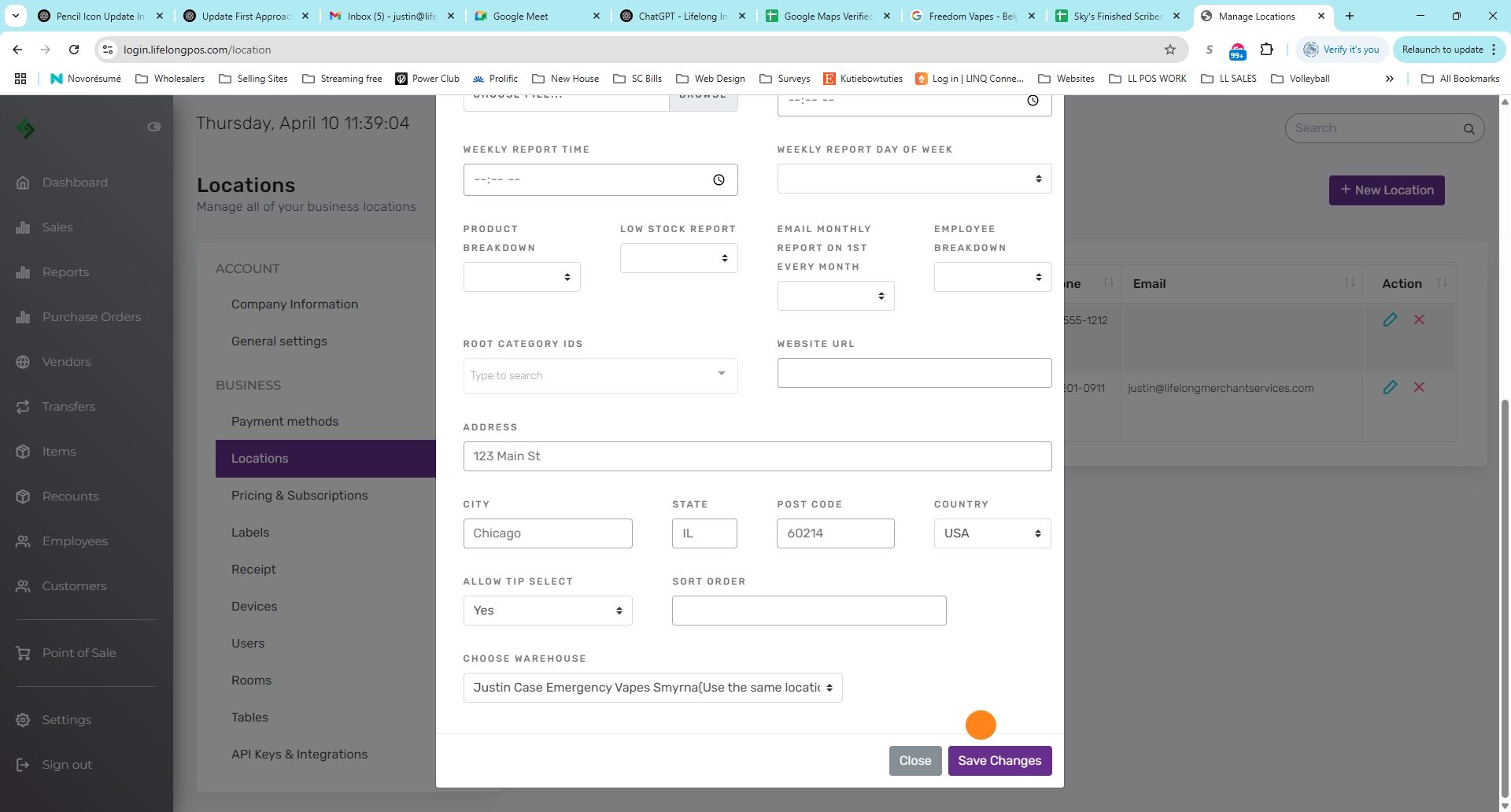
5. In the Daily Report section, set your preferred time to receive the daily report.
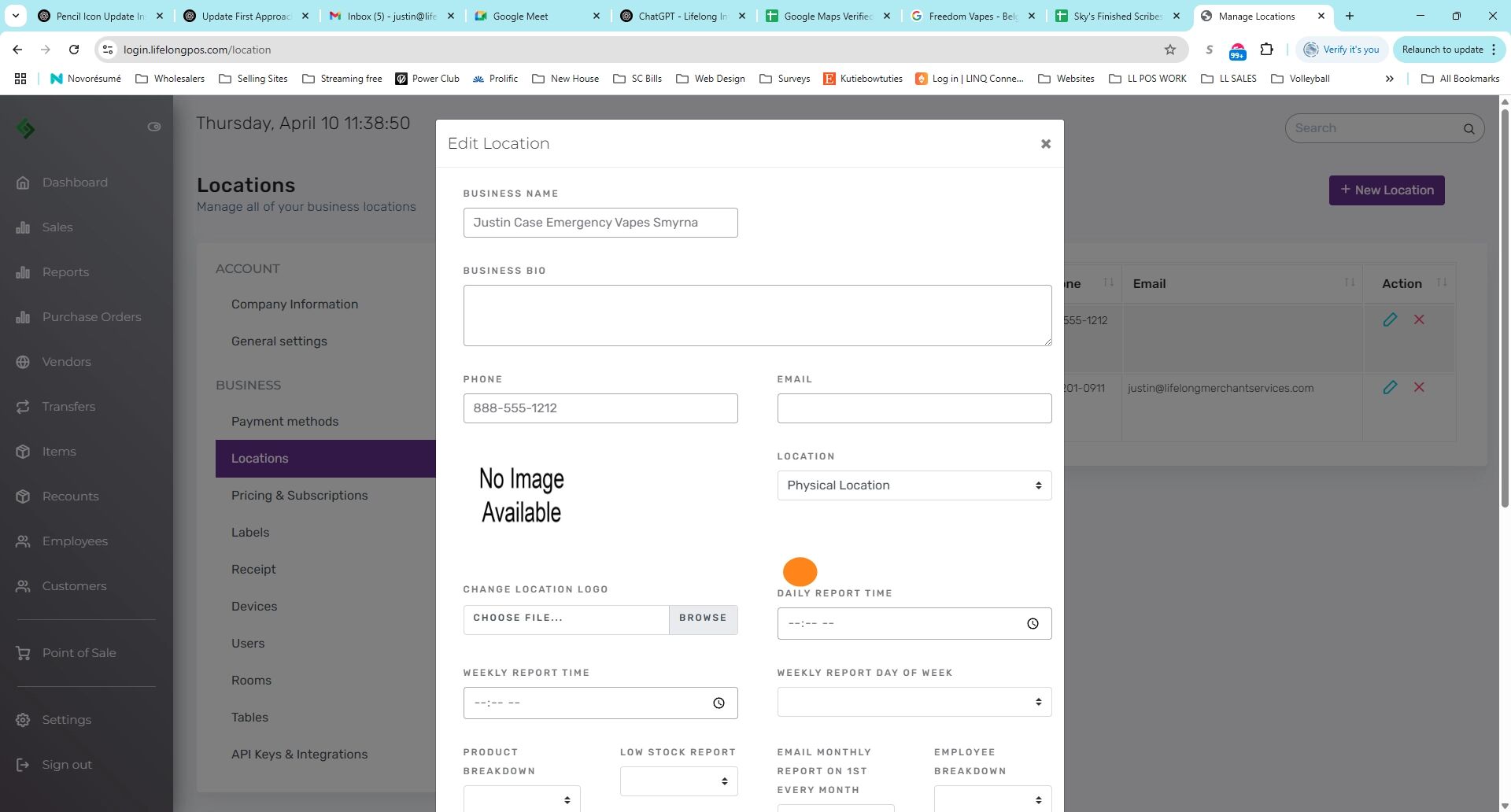
6. Scroll down and click ‘Save Changes’ to apply your updates.