Backend – Add New & Edit Items/Products (Lifelong OS) #
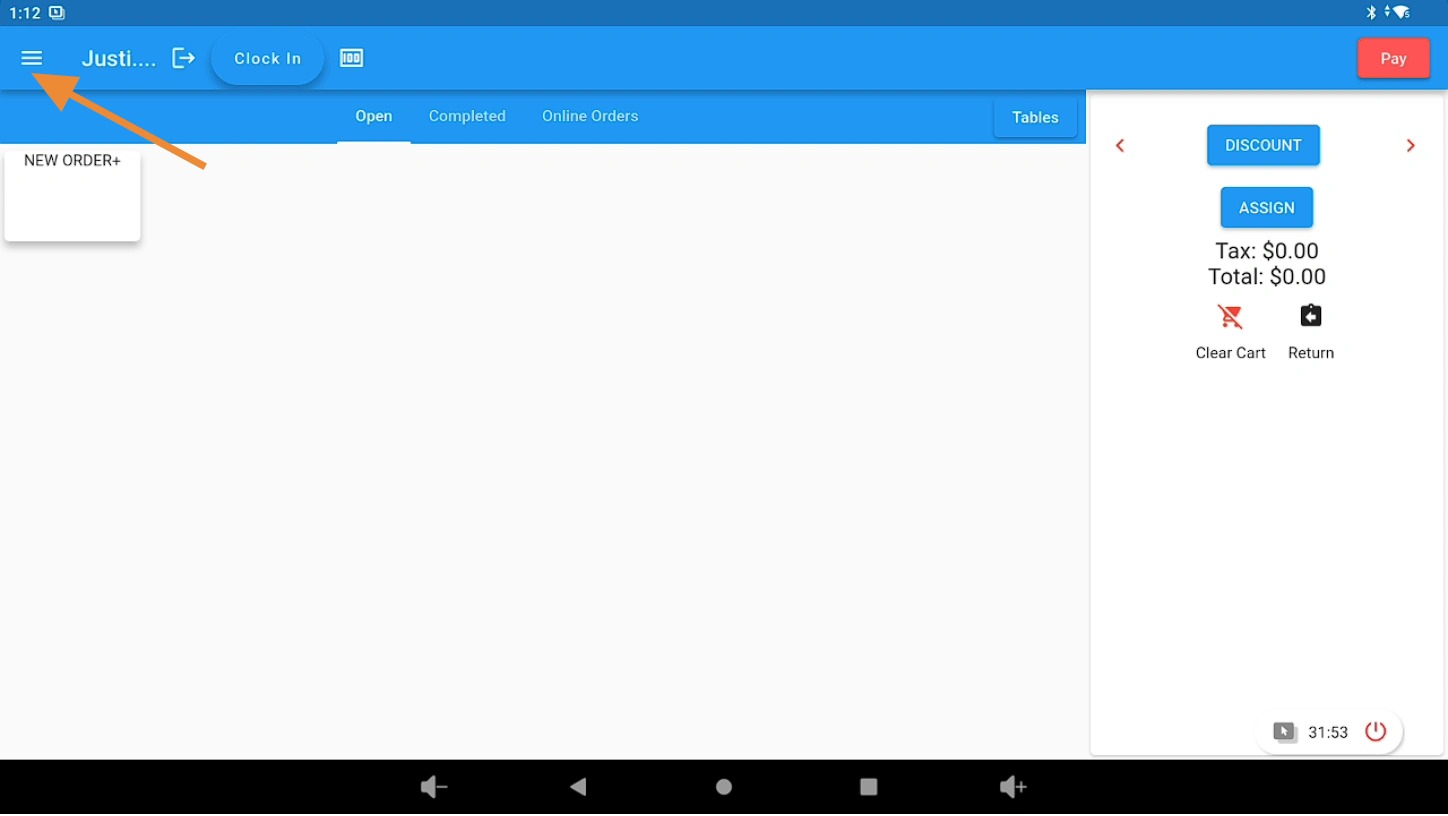
Open the 3 Bar Menu in Lifelong OS #
Open Lifelong OS and click on the “3 Bar Menu” button.
Select the Backend Tab #
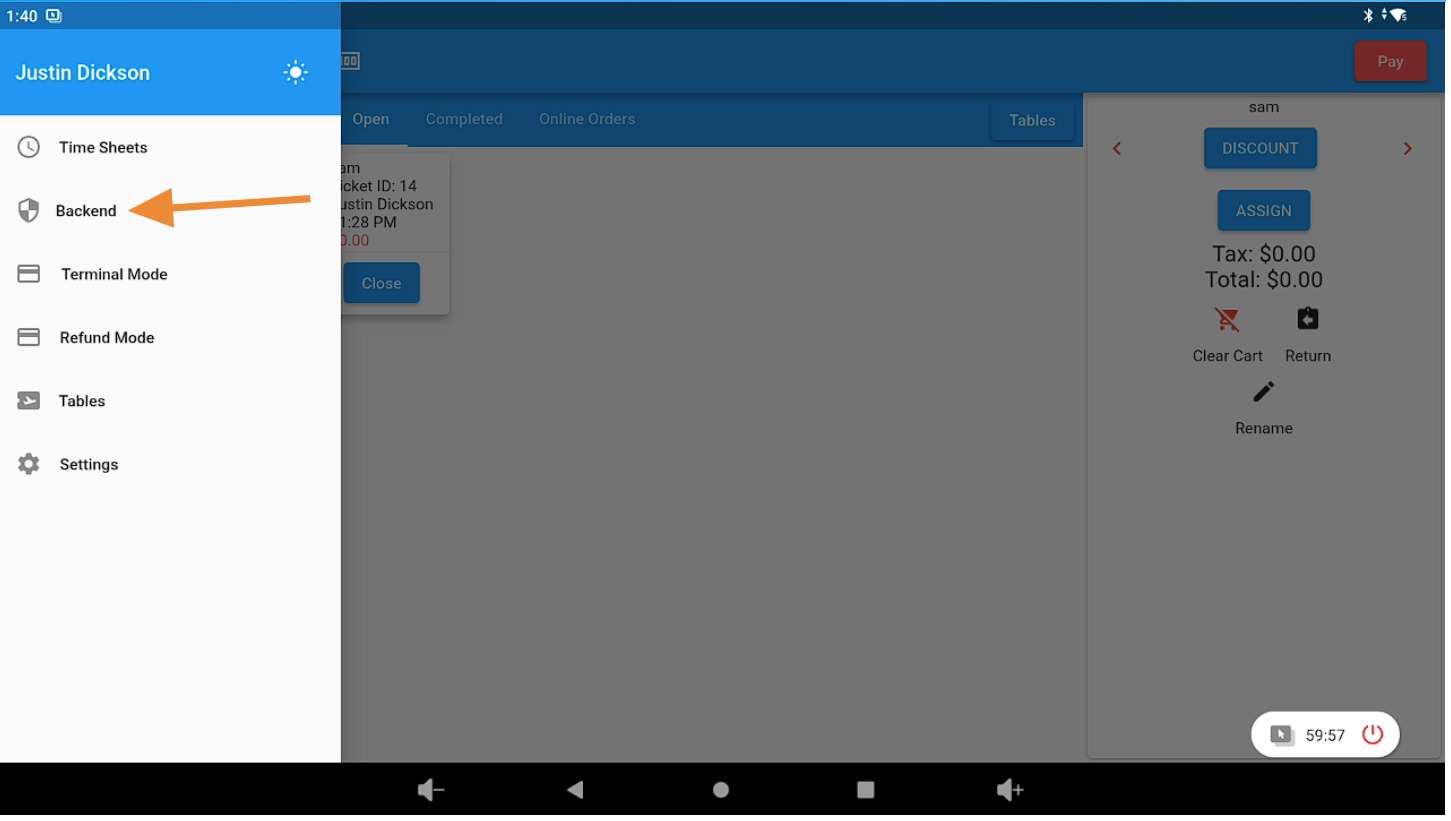
Click on the “Backend” tab.
Open the Products Section #
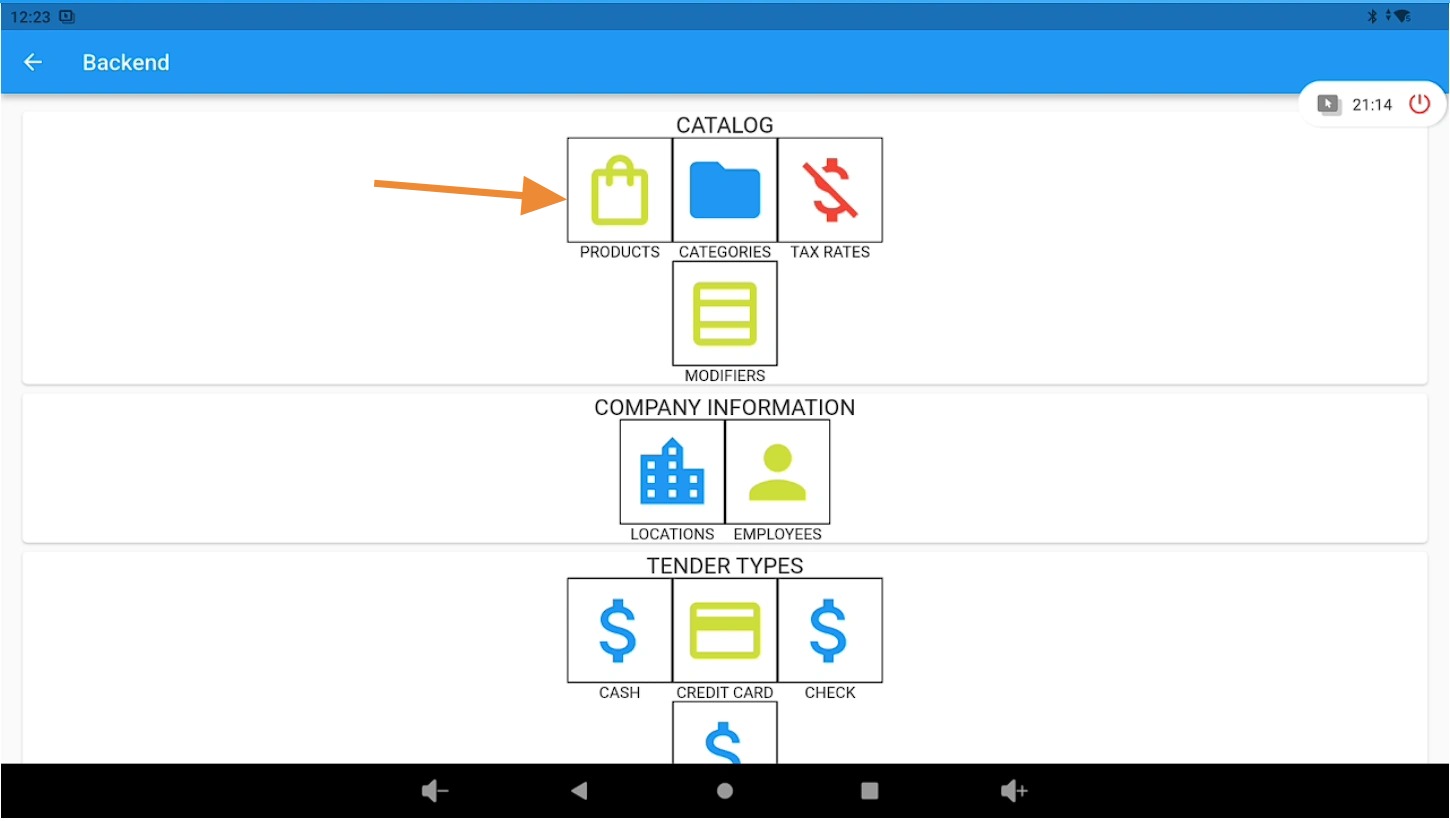
Under the “Catalog” section, click on the “Products” button.
Find and Edit an Existing Product #
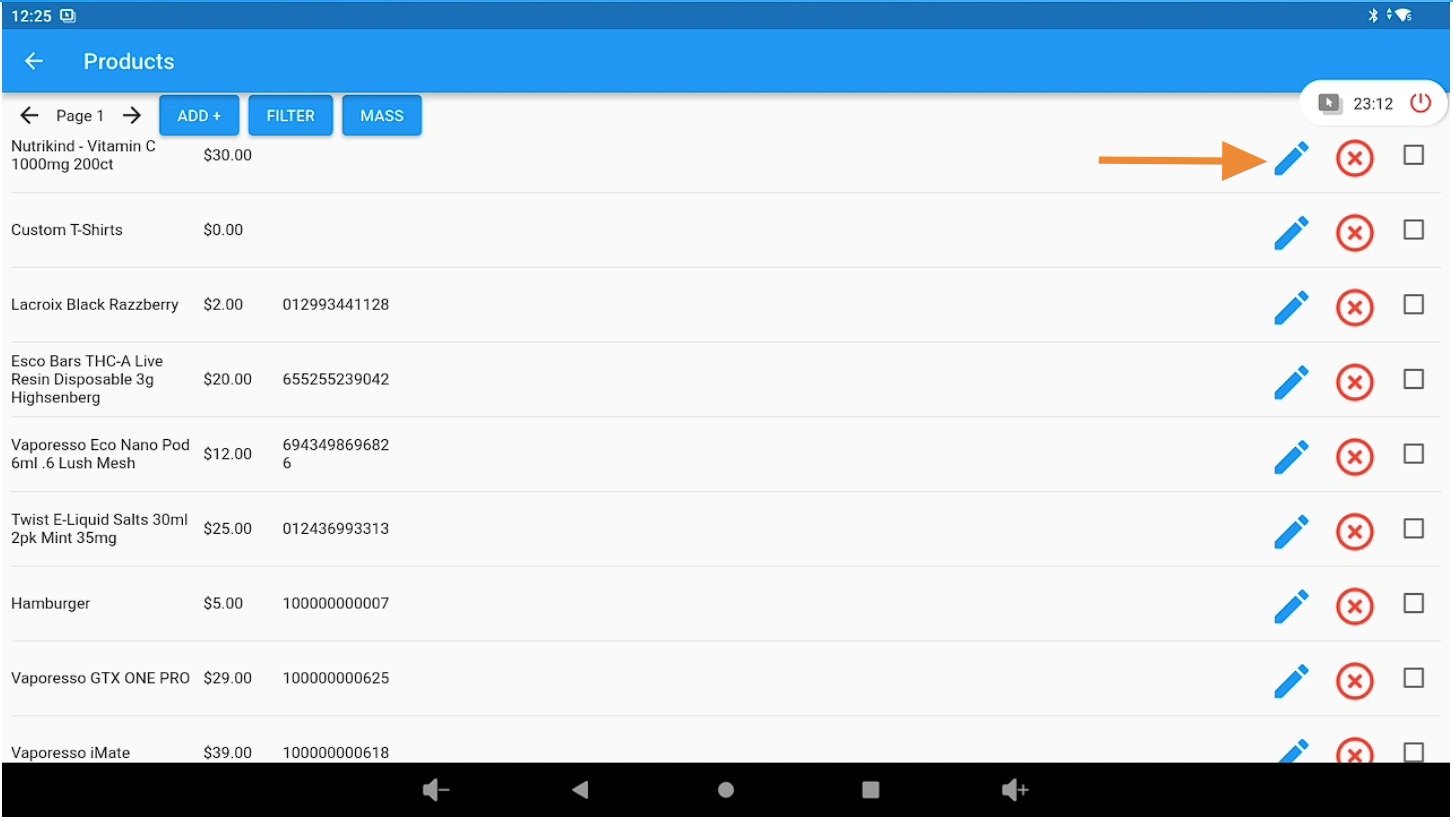
To locate and update an existing product or item:
- Click the Filter button to search for the product or item.
- Select the pencil (edit) icon next to the product or item to make changes.
Update Product Details #
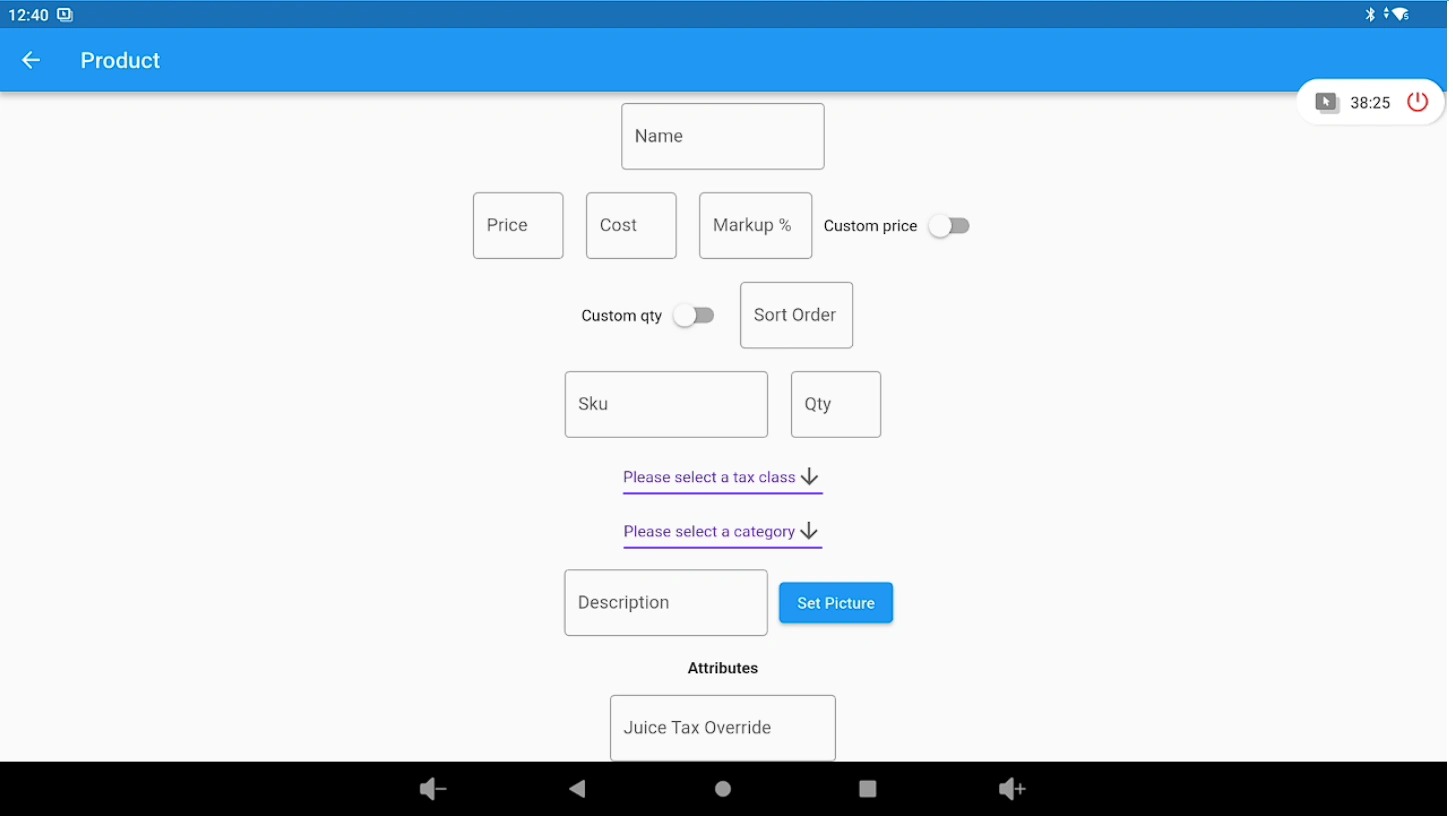
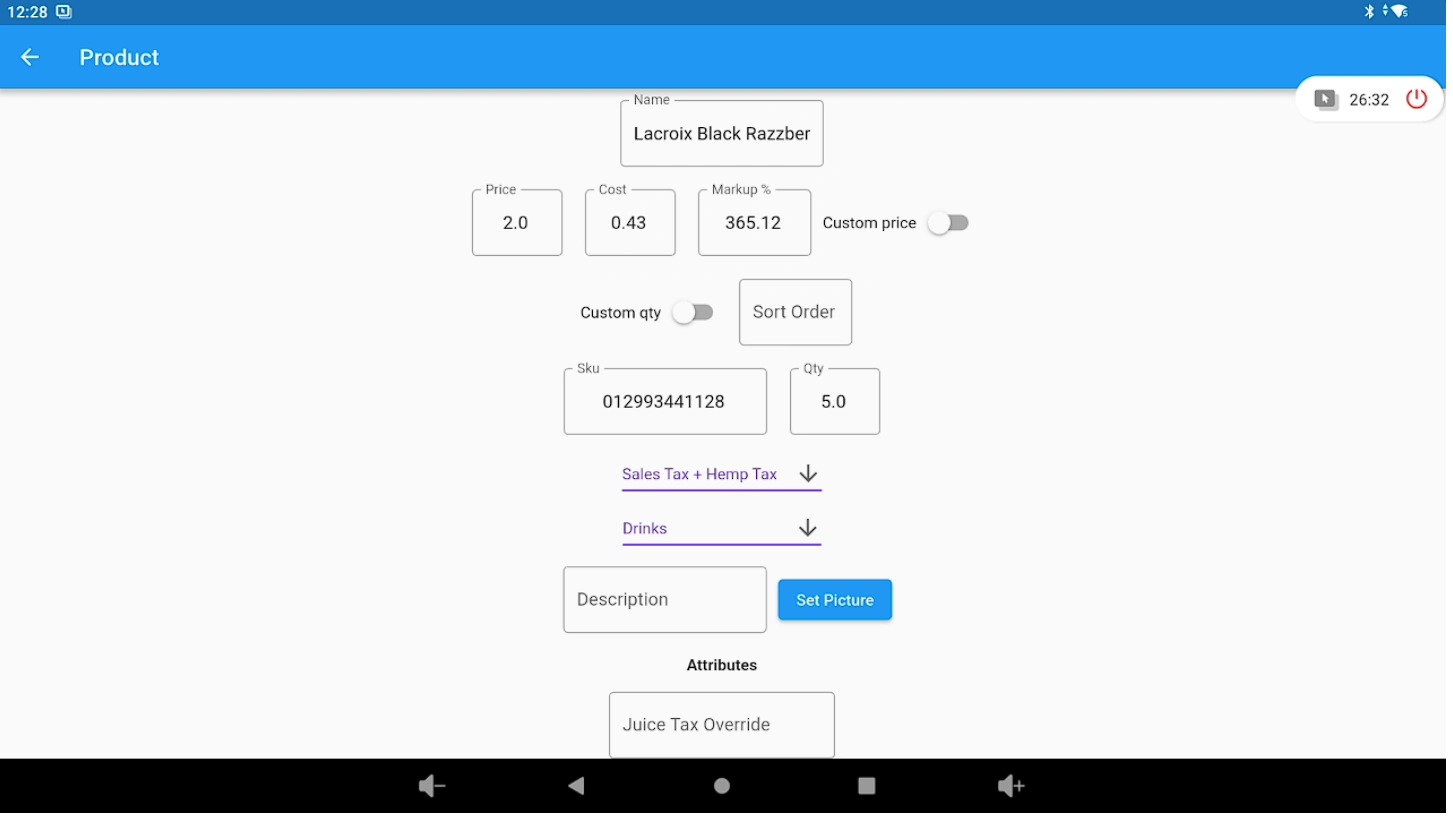
On this page, you can update the following product details:
- Product/Item name
- Price
- Cost
- Markup %
- Quantity
- Description
- Barcode
After making any changes, scroll to the bottom of the page and click Save to apply your updates.
Create a New Product #
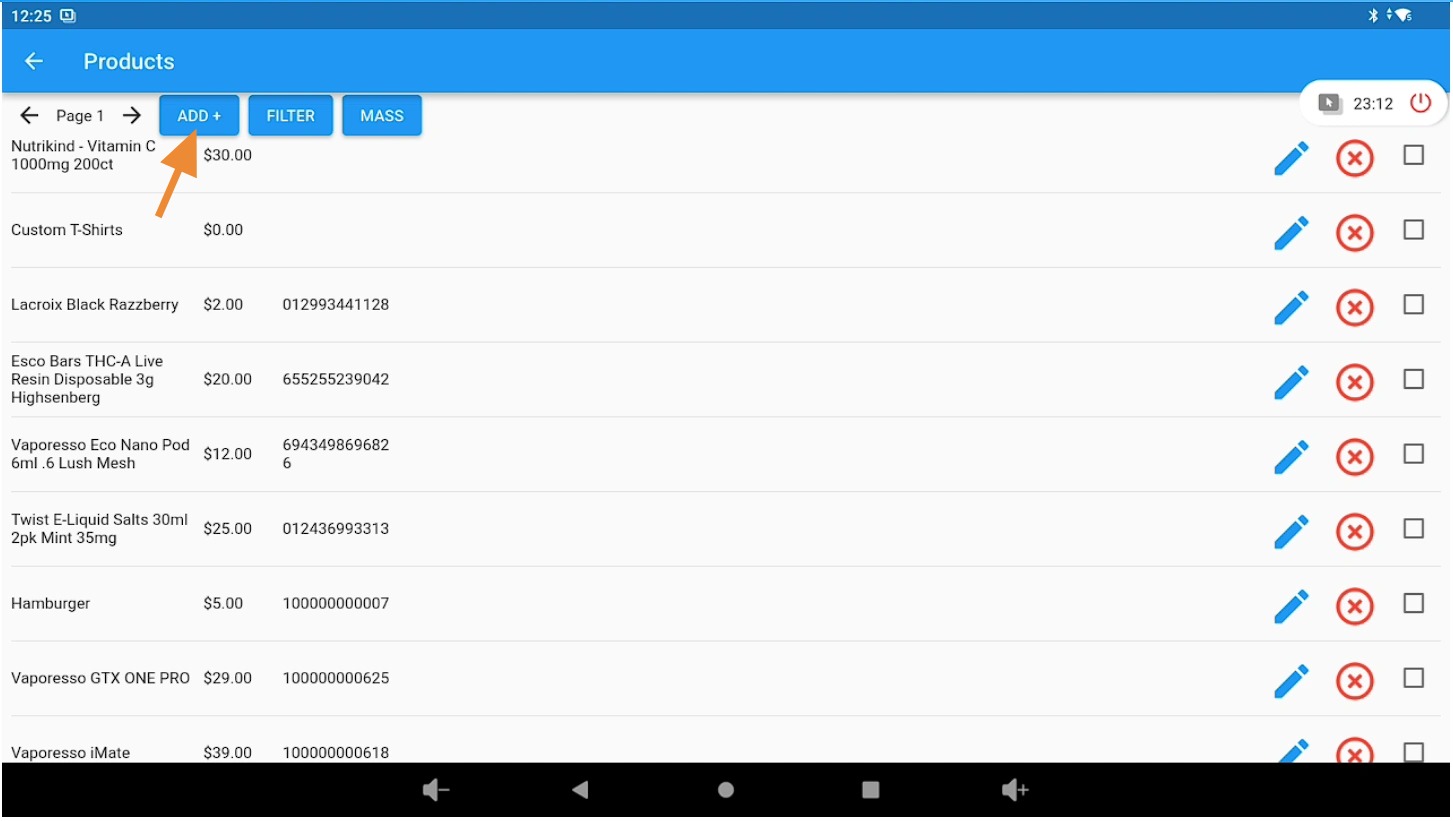
To create a new product or item:
- Click the Add New button.
Enter New Product Information #
On this page, enter the product details:
- Product/Item name
- Price
- Cost
- Markup %
- Quantity
- Description
- Barcode
Select the appropriate Tax Class and Category for the item.
After entering the information, scroll to the bottom of the page and click Save to create the new product.