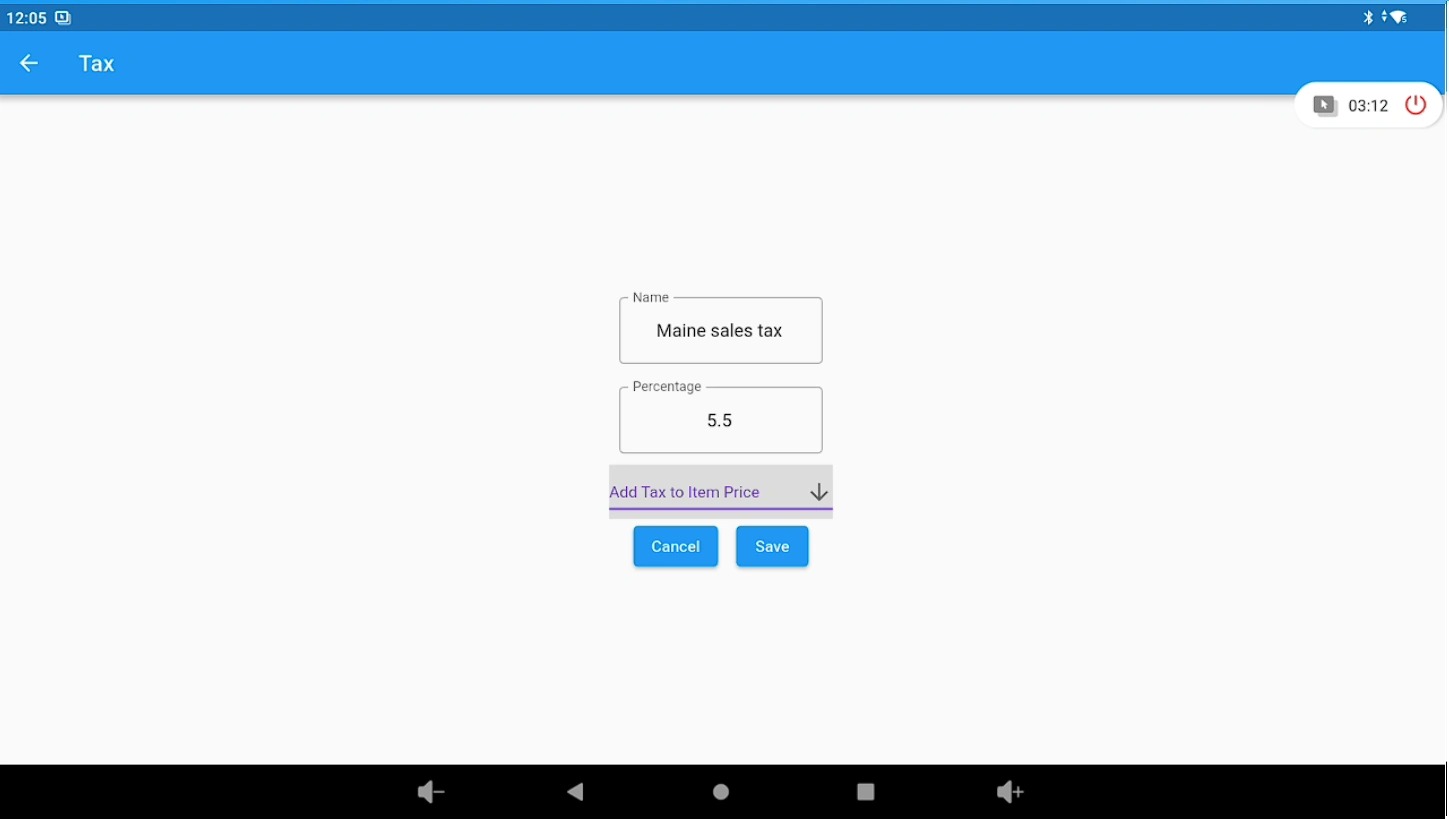
Backend – Tax Rates (Lifelong OS) #
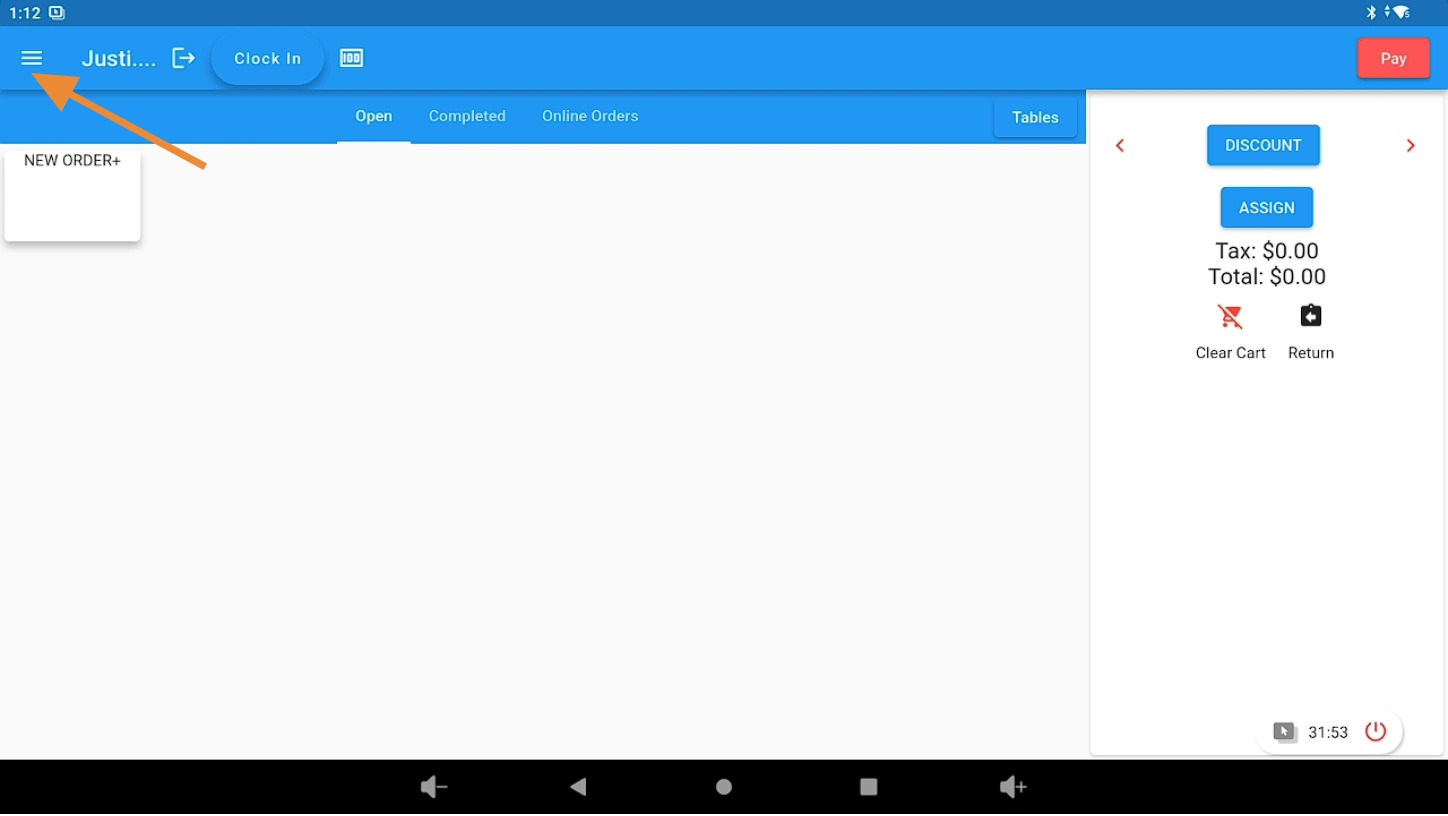
Open the 3 Bar Menu in Lifelong OS #
Open Lifelong OS and click on the “3 Bar Menu” button.
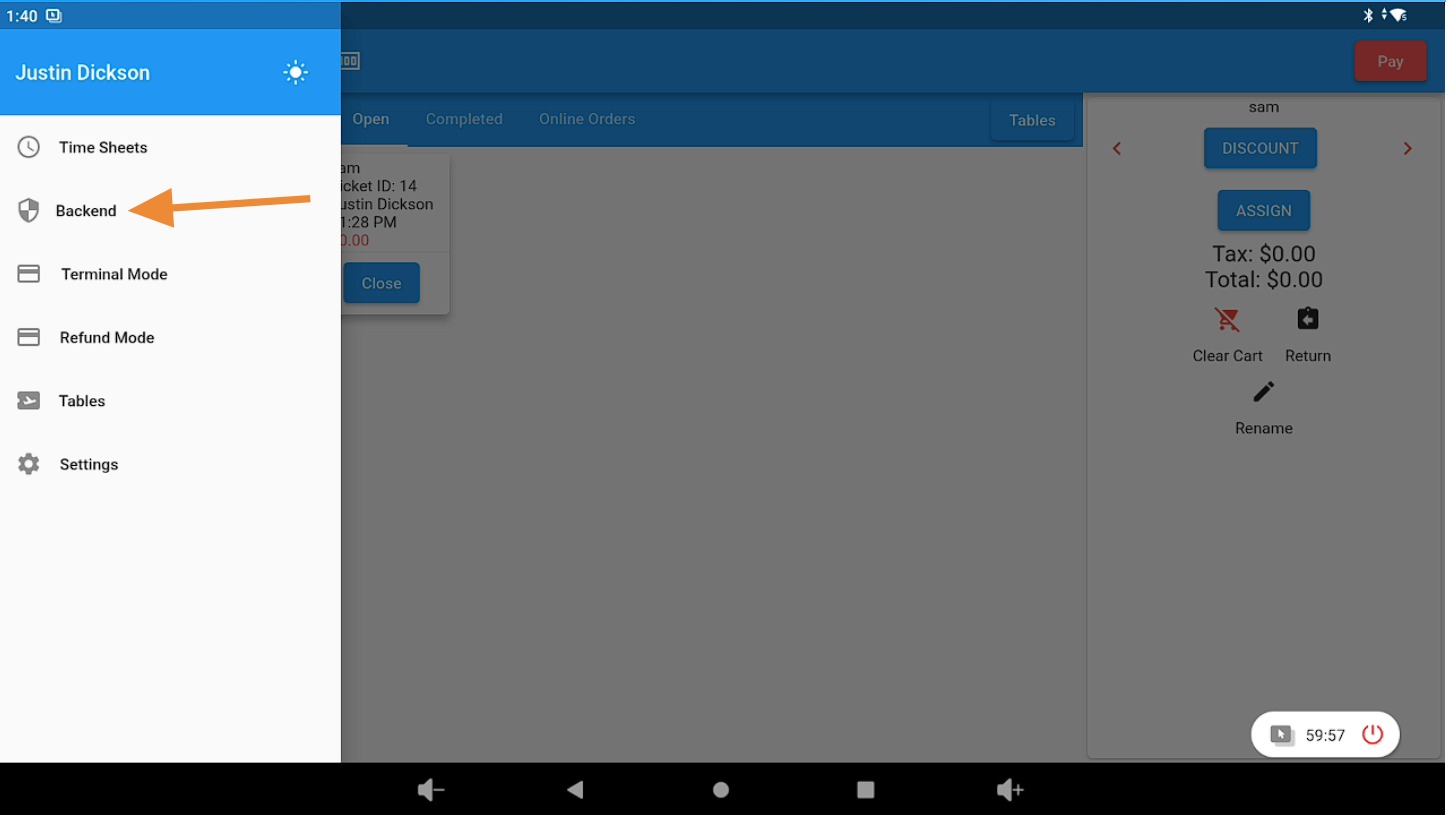
Select the Backend Tab #
Click on the “Backend” tab.
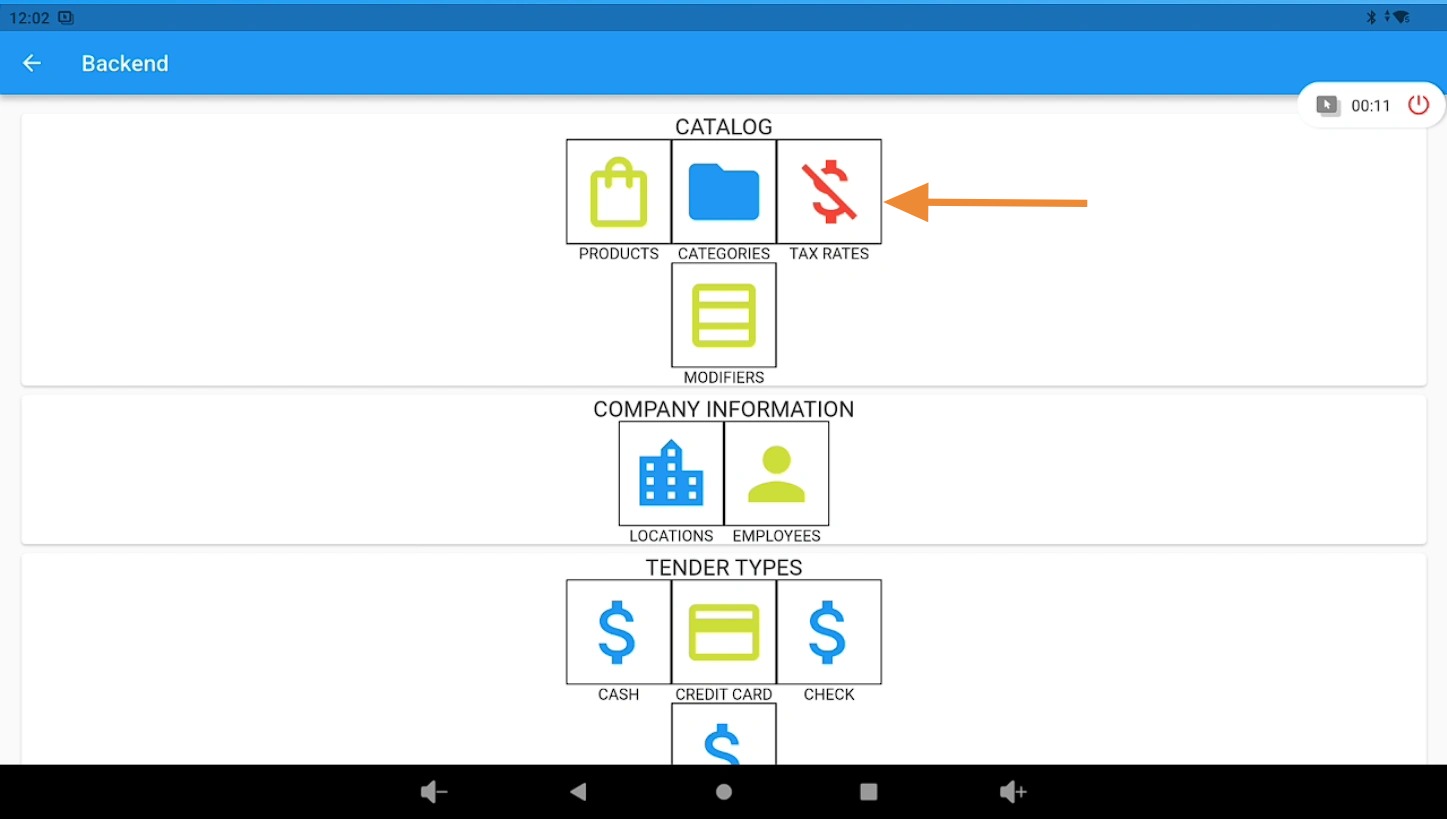
Open the Tax Rates Section #
Under the “Catalog” section, click on the “Tax Rates” button.
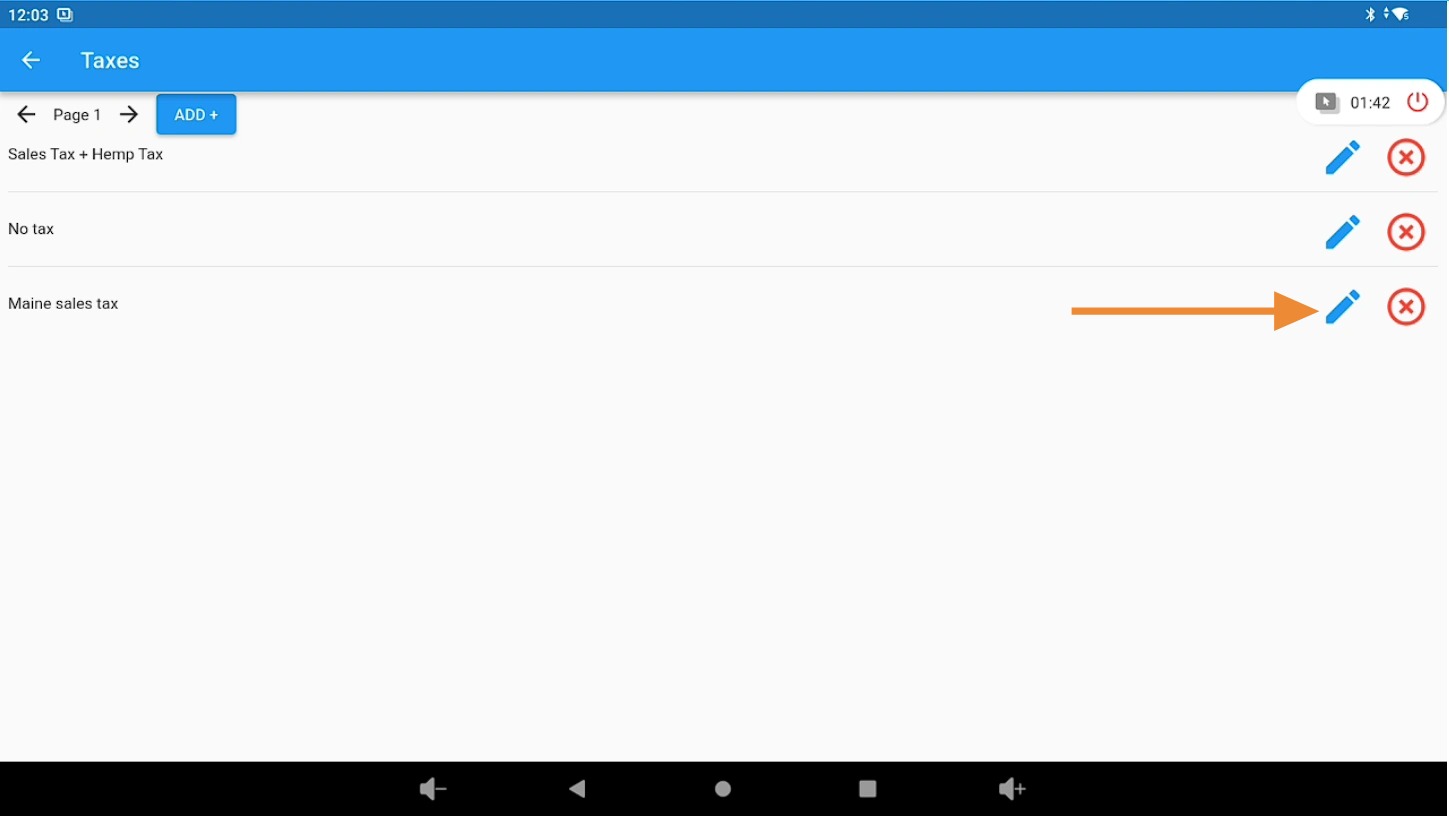
Edit a Tax Rate #
Click on the Edit (pencil) icon to update information about an existing tax rate.
Update the Tax Percentage #
Adjust the tax rate percentage as needed and click the “Save” button to apply the update.