Closing / Cashing Out Open Tables (Lifelong OS) (Bar / Restaurant) #
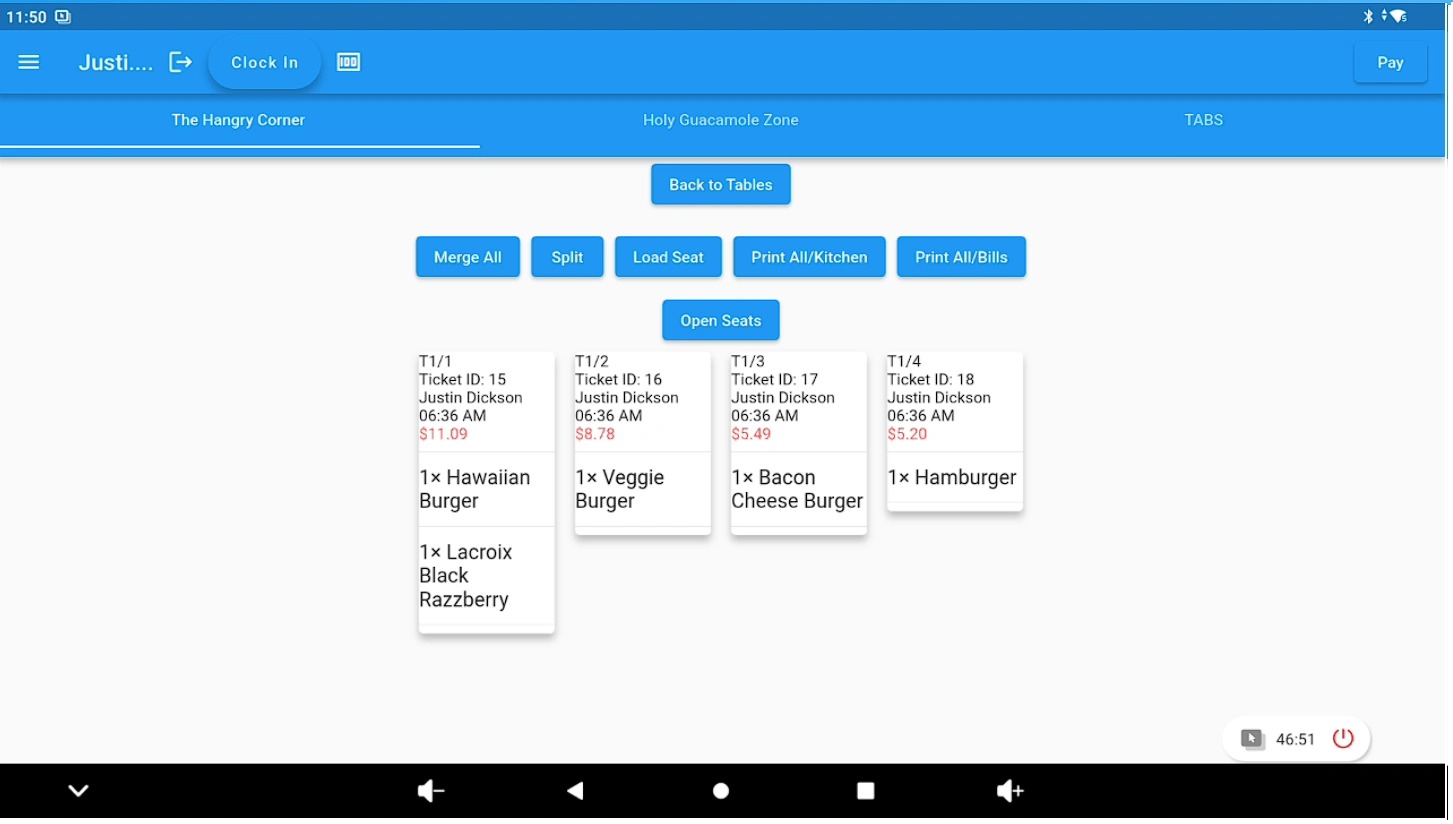
Access the open table #
Open the table that is ready to be closed or cashed out.
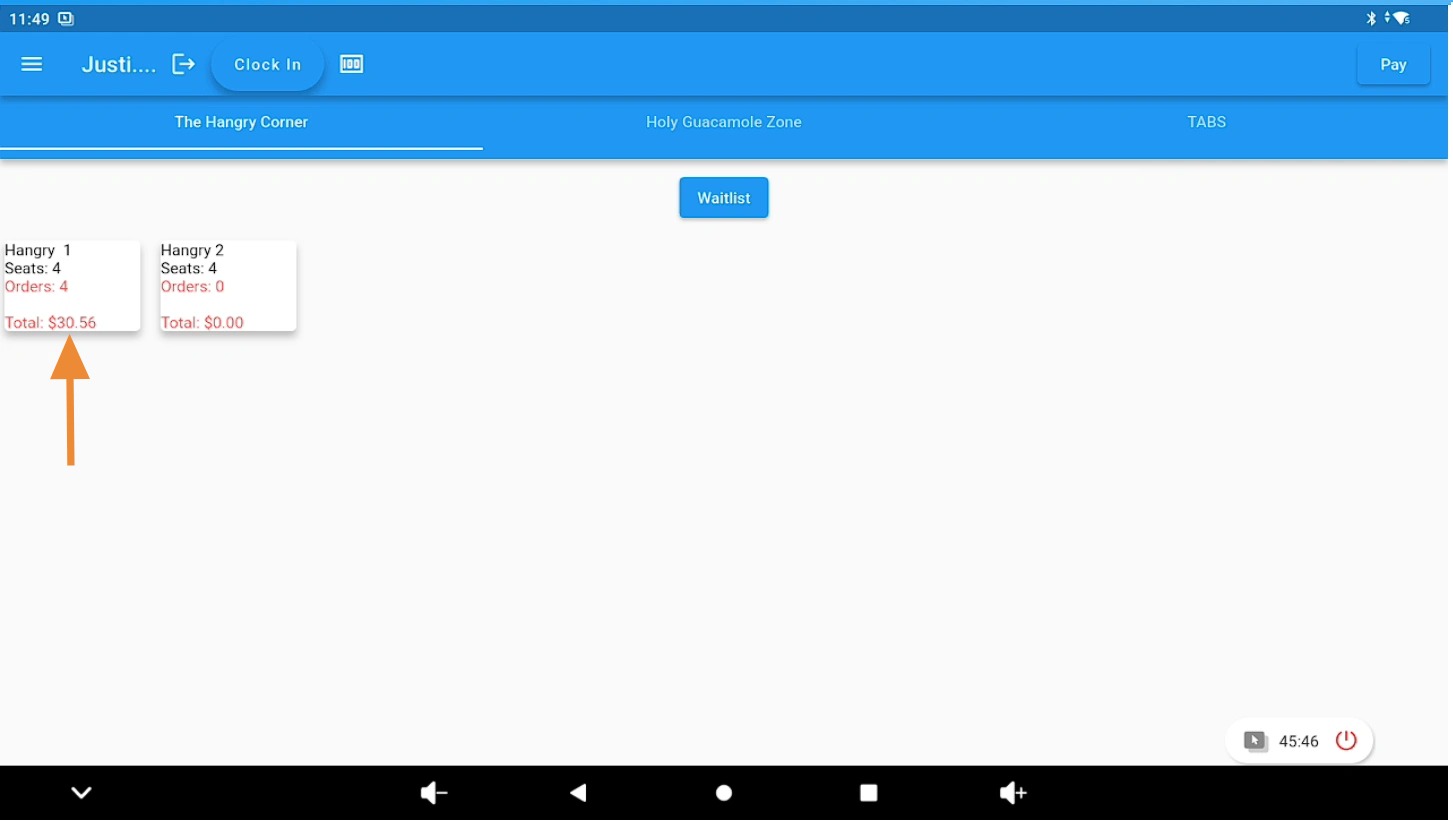
Print customer bills (optional) #
Use the Print All Bills option to provide checks to customers if needed.
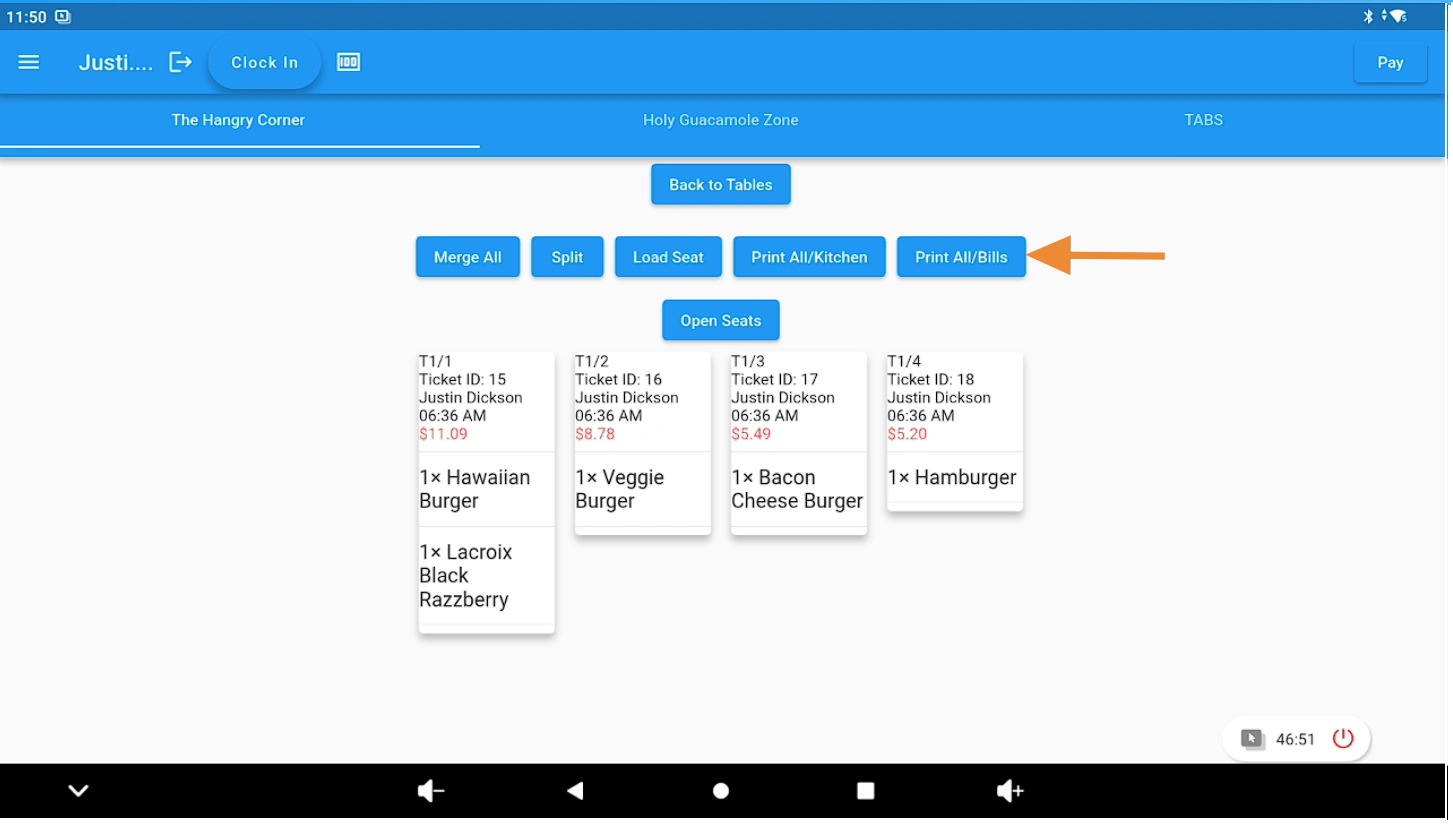
Proceed with closing the table #
Continue the checkout process to prepare the table for payment and closure.
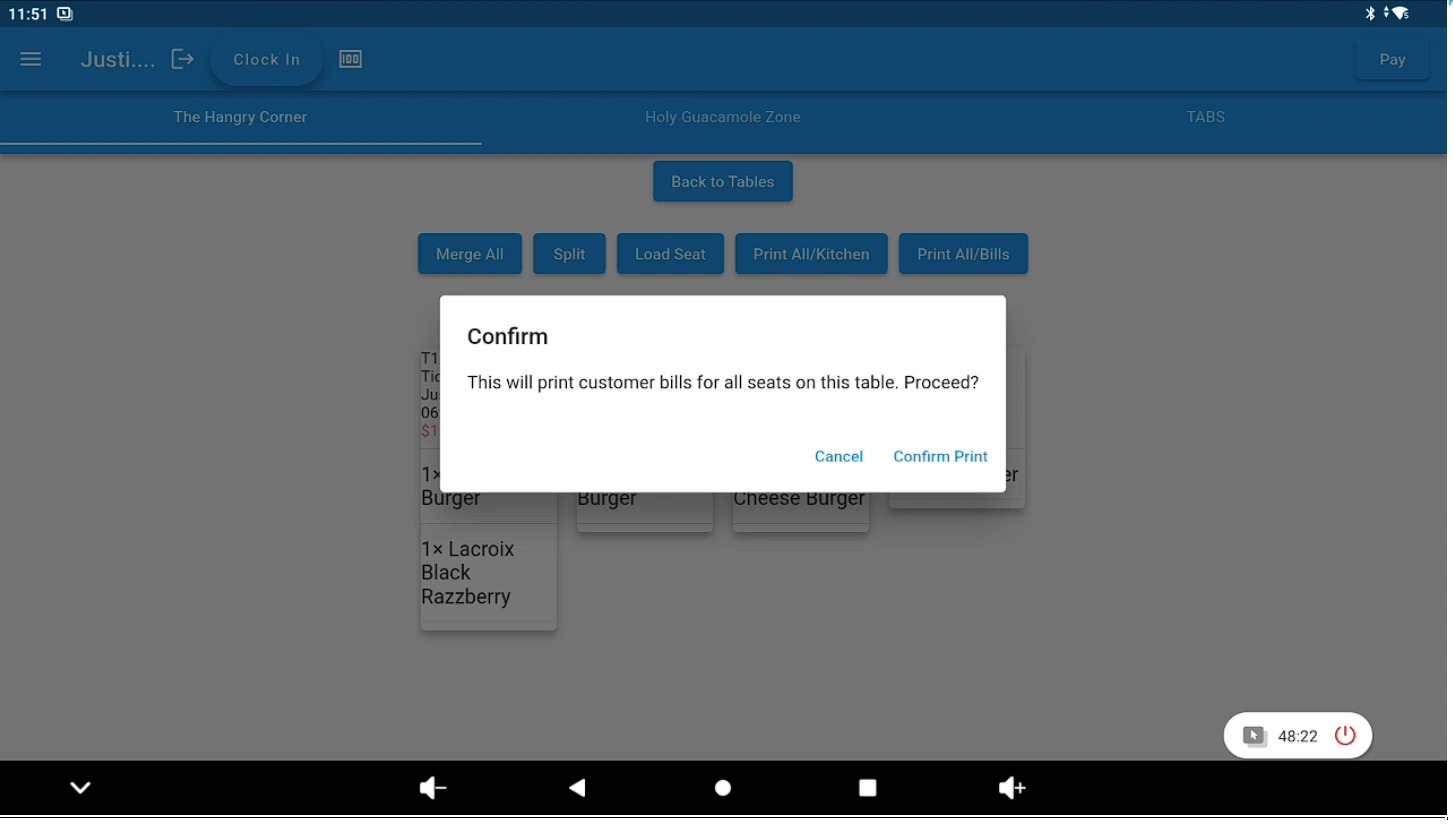
Finalize and complete checkout #
Complete the remaining steps to fully cash out and close the table.