
How To View Daily & Shift Reports (Lifelong OS) #
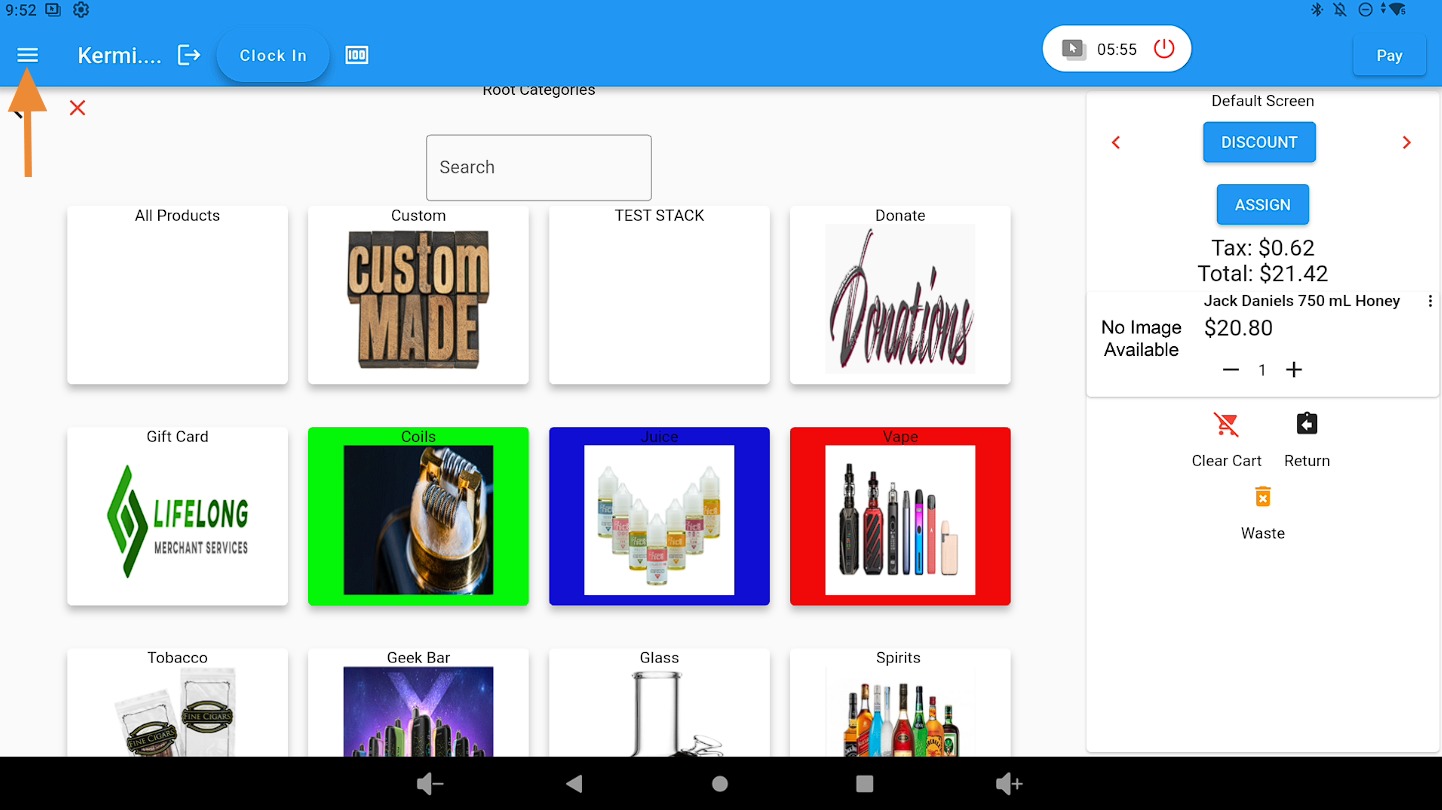
Open the Main Menu #
Click on the three-bar dropdown menu.
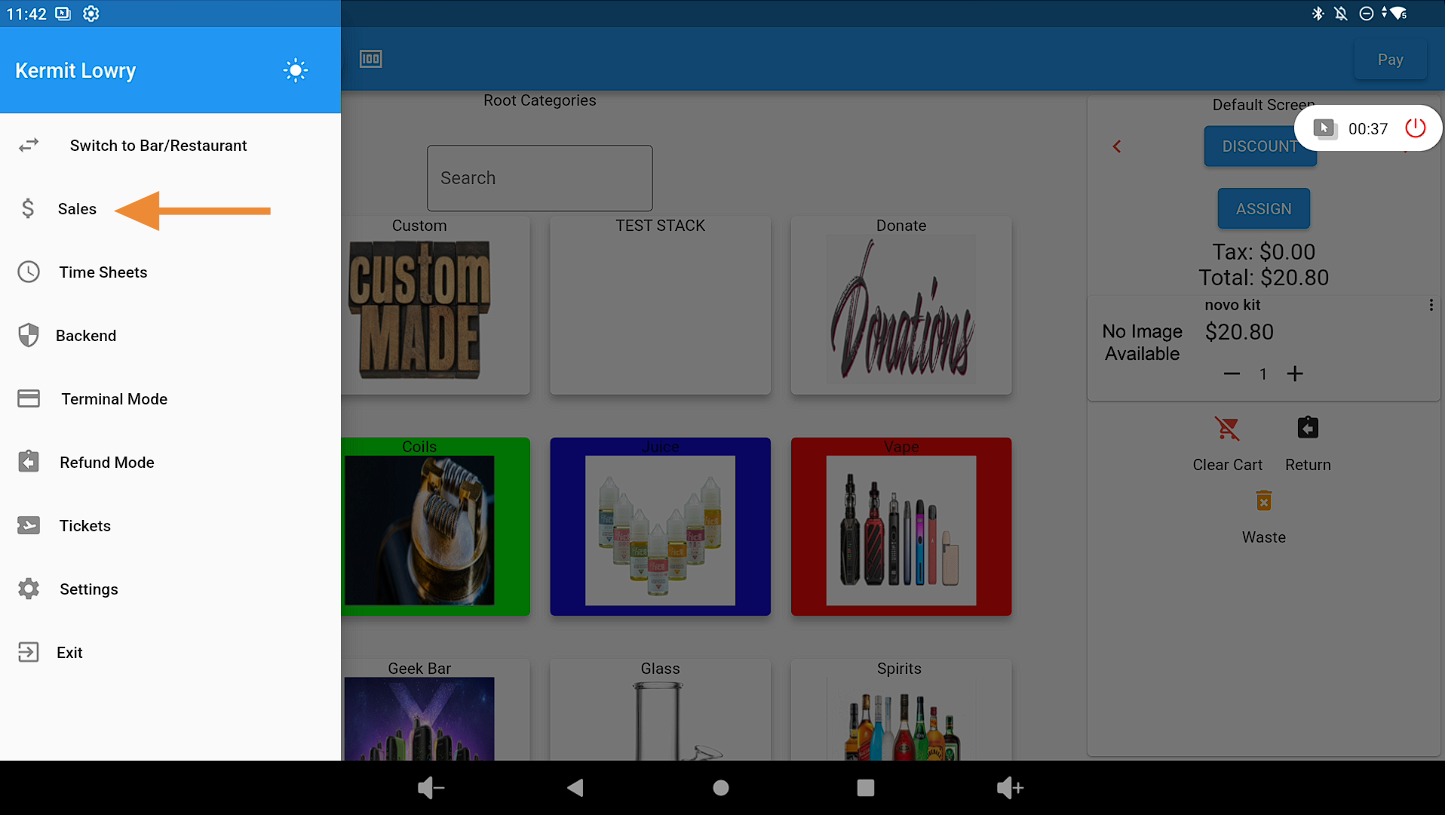
Select the “Sales” Tab #
Click on the Sales tab.
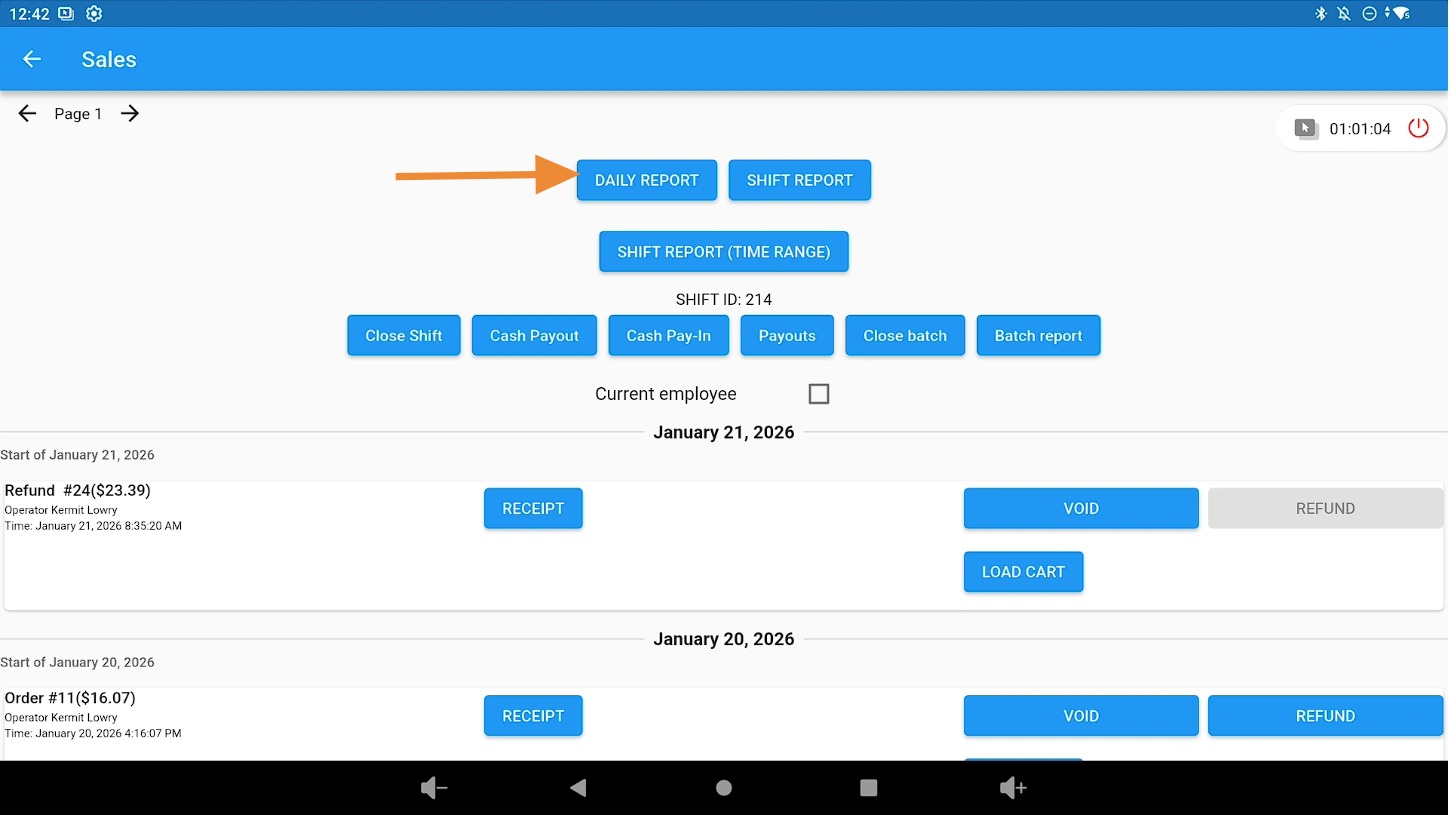
Access Daily Reports #
Click the Daily Reports button to view your daily reporting details.
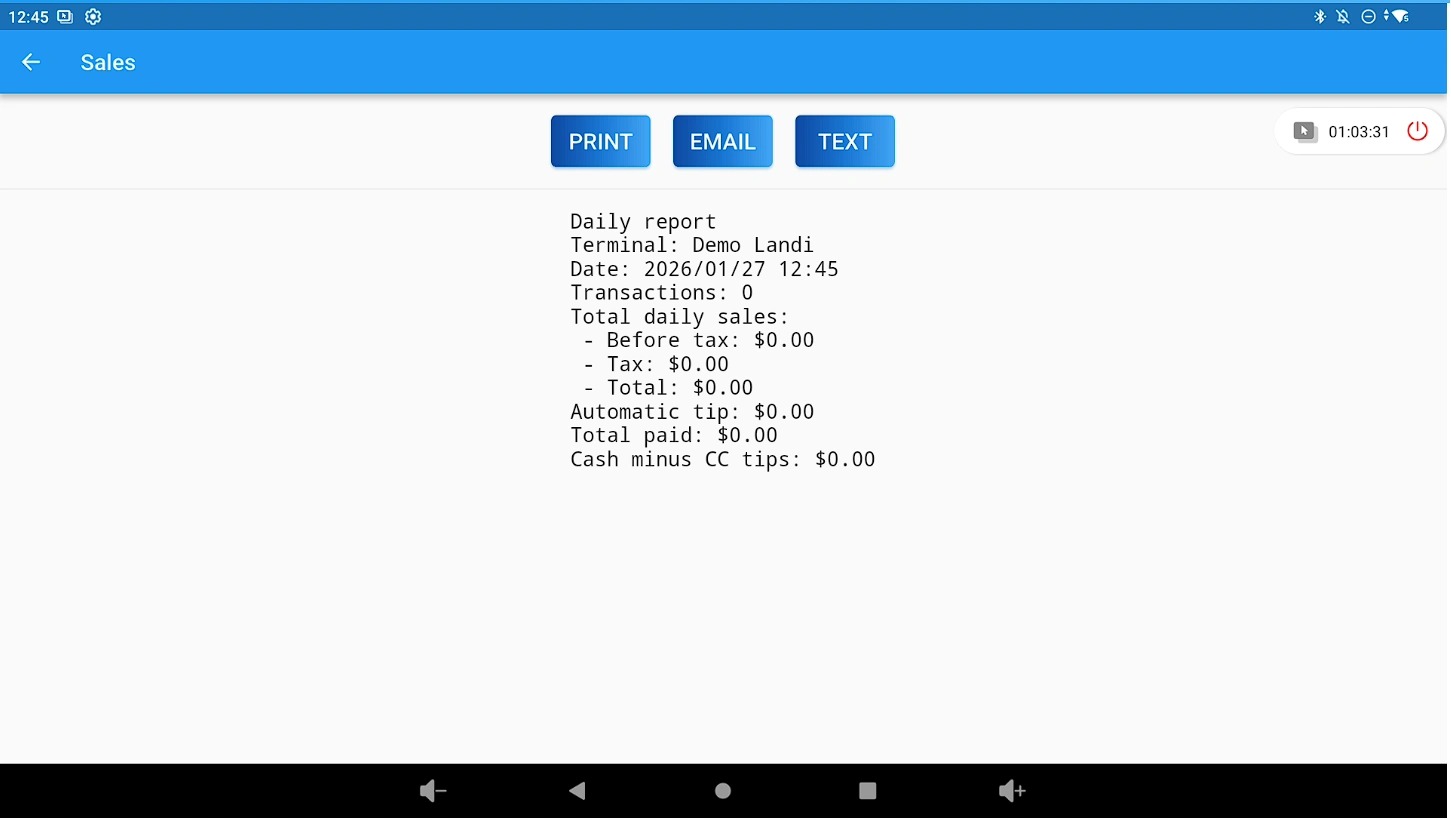
Print, Email, or Text the Daily Report #
Select the option to print, email, or text your Daily Report as needed.
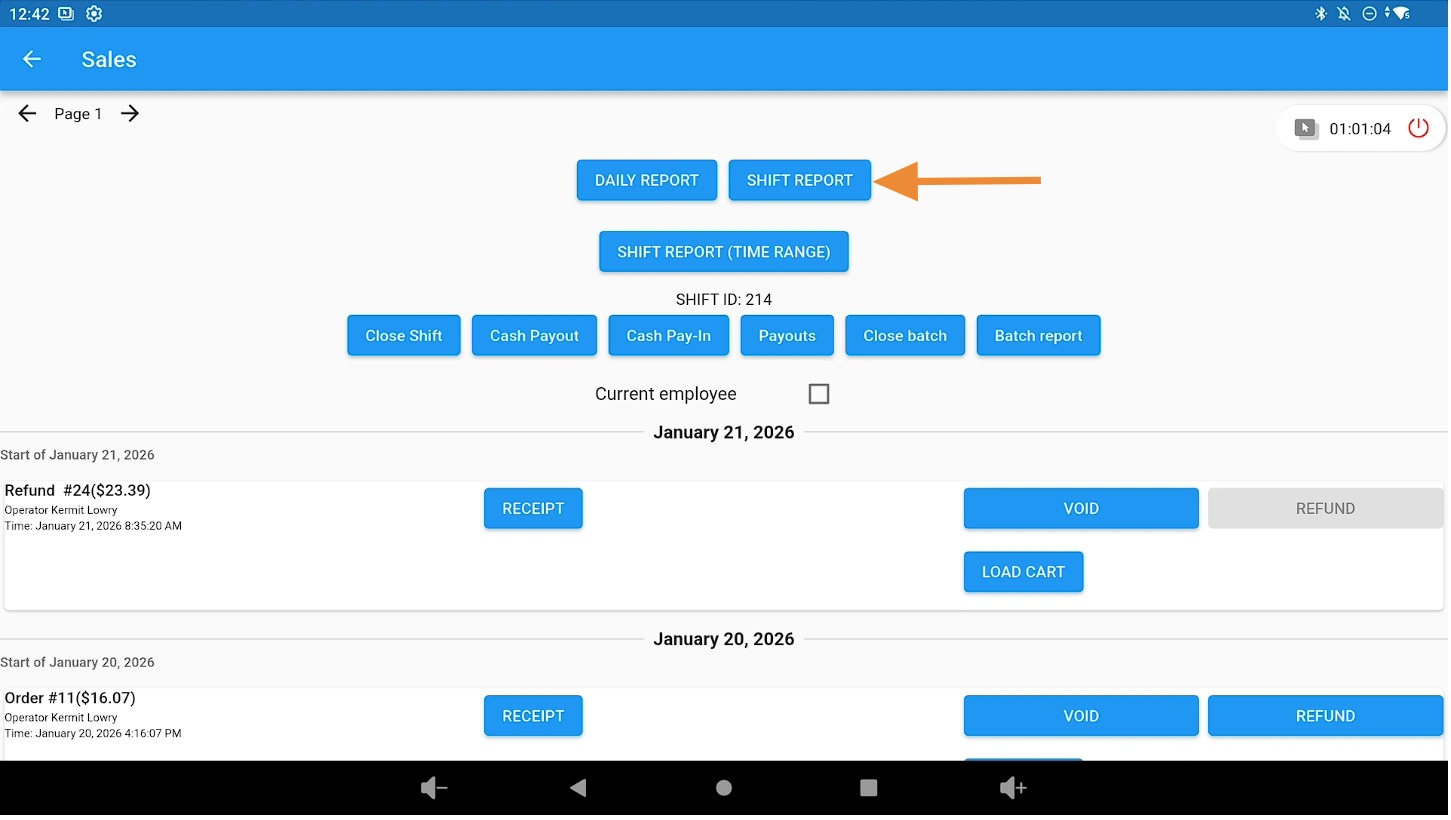
Access Shift Reports #
Click the Shift Reports button to view shift-level reporting details.
Tip: View Shift Reports by Date from the Admin Area #
For detailed shift reports by specific dates, access the Shift Report section from the Admin area.


