
How To View Daily & Shift Reports (Lifelong OS – Retail) #
Made by Lifelong Support with Scribe
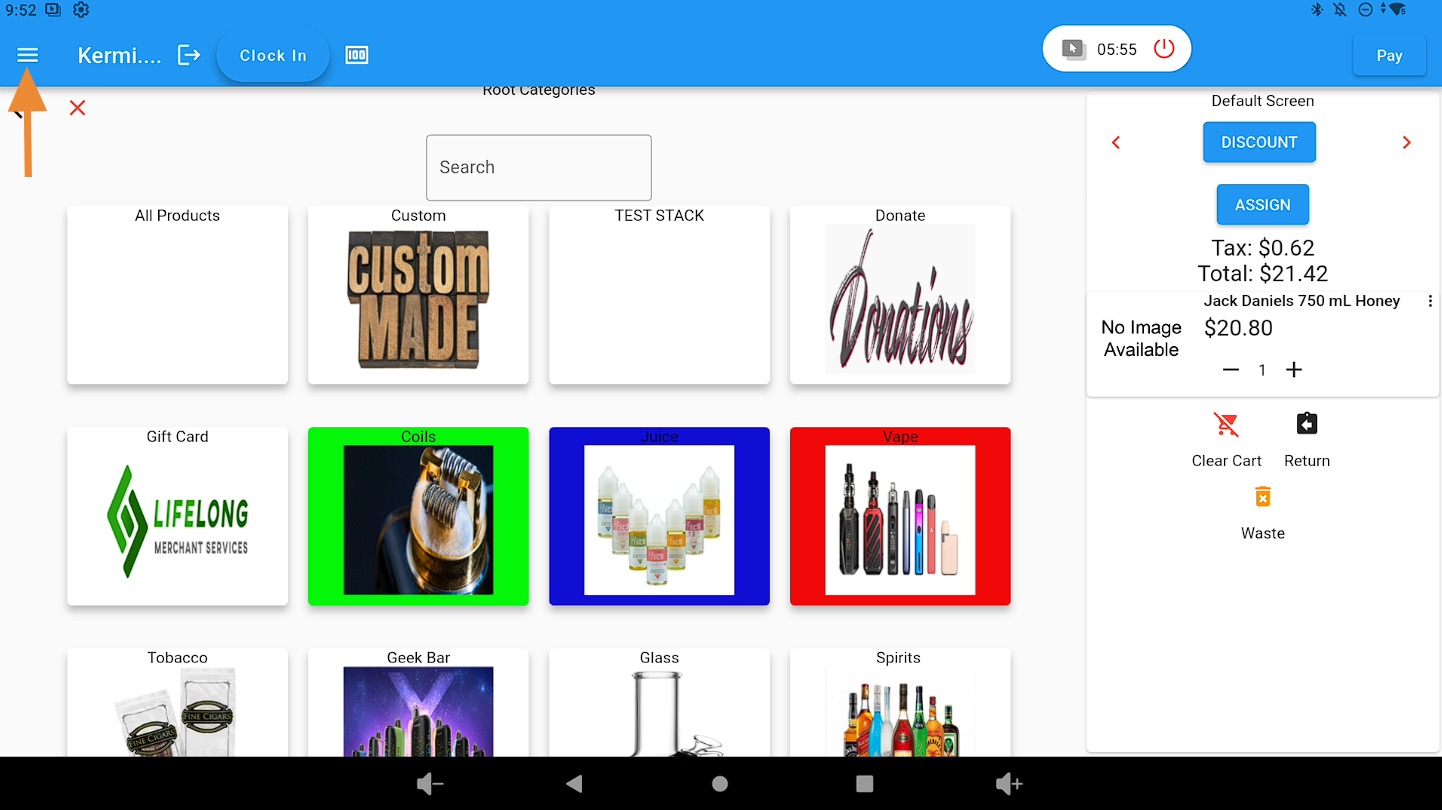
Open the main menu #
Click on the three-bar dropdown menu.
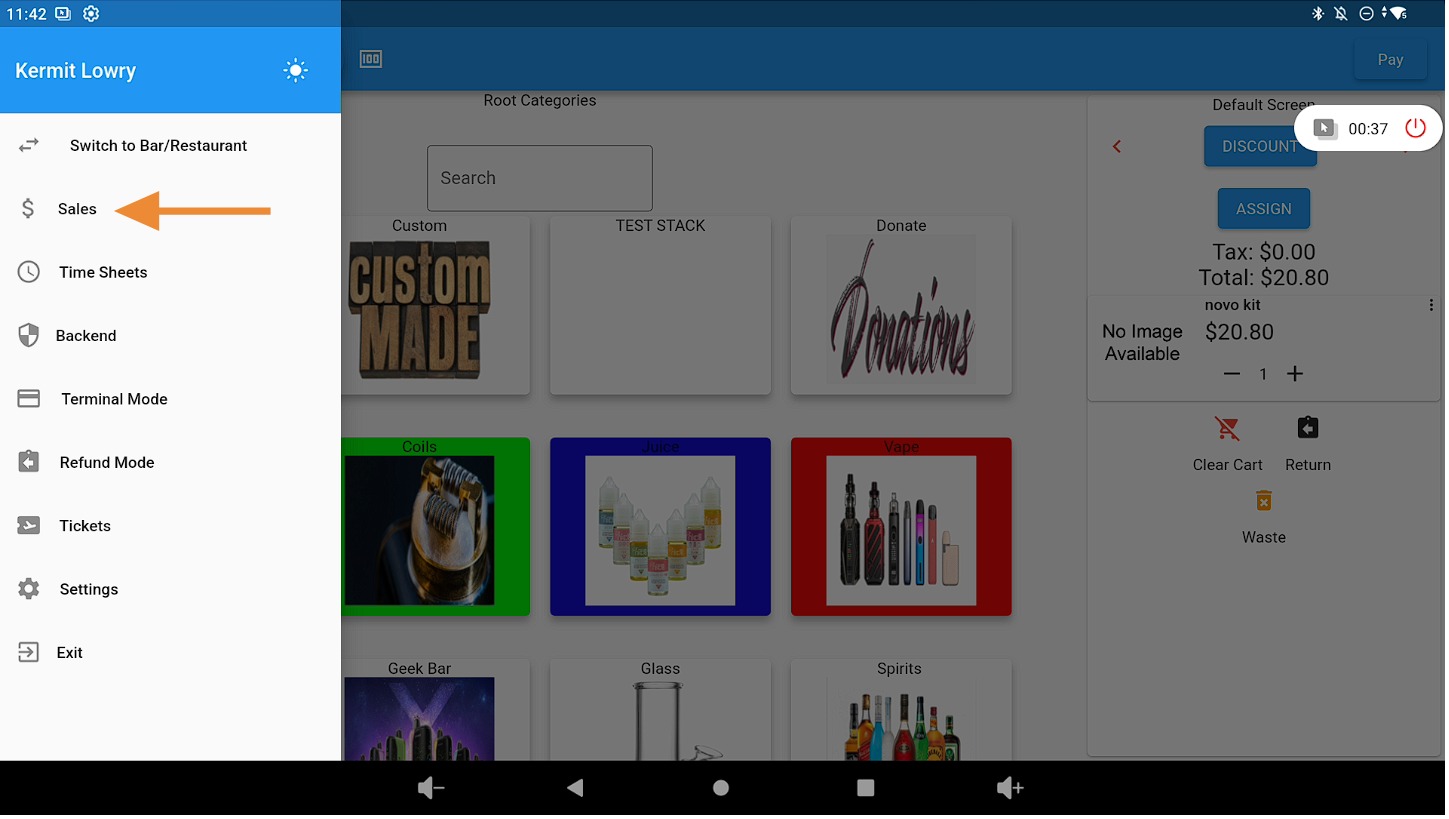
Go to Sales #
Click on the Sales tab.
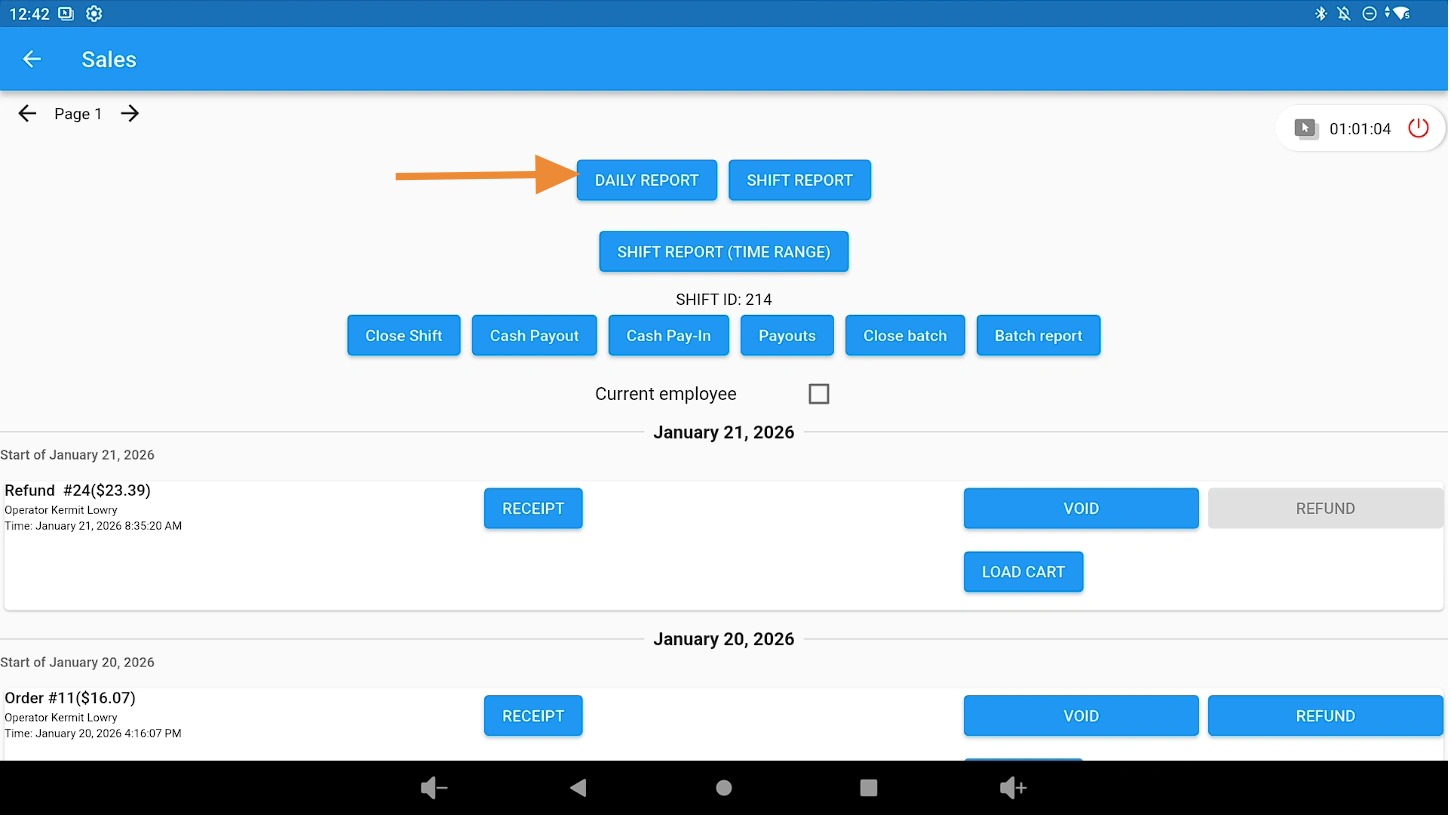
Open Daily Reports #
Access your Daily Reports by clicking the Daily Reports button.
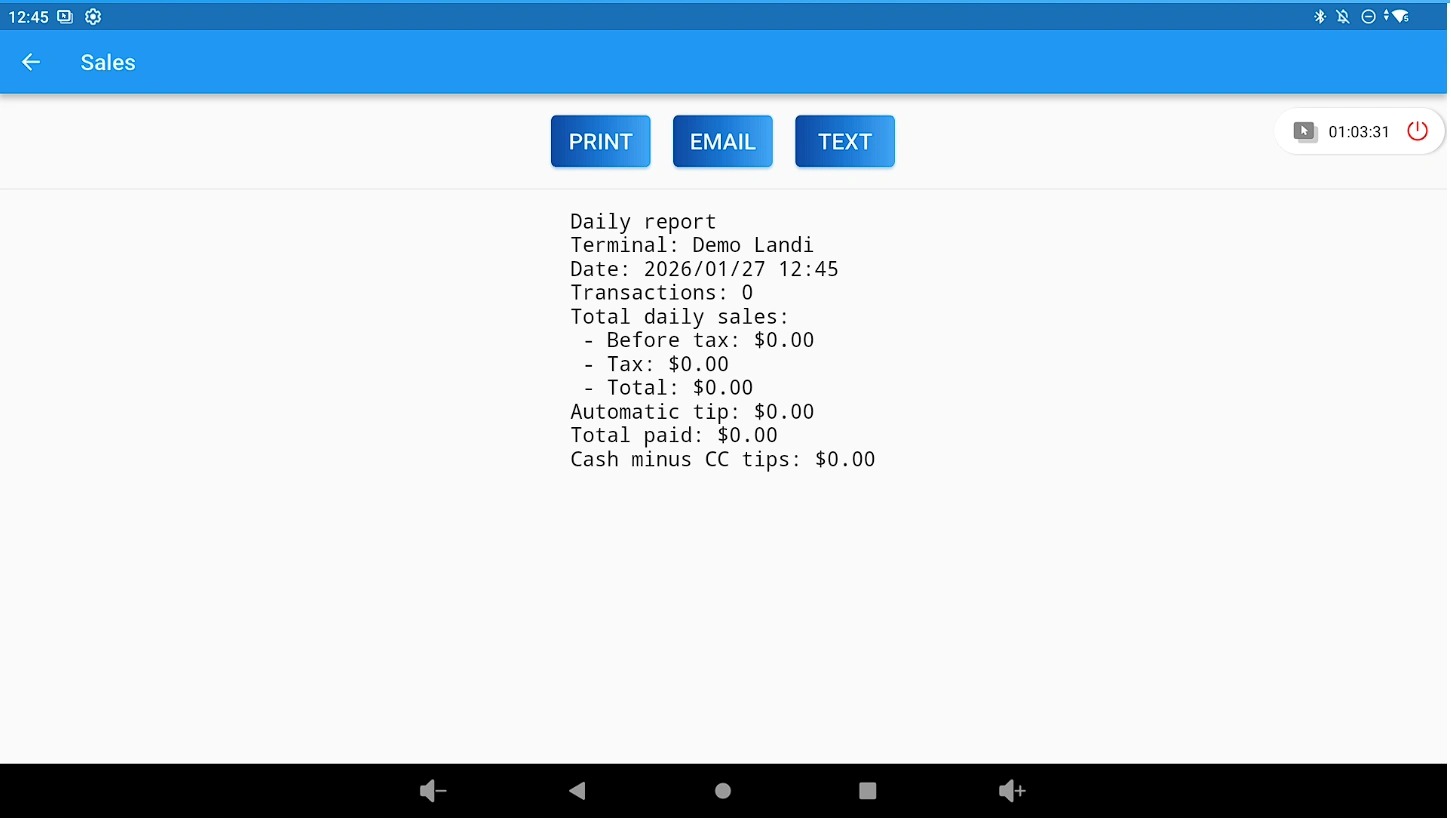
Share or print the Daily Report #
Print, email, or text your Daily Report.
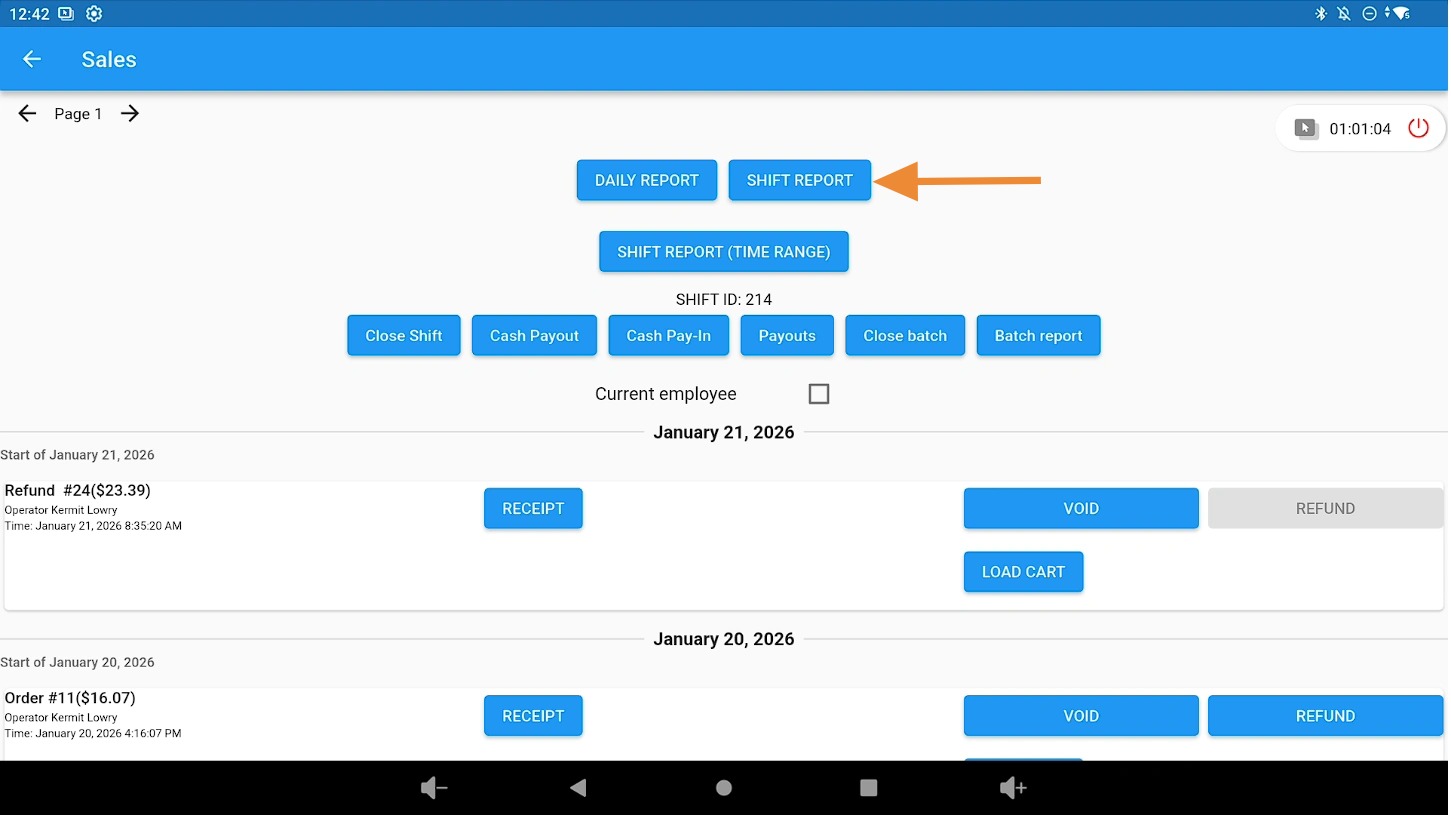
Open Shift Reports #
Access your Shift Reports by clicking the Shift Reports button.
Tip for viewing shift reports by date #
To view Shift Reports by a specific date from the Admin area, refer to the related documentation in the Admin reporting section.


