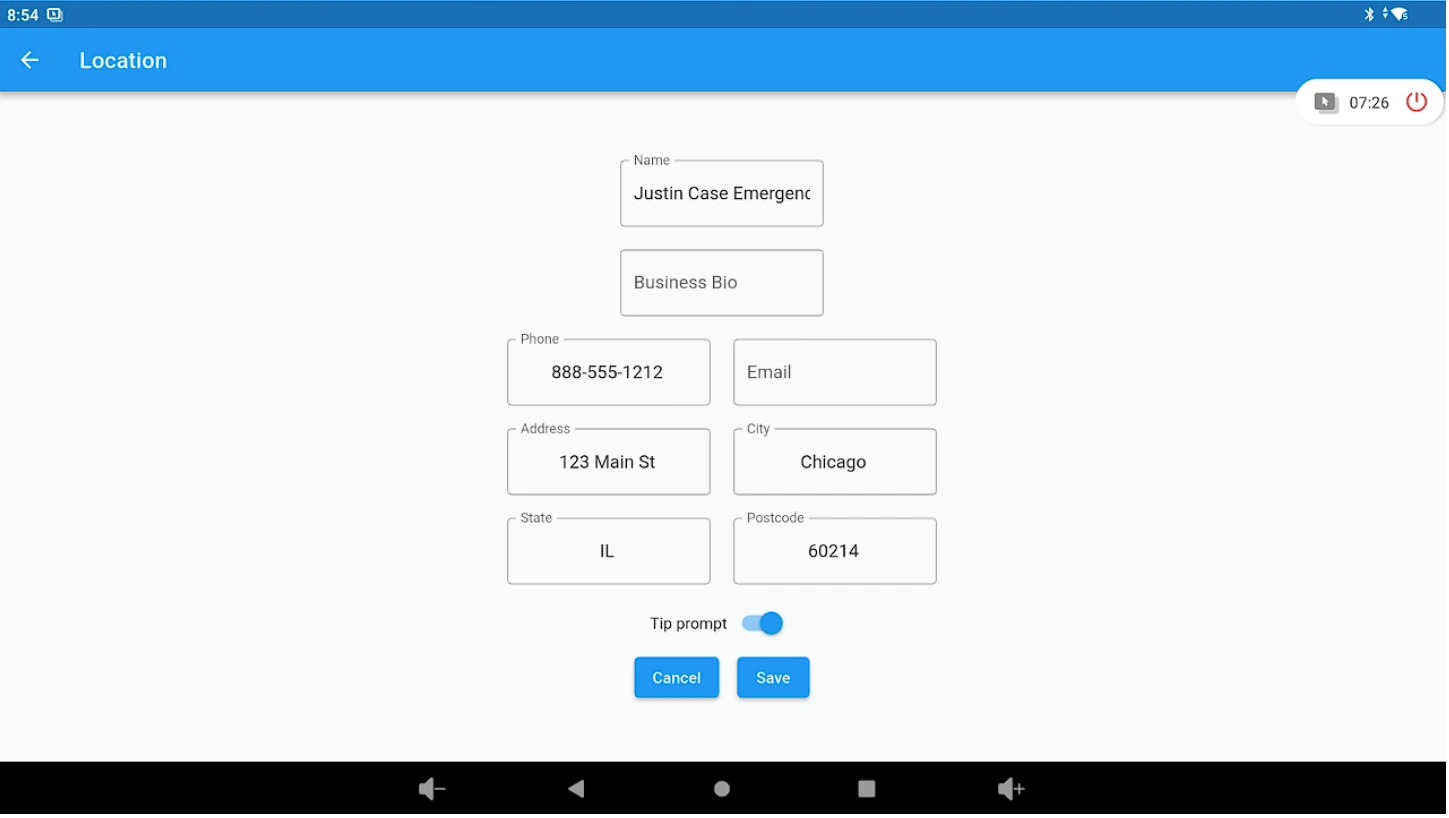
Backend – Company Information (Lifelong OS) #
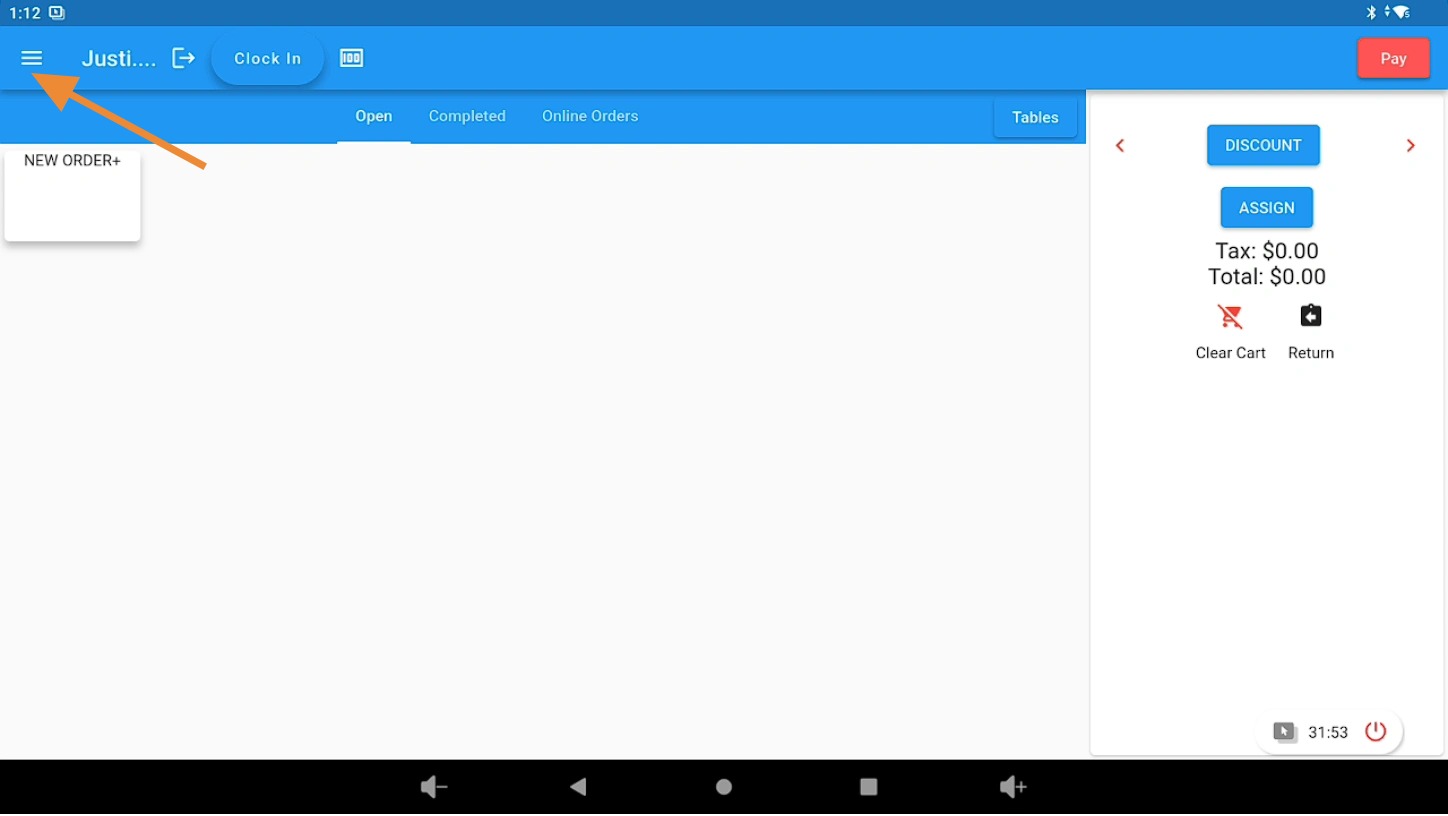
Open the 3 Bar Menu in Lifelong OS #
Open Lifelong OS and click on the “3 Bar Menu” button.
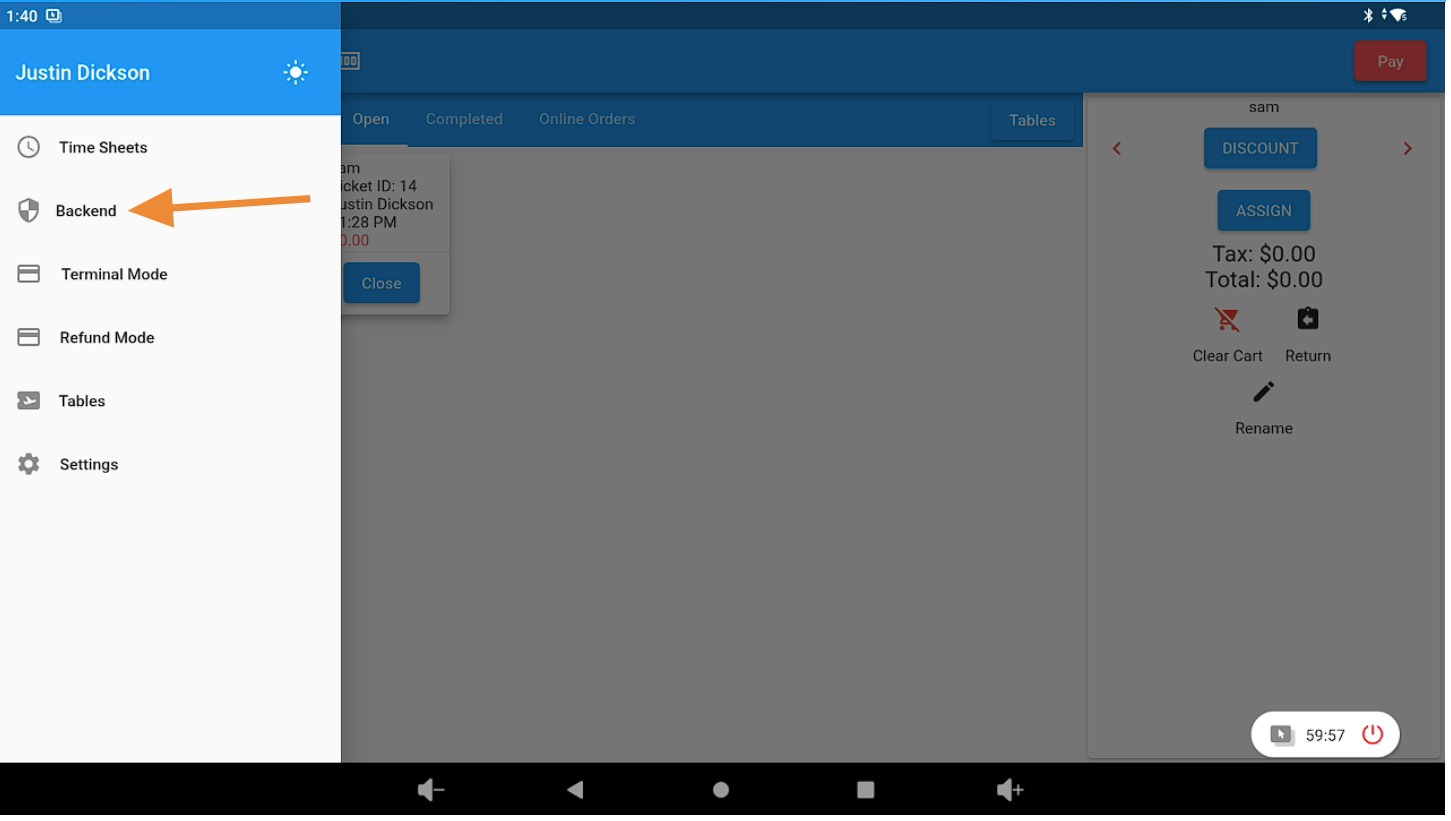
Select the Backend Tab #
Click on the “Backend” tab.
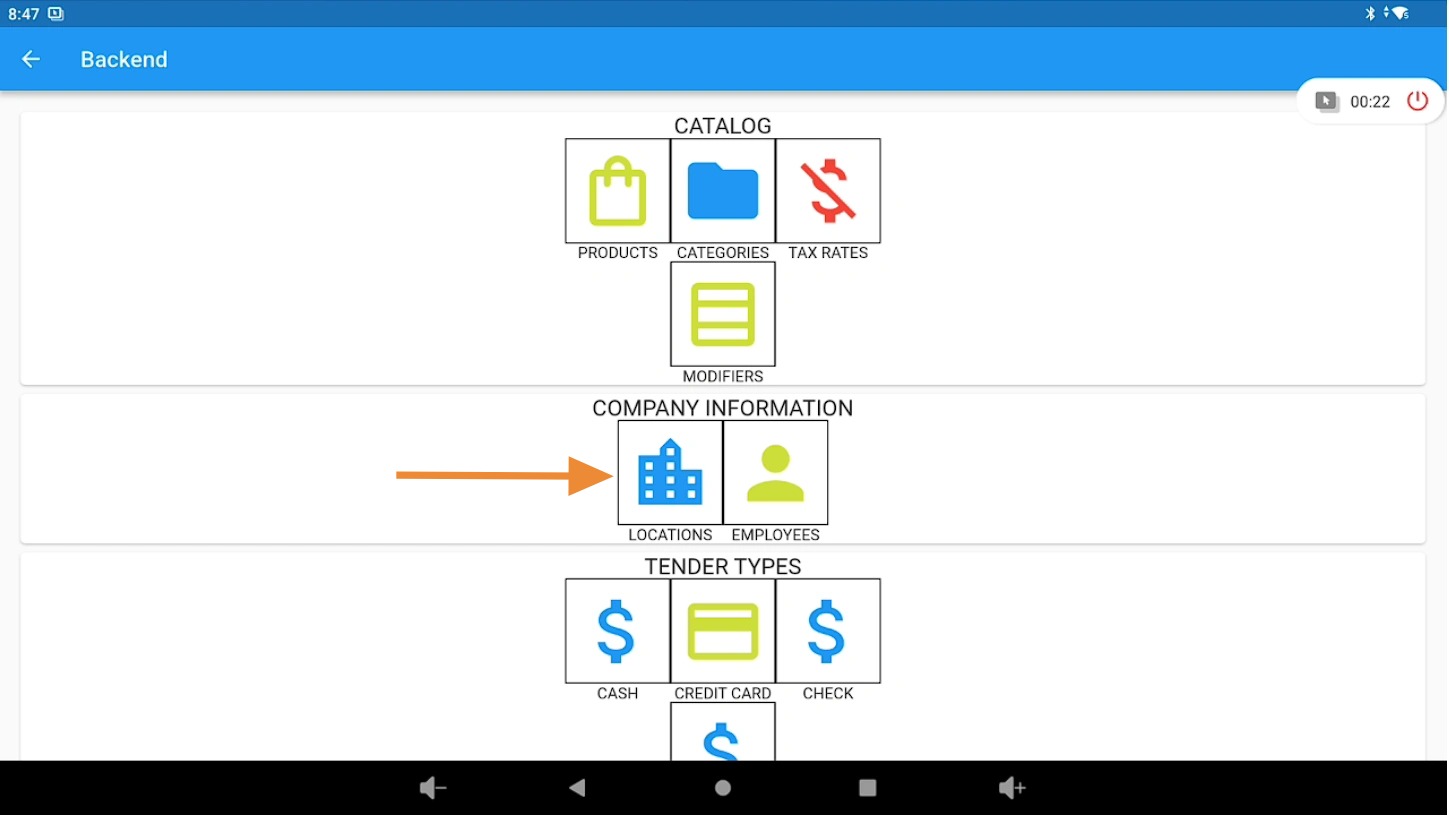
Open Locations in Company Information #
Under “Company Information”, click on the “Locations” icon.
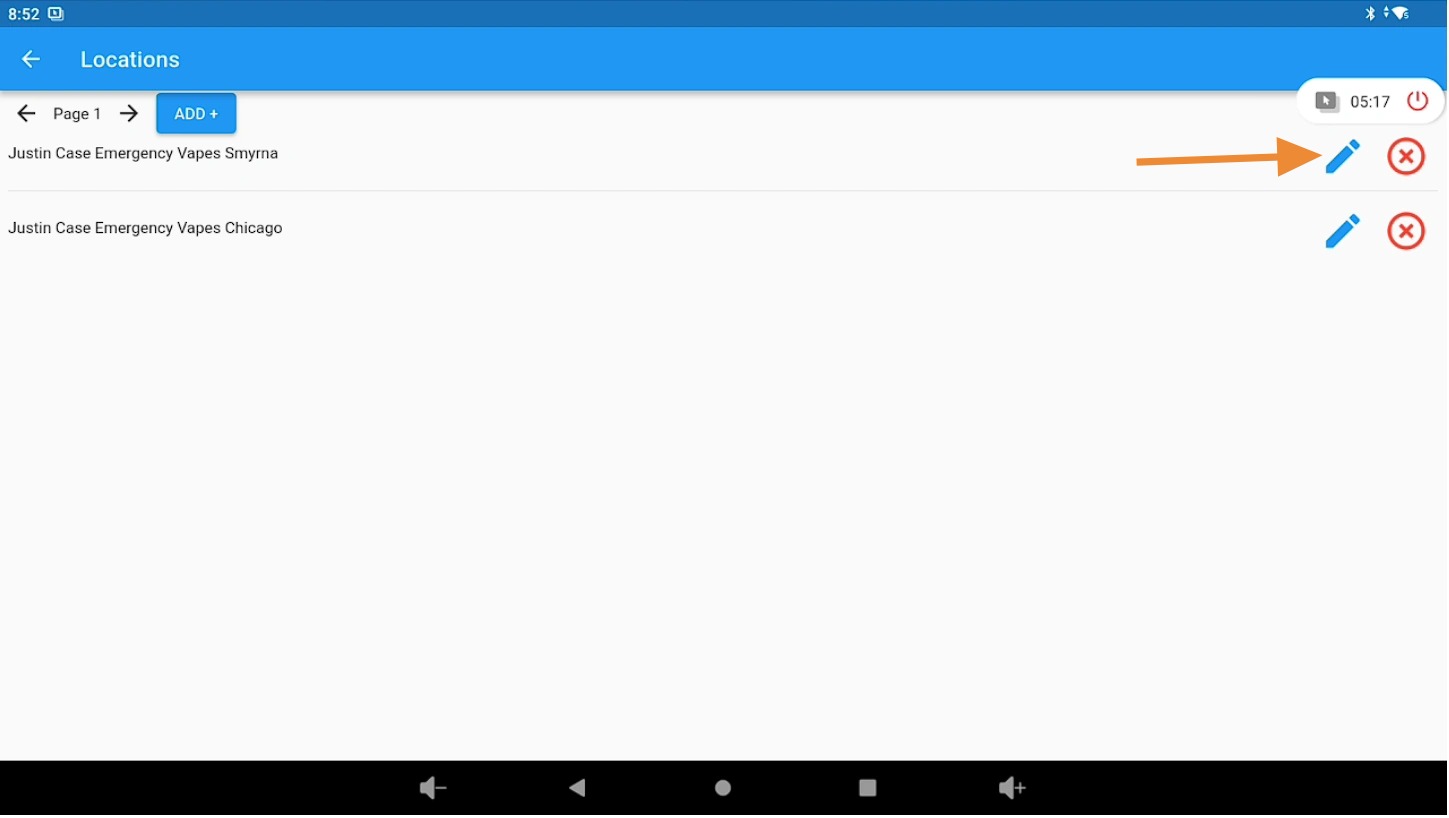
Edit Company or Location Information #
Click the pencil (edit) icon to update your location or company information.
Update Company Details #
On this page, you can update all relevant company information, including:
- Phone number
- Email address
- Enable or disable the tip prompt for employees