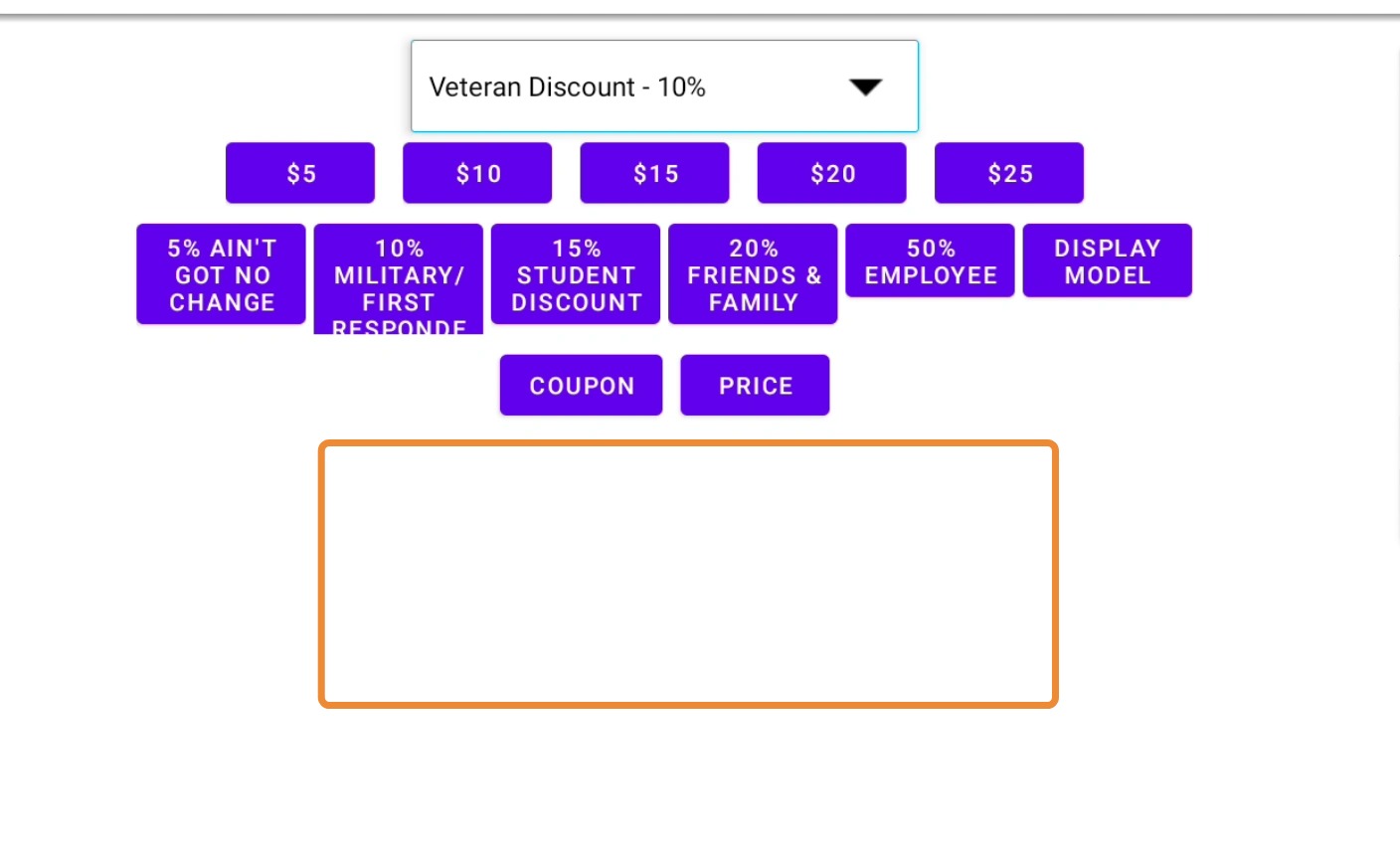
Disable Custom Discount Amount #
This guide provides a straightforward process for disabling the custom discount feature in your POS system, ensuring that discounts are applied consistently and according to your business rules. By following these steps, you can streamline your discount management, enhance operational efficiency, and prevent potential pricing errors. It’s an essential resource for anyone looking to maintain control over discount settings in their retail environment.
Enable on Backend Website #
Navigate to Lifelong POS #
Go to https://login.lifelongpos.com/
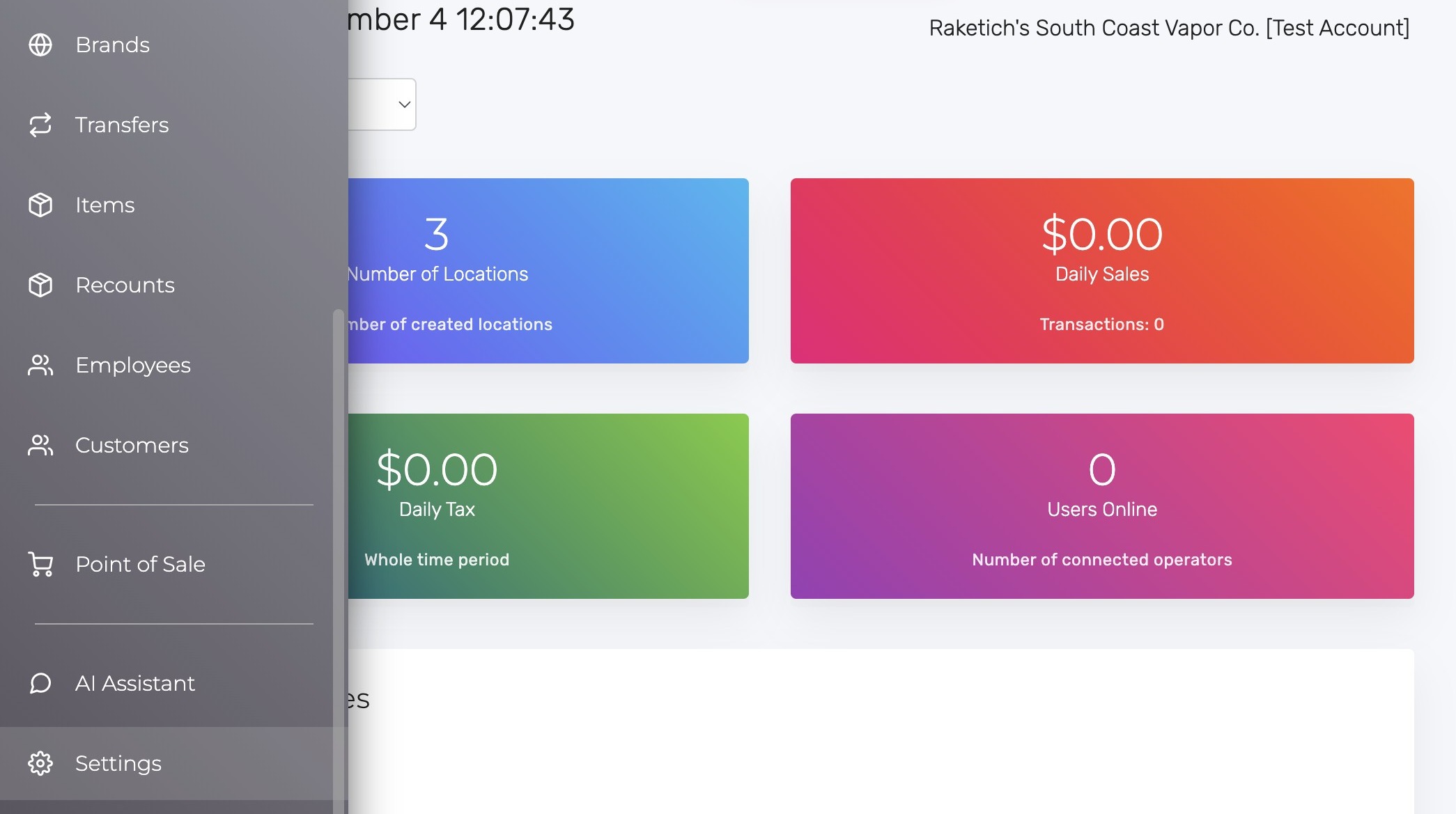
Open Settings #
Click Settings.
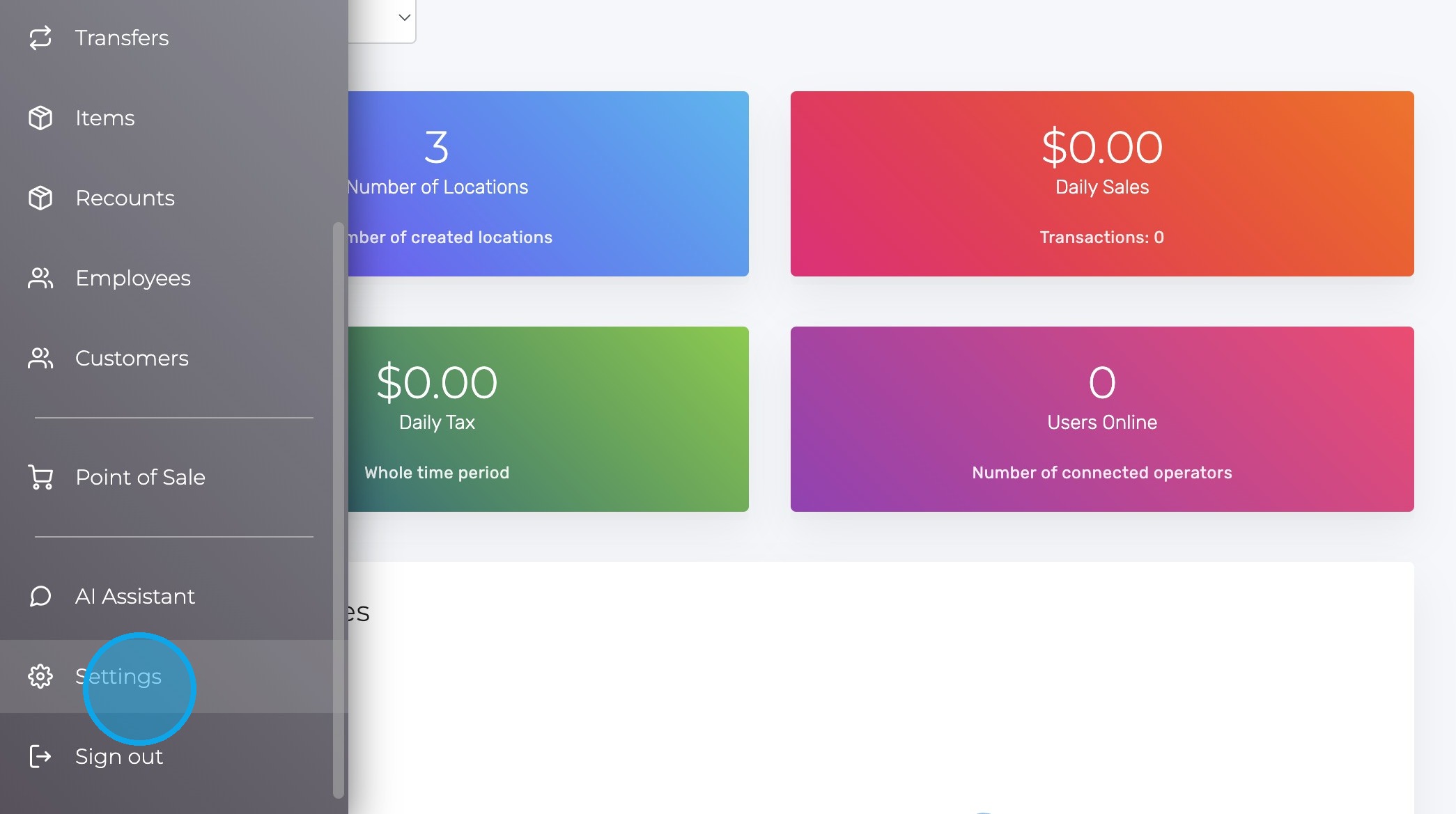
Access General Settings #
Click General settings.
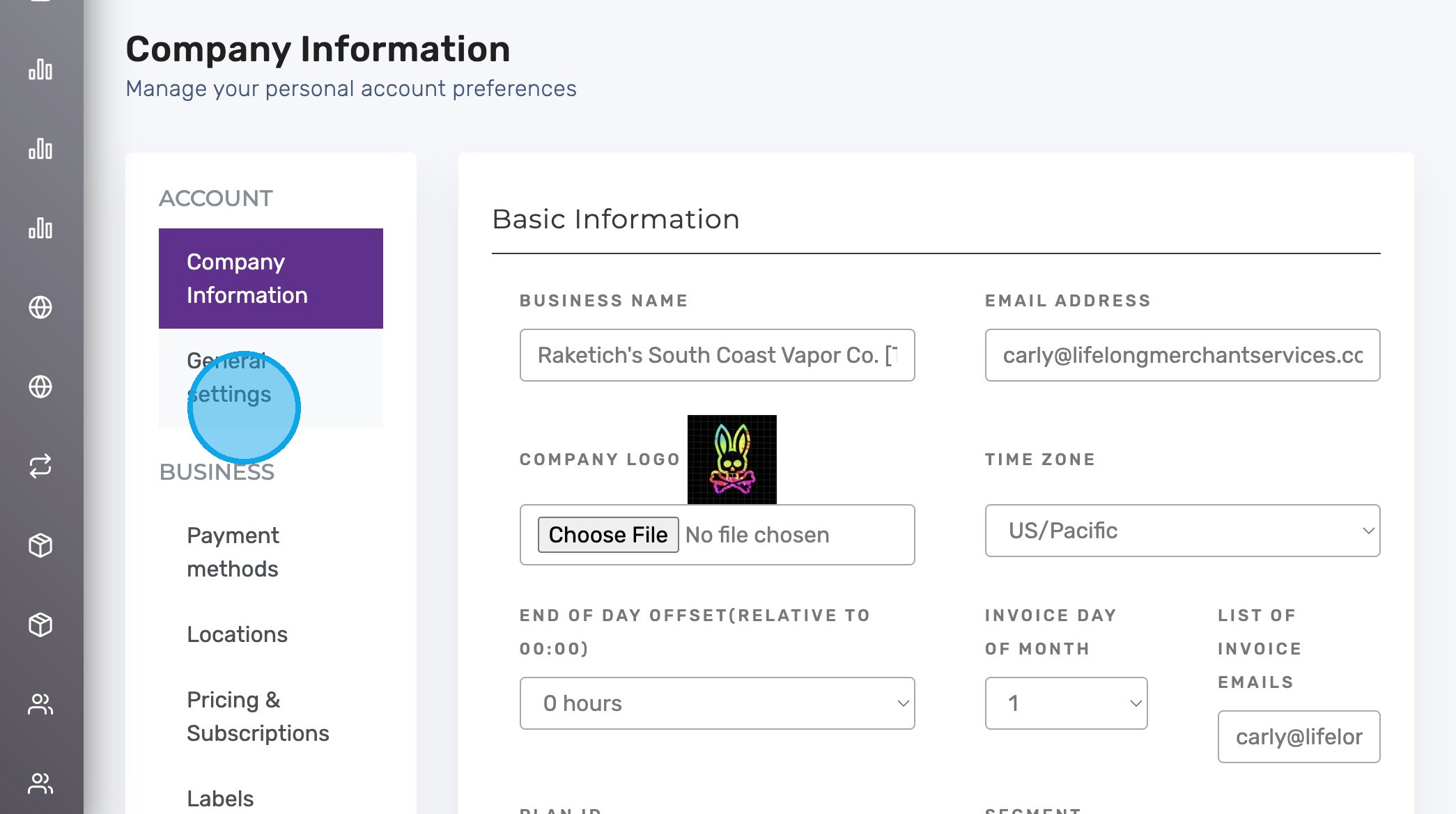
Disable Custom Discount #
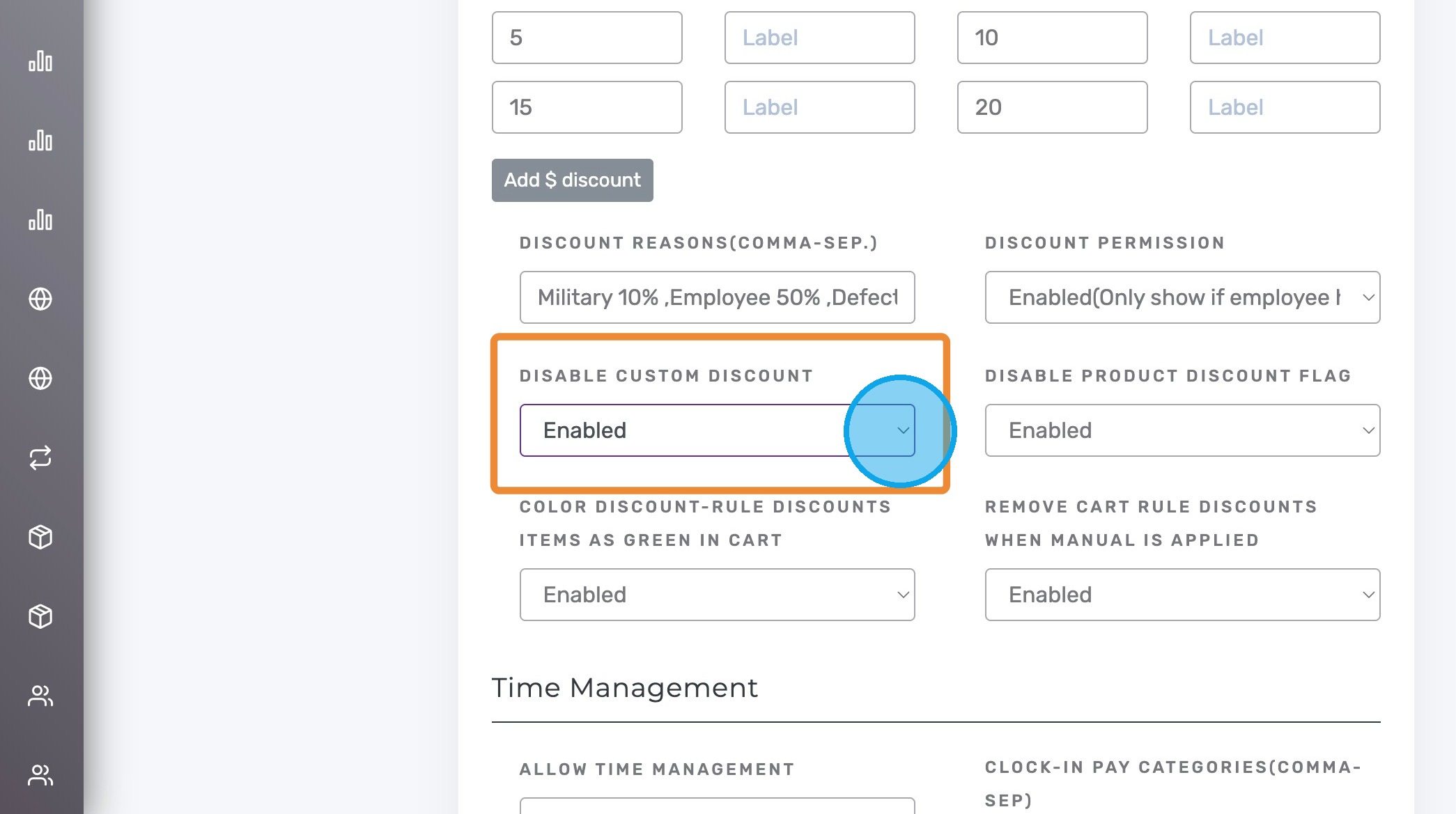
- Scroll down to the Discounts section.
- Toggle Custom Discount to disable it.
- Select the Enabled option to enforce standard discounts.
Save Your Settings #
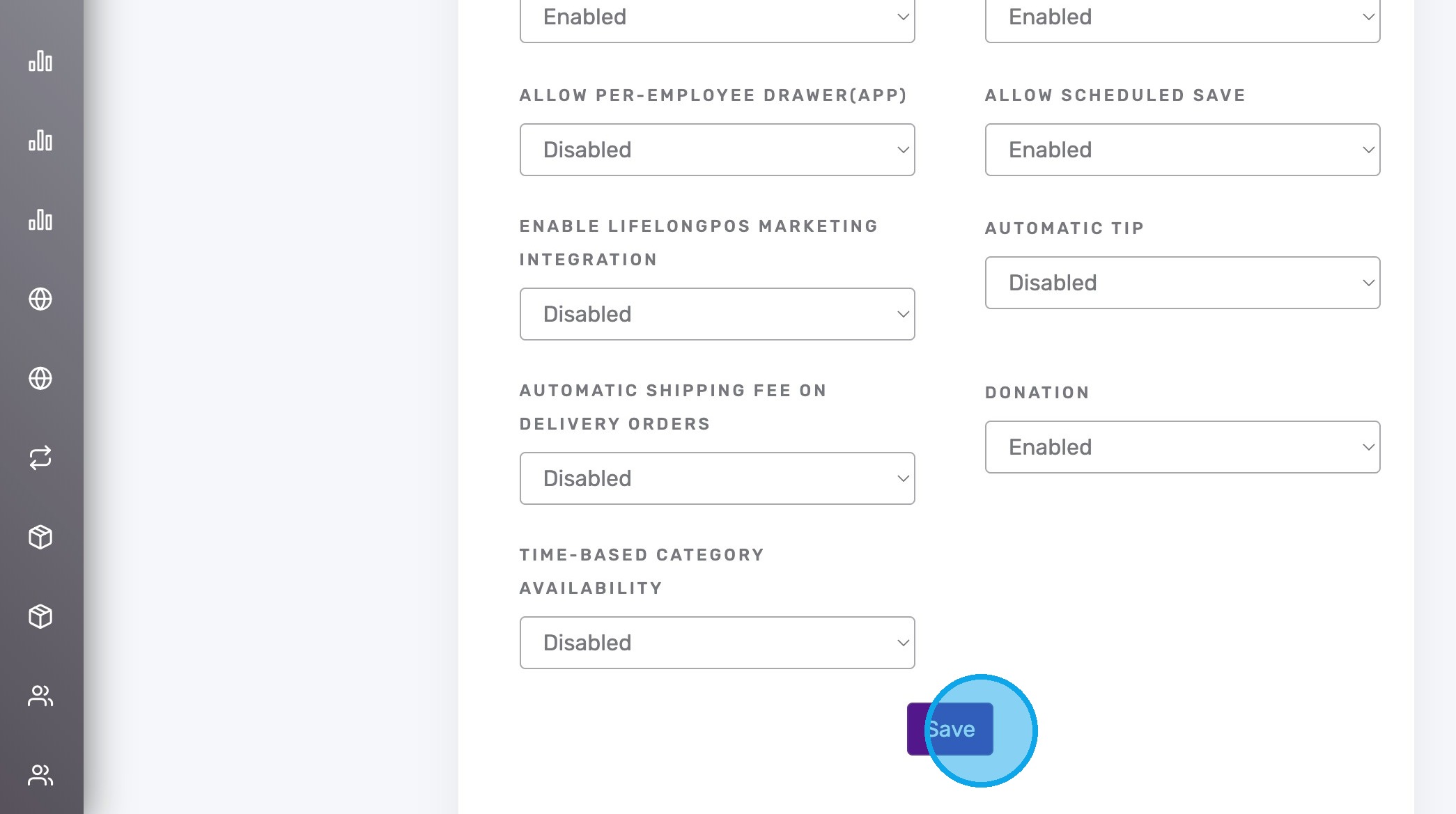
Click Save to apply the changes.
POS View #
E800 Terminal #
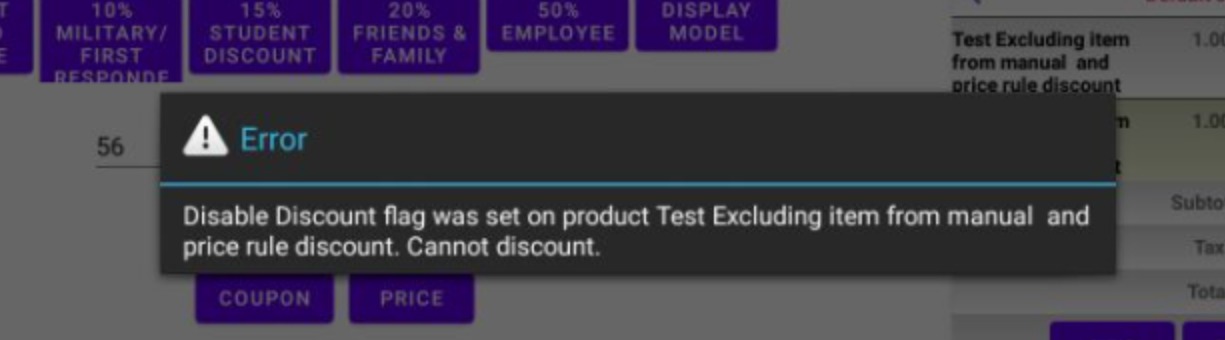
When attempting a custom discount amount, a pop-up will appear notifying that this option is disabled.
Landi Terminal #
The Custom Amount option will no longer be visible on the POS interface.