Paying By Invoice on Lifelong POS Register #
Made by Lifelong Support with Scribe
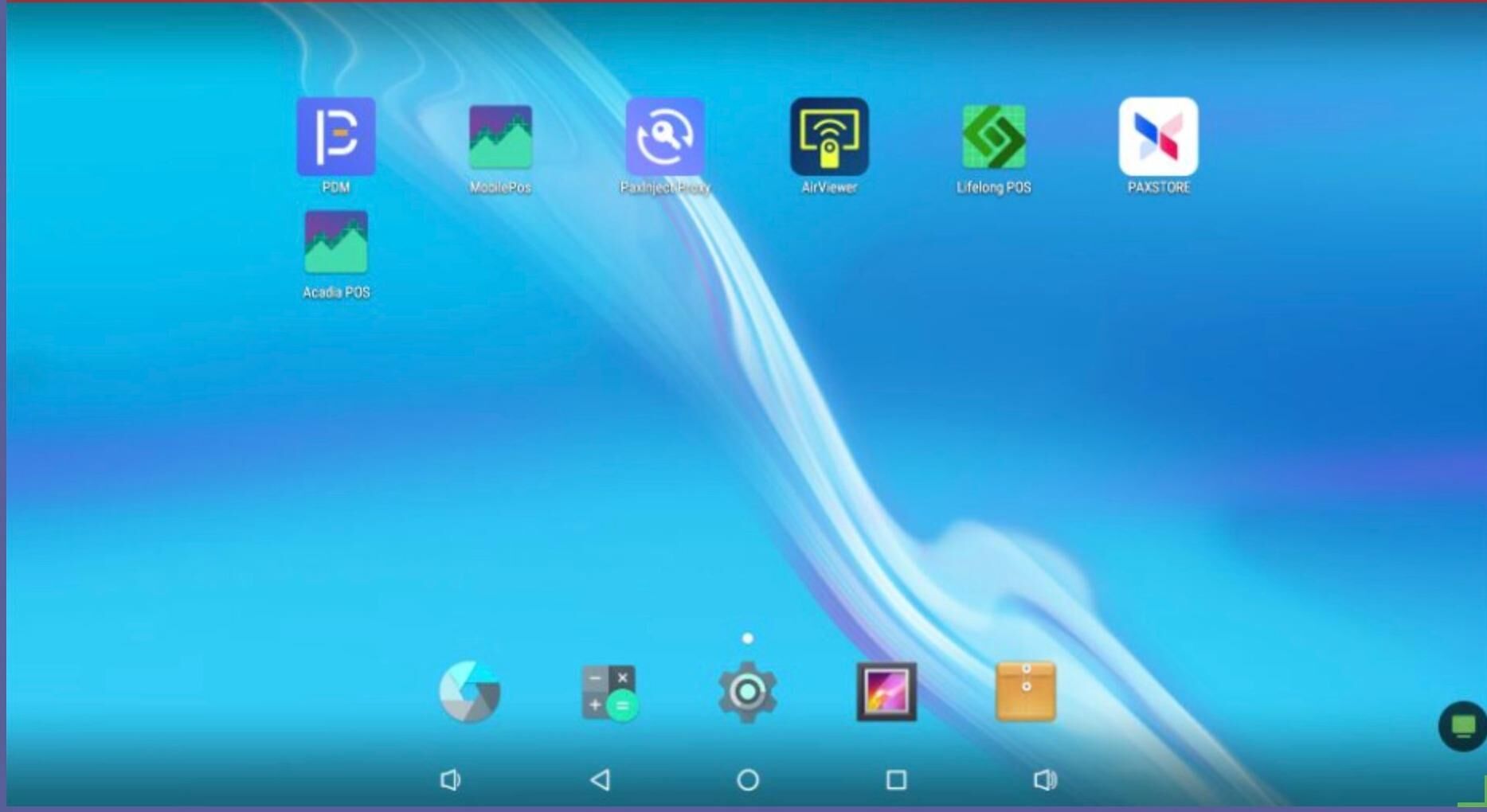
Go to the Lifelong POS App on your register. #
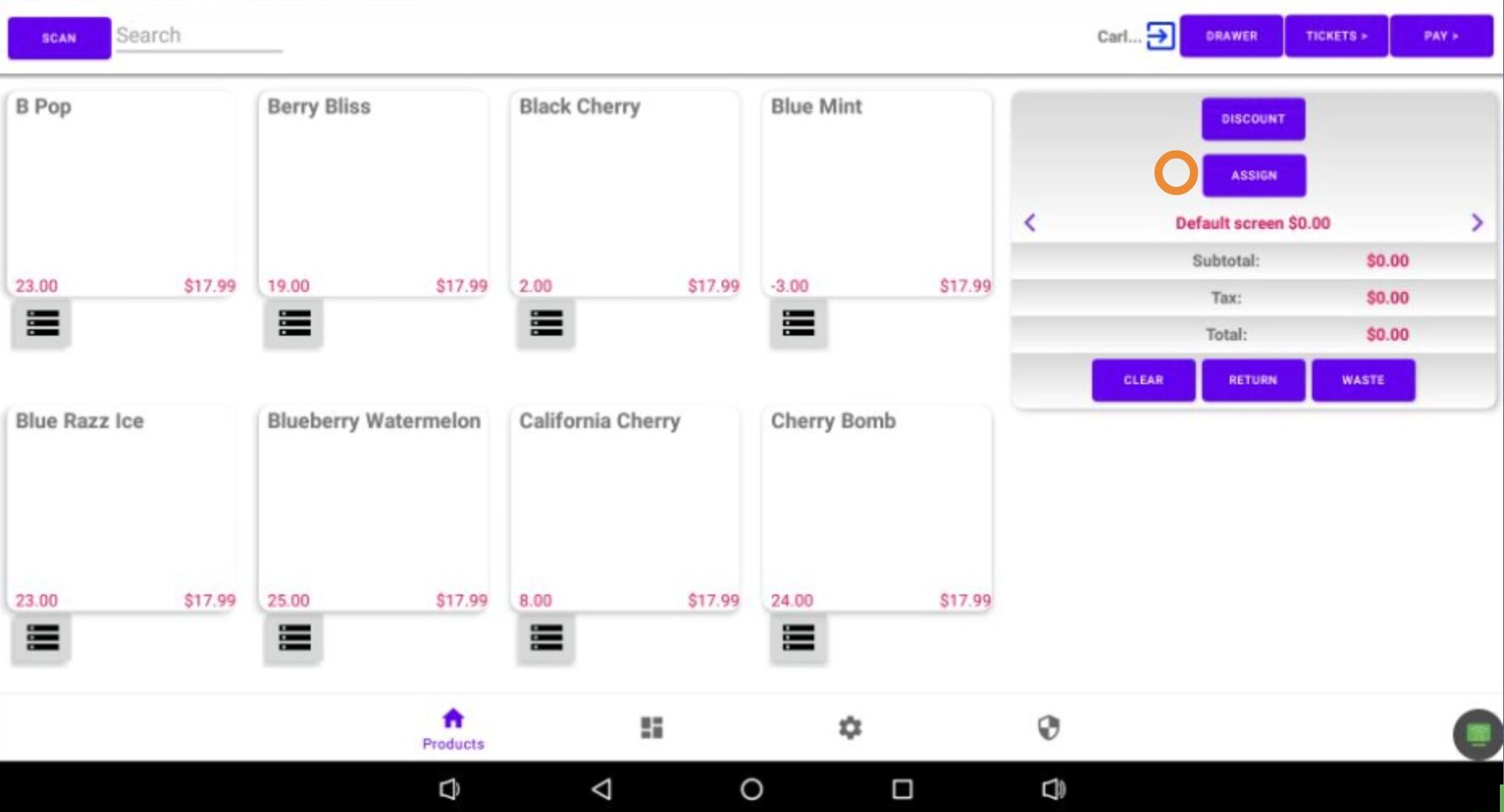
Press the Assign button to select the customer who will appear on the invoice. #
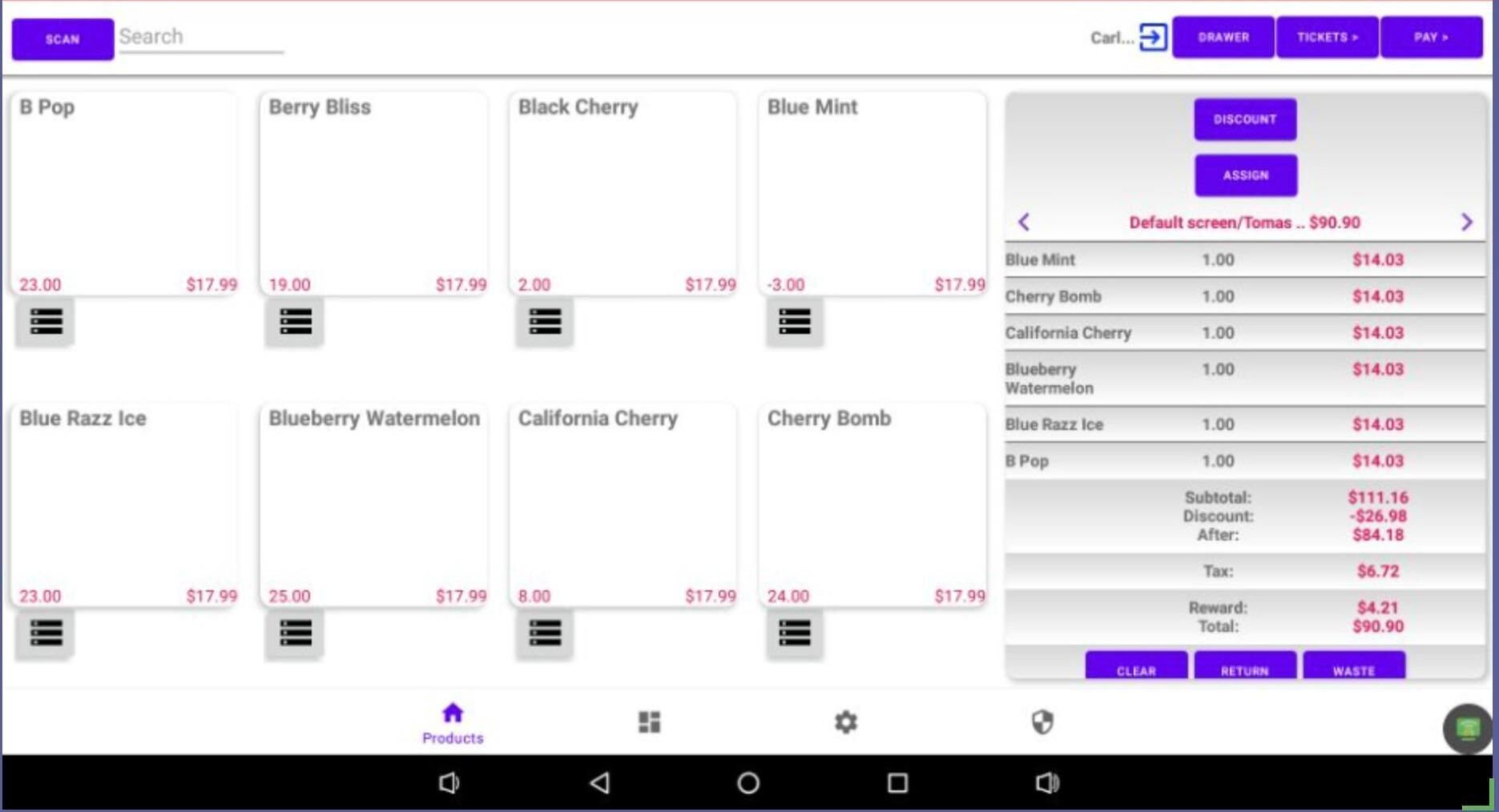
Add all items that will be on the invoice to the cart and click Pay. #
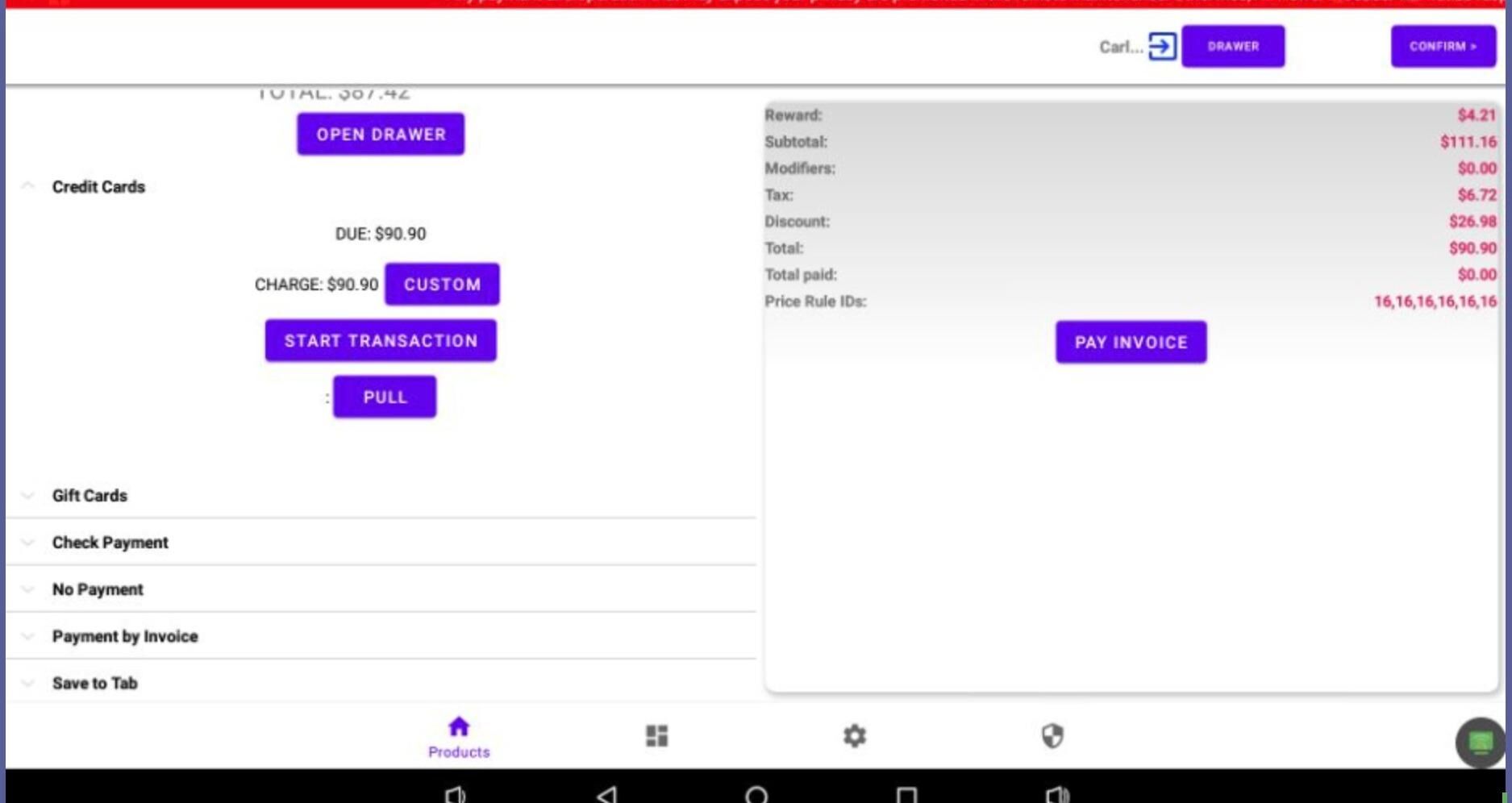
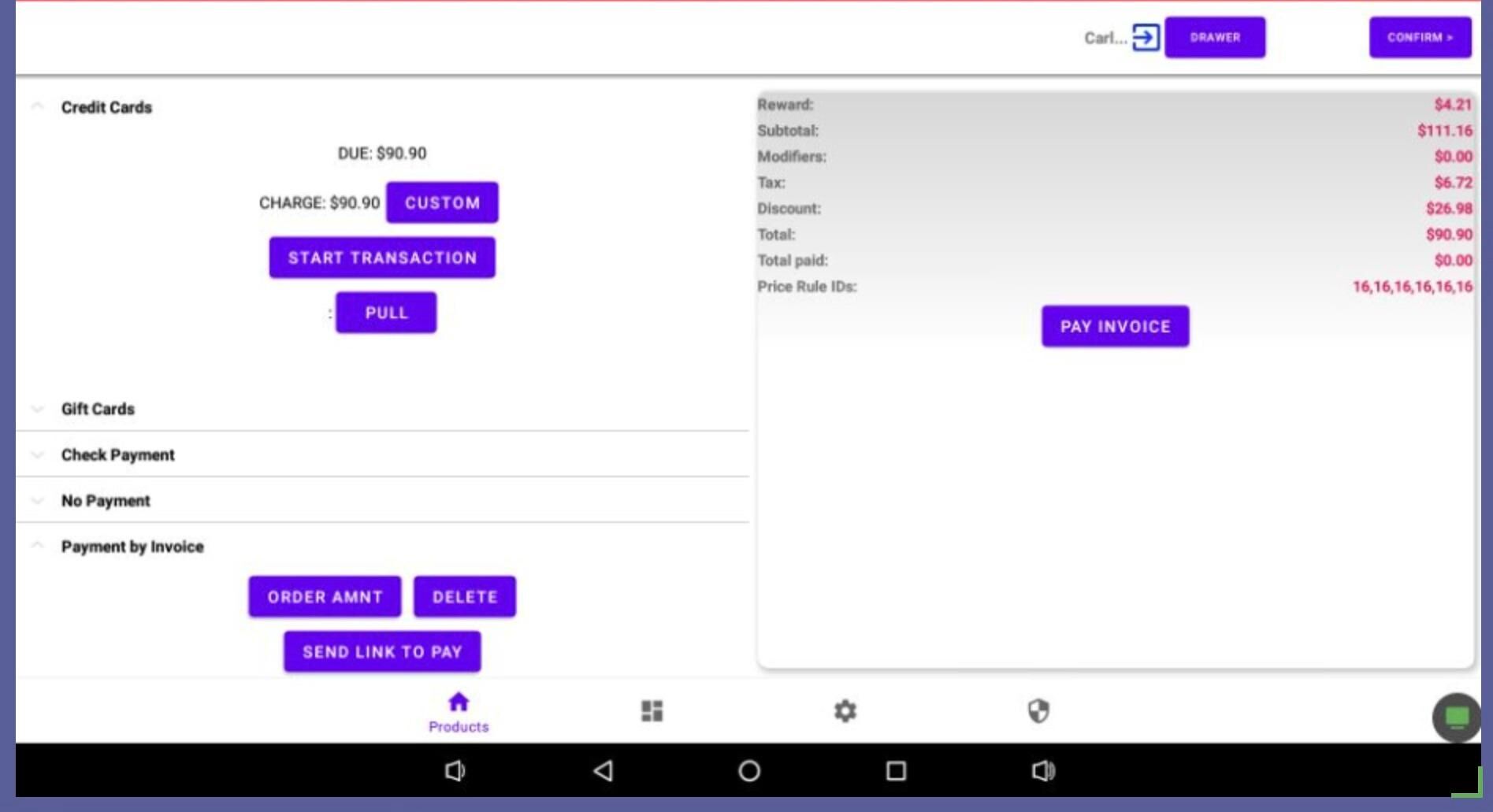
Swipe up from the left side of the screen to the bottom, then select “Payment By Invoice” from the dropdown menu. #
Click “Order Amount” #
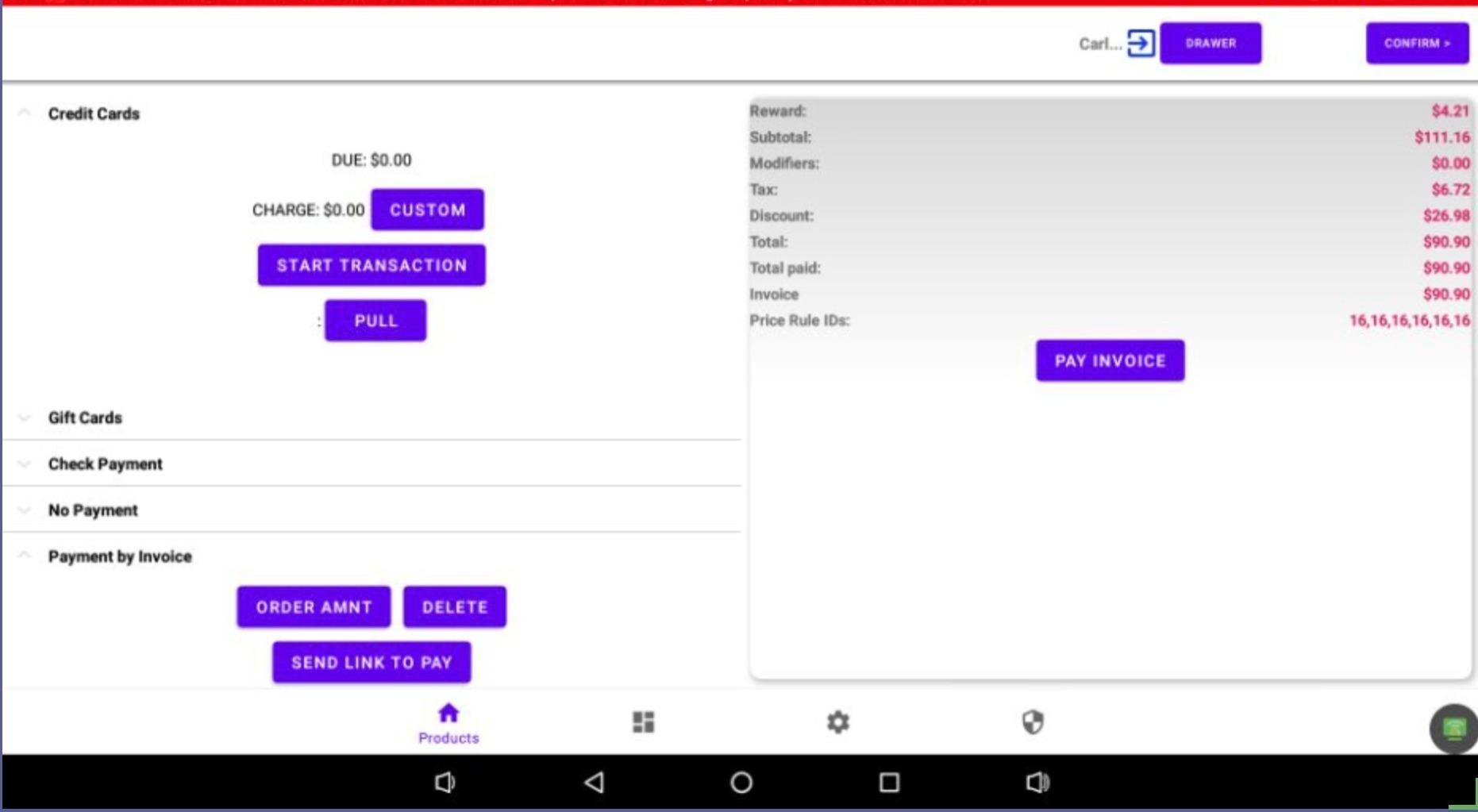
You’ll now see “Invoice” displayed on the right side of the screen. #
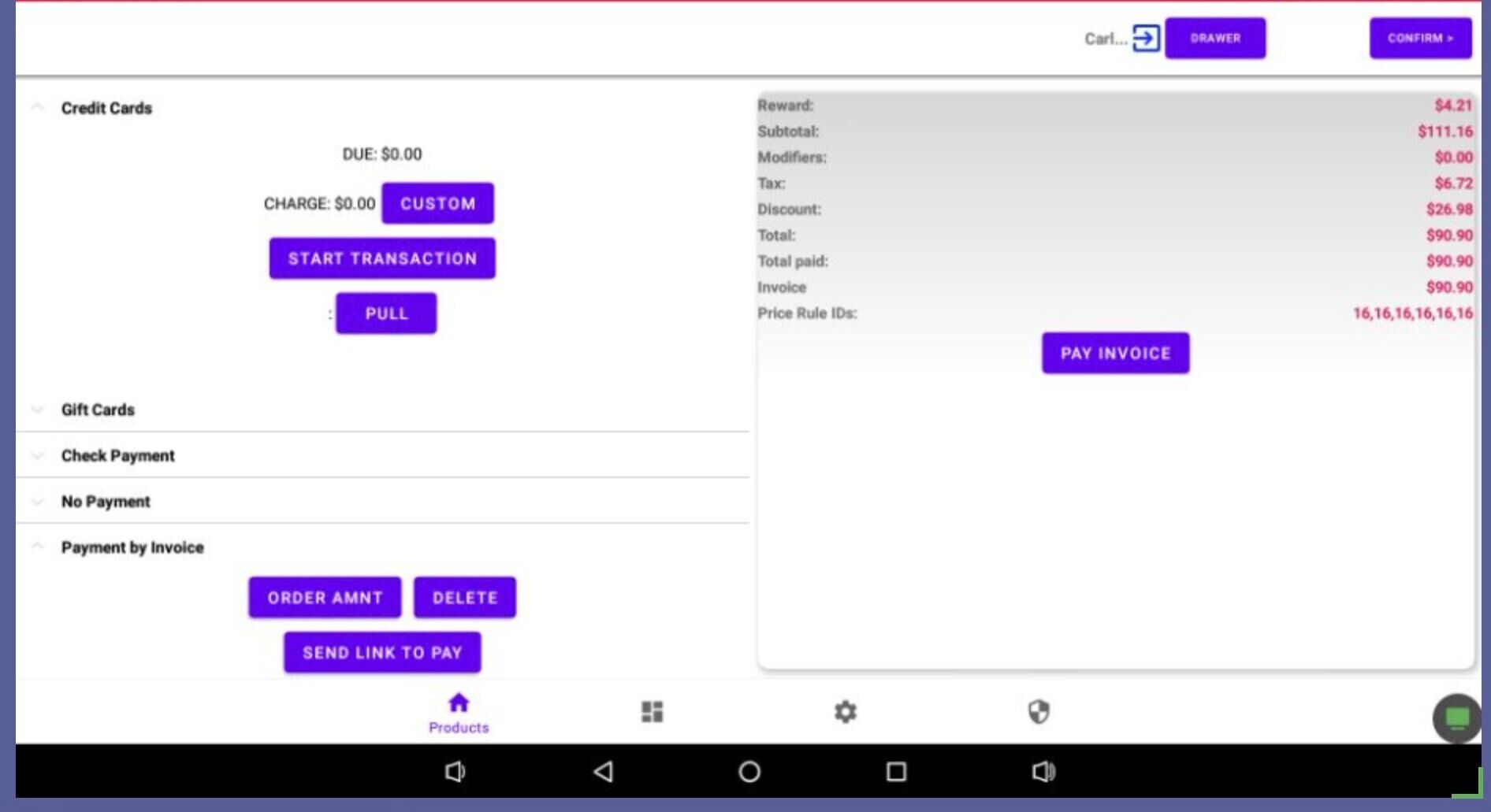
Click the confirm button at the top right of the screen. #
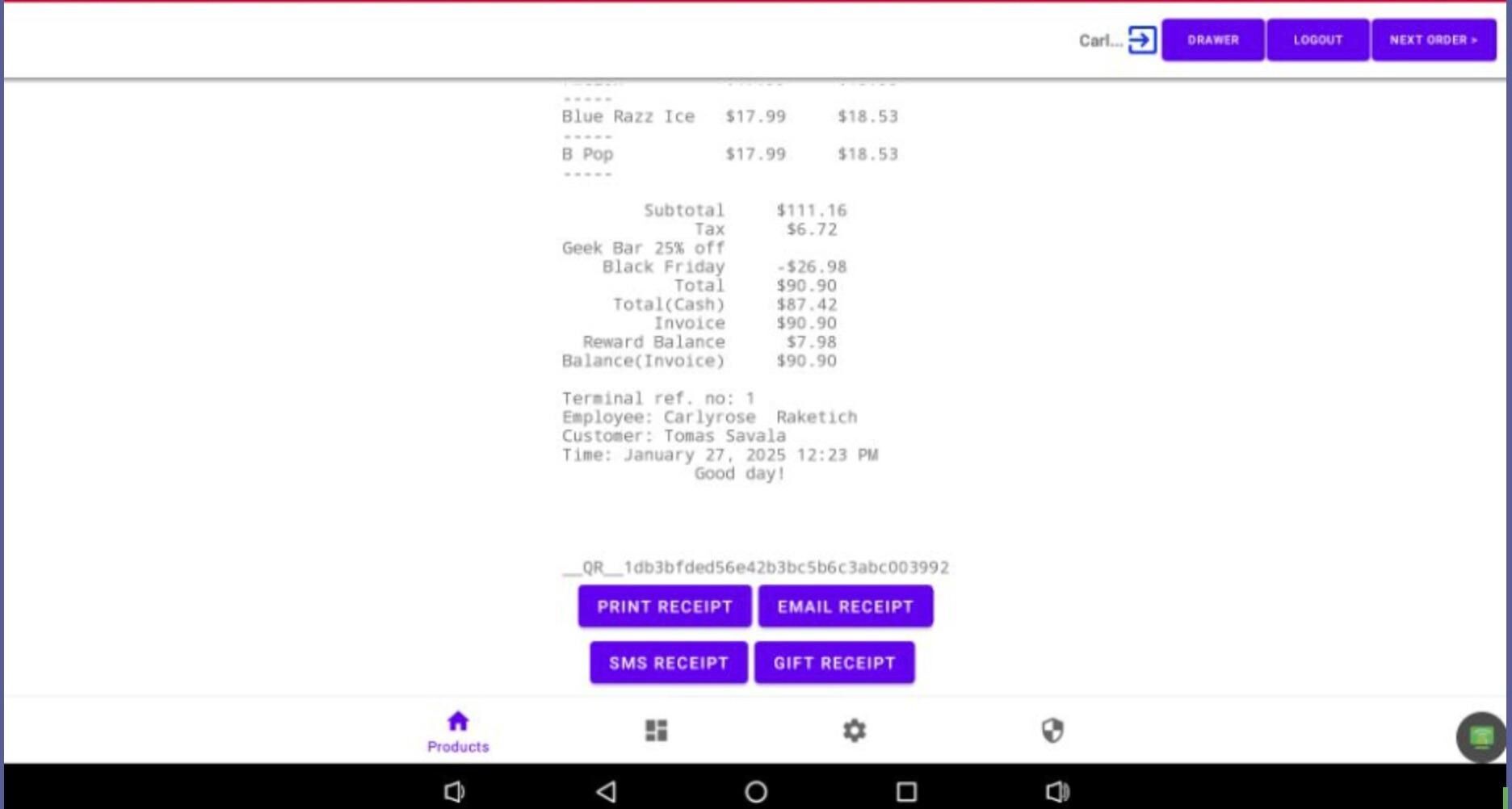
Optional) Print the receipt. #
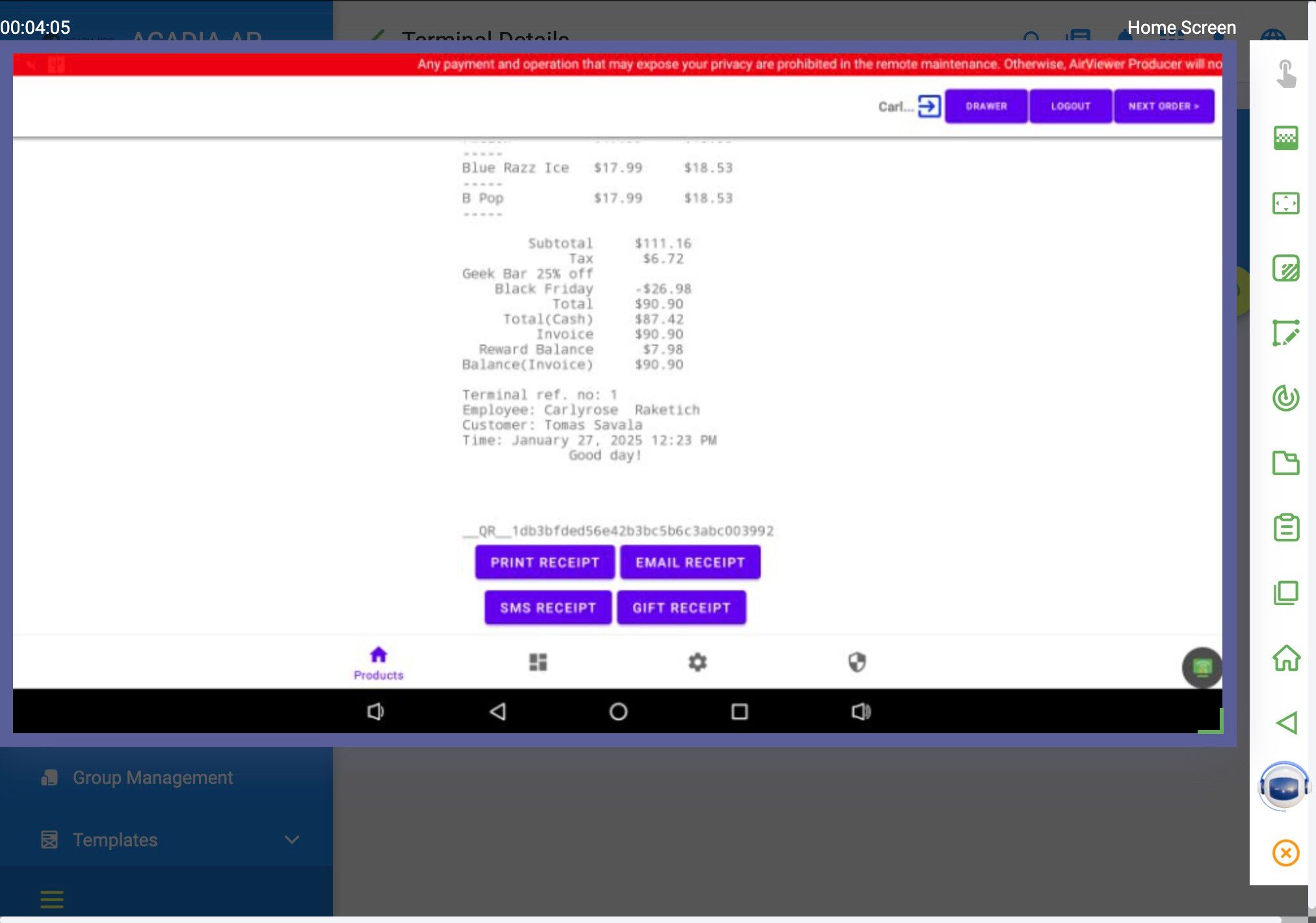
Click the “Next Order” button at the top right of the screen. #
Process a partial payment on the customers invoice. #
…
Process a full payment on the invoice. #
…


