General Settings: Show Total CC Tips For Clock In – Out Period #
This setting displays the total credit card tips accumulated during a user’s shift, visible on the clock-out receipt. It helps employees and managers track earnings transparently.
Instructions #
1. Navigate to https://login.lifelongpos.com/
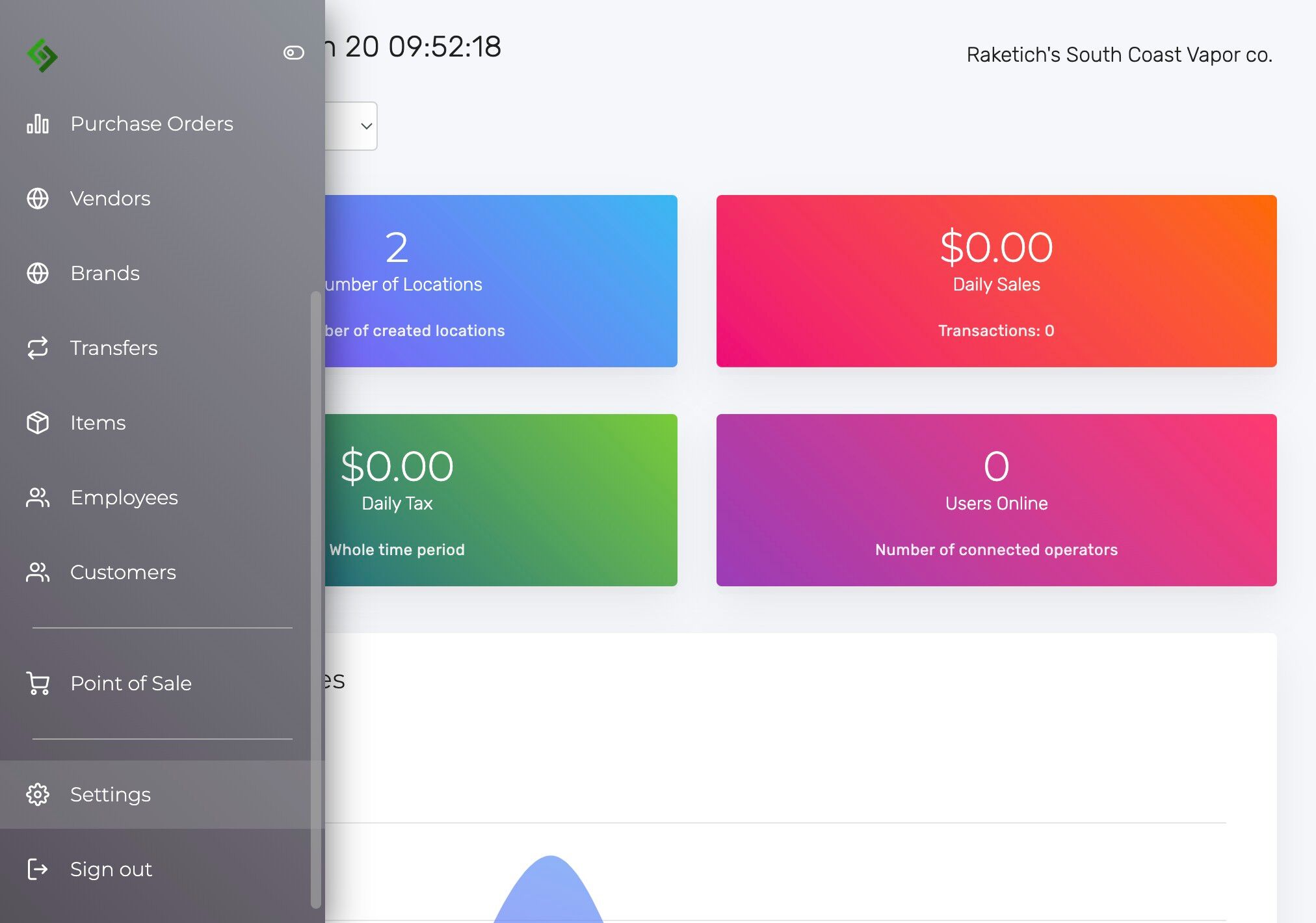
2. Click the “Settings” tab on the left-hand side of the page.
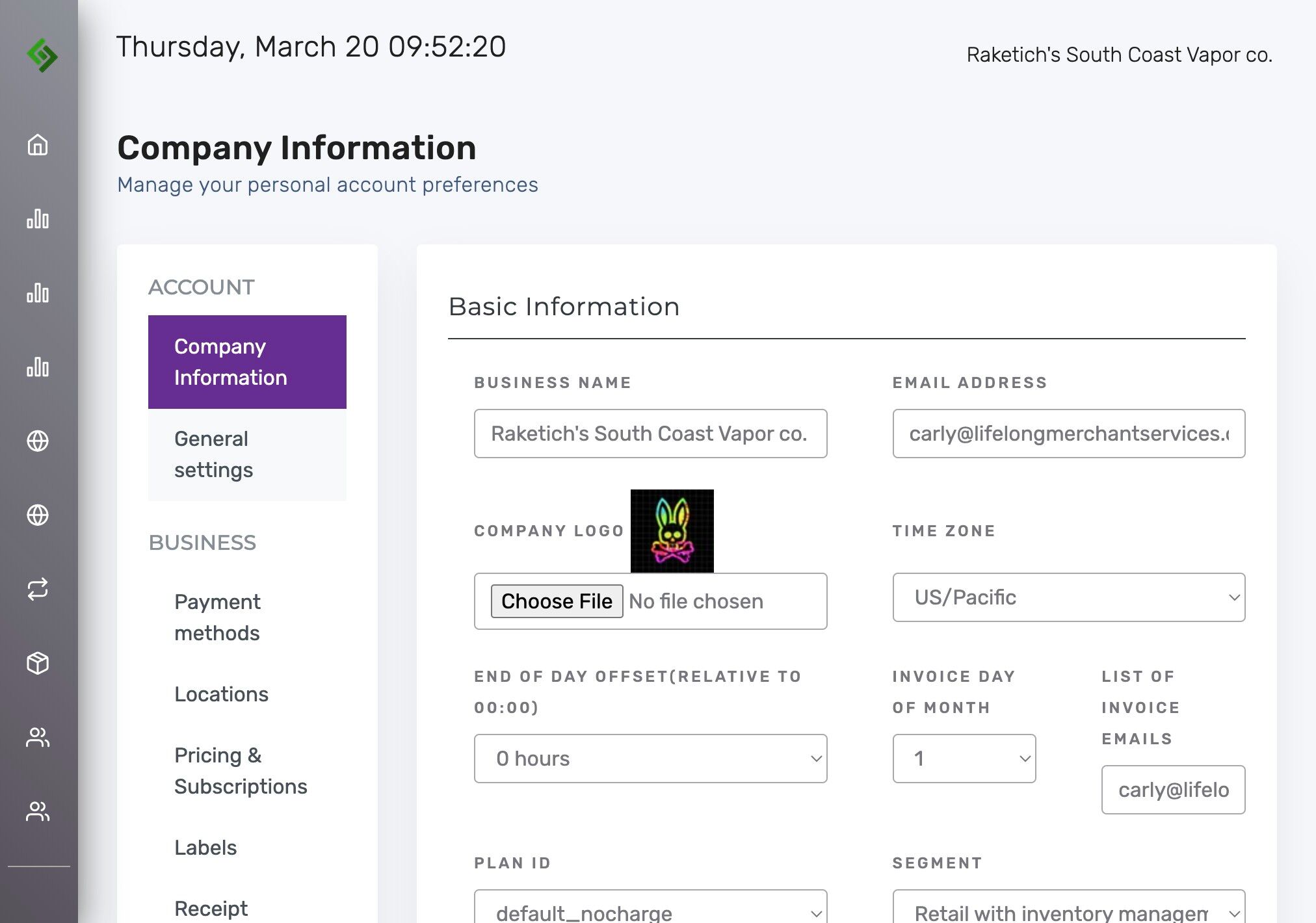
3. Click “General settings”.
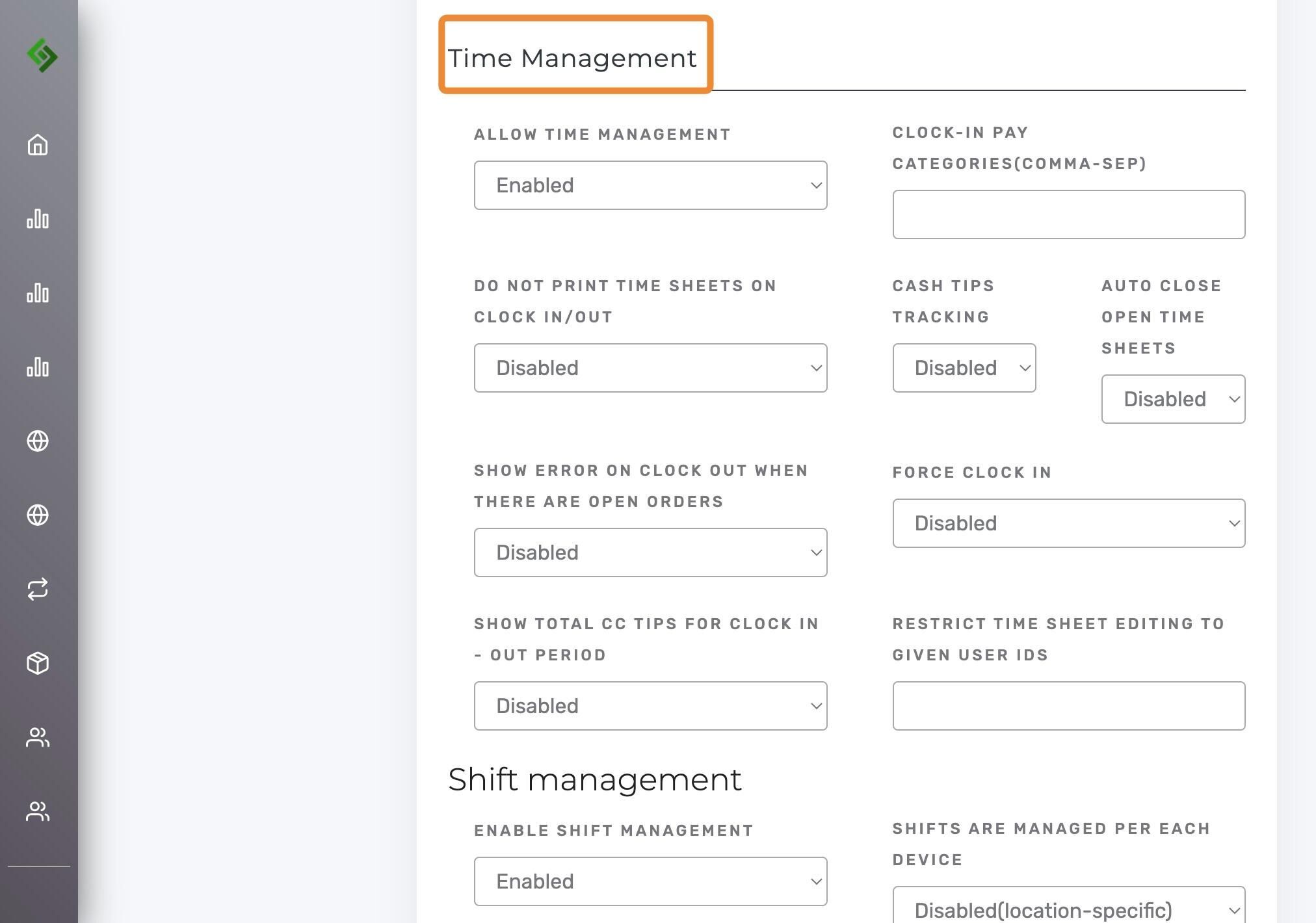
4. Scroll or use Ctrl + F / Command + F to locate the Time Management subcategory.
Show Total Credit Card Tips for Clock In/Out Period:
- Disabled – Tip totals will not appear on clock-out receipts.
- Enabled – Tip totals will be shown on the clock-out receipt for the active clock-in period.
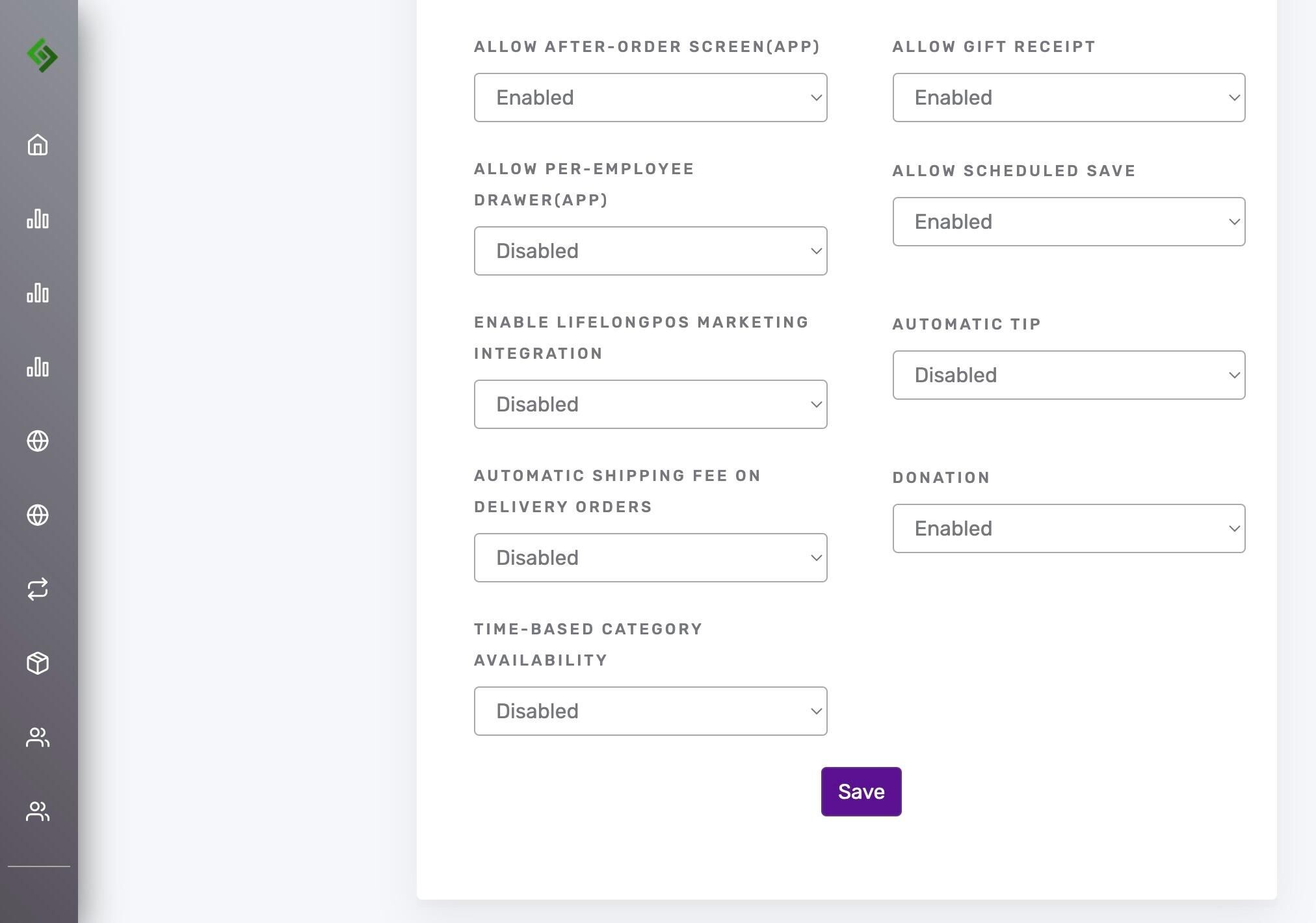
5. Scroll down and click SAVE to apply the changes.