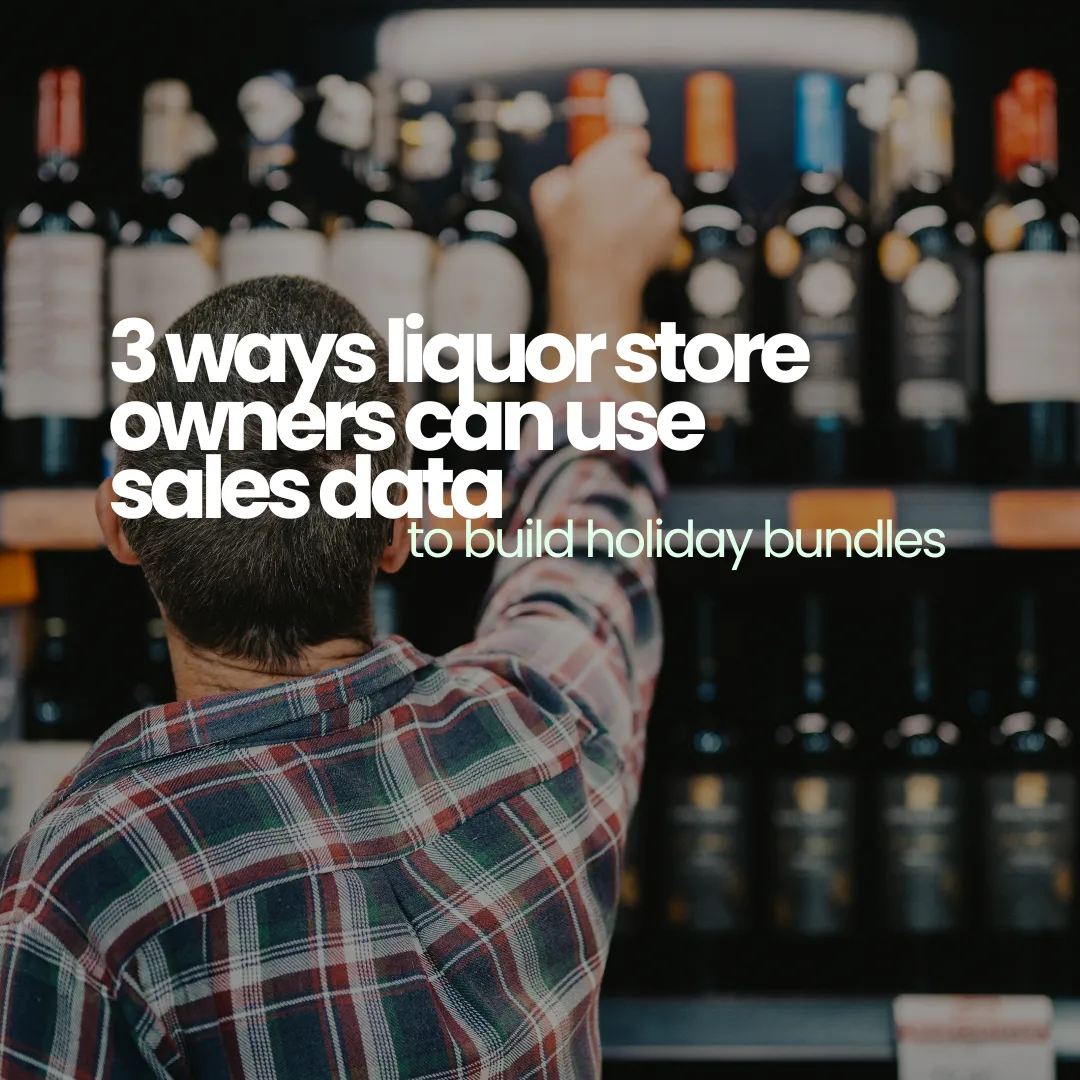
The holiday season is a major opportunity for liquor retailers — not just for increased traffic, but for higher average order values and stronger customer retention.
One of the smartest ways to take advantage of this seasonal lift? Bundles.
But if you’re just throwing together a few items and hoping they move, you’re leaving money on the table. Data-driven bundles outperform random ones every time. When you let your POS reporting guide what goes into each package, you get:
-
Higher margins
-
Less unsold inventory
-
Easier reorders
-
More meaningful customer engagement
Here’s how to turn your POS data into bundled products that actually boost your bottom line.
1. Use Best-Seller Reports to Build “Core” Bundles
Start with what already works.
Pull your sales data from the previous Q4 — especially November and December — and sort by units sold and revenue generated. Identify your top 5 SKUs, then filter by product type (e.g. spirits, mixers, gift-sized bottles).
These high-performing items should serve as the “anchor” of each bundle. They already have proven demand, so pairing them with secondary or complementary products creates instant perceived value.
Example:
If a specific whiskey flew off the shelf last December, build a bundle around it by adding:
-
A mini bottle of vermouth for a quick cocktail kit
-
A branded rocks glass
-
A $5-off coupon for their next visit
This not only increases average ticket size but encourages repeat traffic — especially if you promote a limited-time redemption period for the coupon.
Lifelong POS Tip:
Use the product performance dashboard to view best sellers by month, category, or vendor. Cross-reference that data with your current inventory to build bundles that move what you already have in stock.
2. Use Category Trends to Build Seasonal Add-Ons
It’s not just about the top products — it’s also about what type of items see an uptick during the holidays.
Use your POS to review category-level trends from Q4 last year. You may find that while a certain brand didn’t top the charts, the liqueur category or holiday-themed mixers had an across-the-board increase.
Build seasonal bundles that align with these patterns, such as:
-
“Holiday Cocktail Kits” featuring cream liqueurs, eggnog mixers, and spiced rum
-
“New Year’s Champagne Kits” that include sparkling wine, plastic flutes, and a bottle of orange liqueur for mimosas
-
“Winter Warmer” packs that include Irish whiskey, hot chocolate mix, and branded mugs
This approach helps you stay relevant to customer behavior and move niche or seasonal stock.
Lifelong POS Tip:
Use category filters and date ranges in your reporting to isolate seasonal spikes. Identify what items saw a short-term lift so you can package them accordingly — and avoid guessing what’s “festive.”
3. Tier Your Bundles by Price Point
Not all customers shop the same — especially during the holidays.
Some want quick gifts under $30, while others are looking for impressive $75+ sets to bring to parties. Tiered bundles allow you to serve multiple shopper types without overwhelming them with choices.
Example tiers:
-
$25 Bundle: Mini tequila + lime mixer + salt rimmer
-
$50 Bundle: Premium vodka + cranberry mixer + cocktail shaker
-
$75 Bundle: Top-shelf bourbon + branded glassware + cigar pairing (where legal)
The key is making sure your profit margins are protected at each level. Don’t discount just to discount — use your POS data to see what combinations generate profit, not just movement.
Lifelong POS Tip:
Use bundled item tracking to monitor performance across all tiers. Lifelong tracks each component’s inventory and alerts you when any part of the bundle gets low, helping you restock before a bundle breaks down.
Bonus: Use Reorder Logic to Stay Stocked
The last thing you want is to advertise a holiday bundle and then run out of one of its core items.
Lifelong POS allows you to set reorder points on individual products and bundles. As your sales reports populate in real time, you can:
-
See what bundles are selling fastest
-
Identify which item is the bottleneck
-
Automate low-stock alerts before you miss a sale
You can even sync vendor contacts and reorder directly from within your POS dashboard.
Final Thoughts
Holiday bundles aren’t just about boosting sales — they’re about selling smarter. When you use your existing POS data to build, price, and market your bundles, you not only increase profits — you reduce waste, streamline reorders, and create a better shopping experience for your customers.
If your current POS doesn’t make this easy, it’s time to switch.
👉 Book a demo and see how Lifelong POS gives you the data you need to build bundles that sell themselves.